





















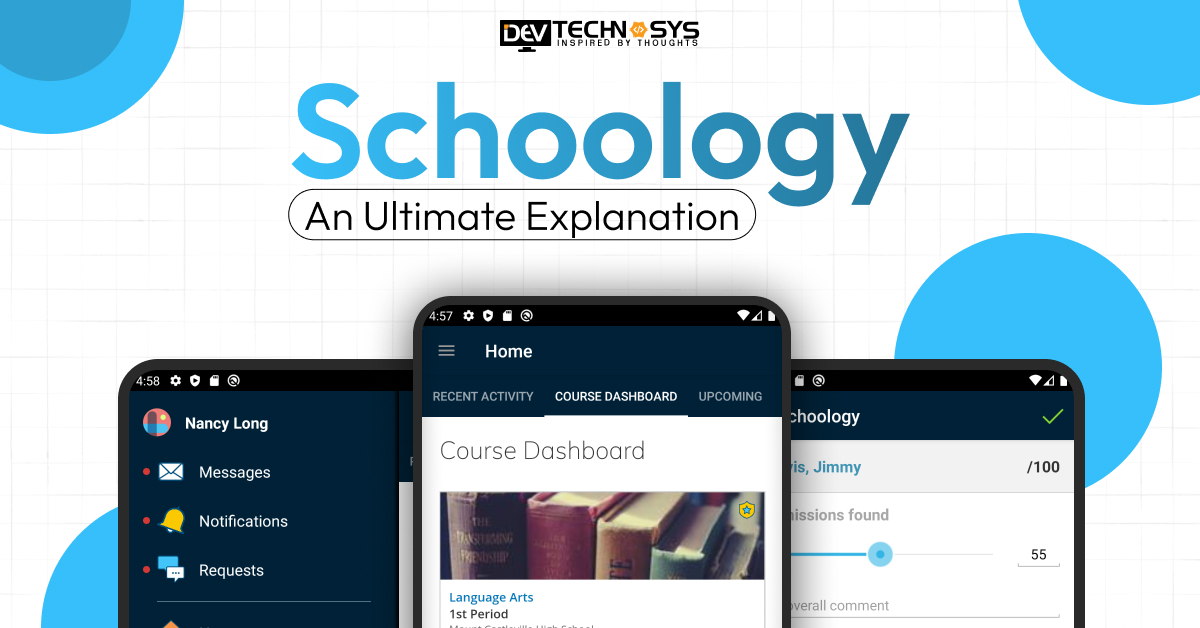
Schoology is an influential cloud-based learning management system (LMS) that changes the way K-12 and higher education institutions deliver curriculum, carry out coursework, and engage students. It is mainly a digitally blended tool and a digital classroom tool that provides functionalities like assignment tracking, gradebooks, collaboration tools, and analytics, which allow teachers to customize their teaching based on students’ learning needs.
The global K-12 LMS market is booming, and by 2025, forecast figures show that the current market size of about $11 billion could be pushed up to as high as $25 billion or even more by 2035, this huge jump mainly resulting from increasing penetration of digital learning technologies. Besides, in its drive to connect learners everywhere, Schoology has brought together millions of learners from tens of thousands of schools across the world and is PowerSchool’s main vehicle for delivering its services, along with other solutions that, in total, are used by more than 60 million students globally.
Given the growing shortage of not only flexible education tools but also data-driven ones, Schoology still serves as an essential tool for modern educational methods in light of its constant evolution and adaptation to the new educational realities.
What Is Schoology?
Schoology provides a pretty much all-in-one digital platform that unites teachers, students, and parents in an organized way. It is a cloud-based learning management system (LMS) designed to facilitate digital, blended, and traditional classroom learning. With it, teachers are able to make course content, assign and grade students’ work, monitor students’ progress, and even work together in real time. Schoology is widely adopted by K-12 and higher education institutions to help educators not only to organize their teaching more efficiently but also to enhance their communication with students and provide personalized learning experiences via web and mobile devices.
Brief History and Background of Schoology
- Schoology was founded by Jeremy Friedman, Tim Trinidad, and Ryan Hwang in 2009 while they were students at Washington University in St. Louis.
- The Schoology LMS was initially developed to facilitate better collaboration and communication between students and teachers in digital classrooms.
- Due to its simple, user-friendly interface and the social learning model, it was quickly adopted not only by K-12 schools but also by higher education.
- The platform’s feature set has been expanded over time to incorporate gradebooks, assessments, analytics, and third-party integrations.
- It was acquired by PowerSchool in 2019, a decision that further consolidated its footprint in the global education technology market.
- Today, it is a leading LMS for blended and remote learning with millions of educators’ and students’ worldwide usage.
How Schoology Works: A Complete Schoology Overview
Schoology learning management system works as a single hub where teachers, students, and parents get together through mutually agreed workflows. This is an outline of how Schoology works:
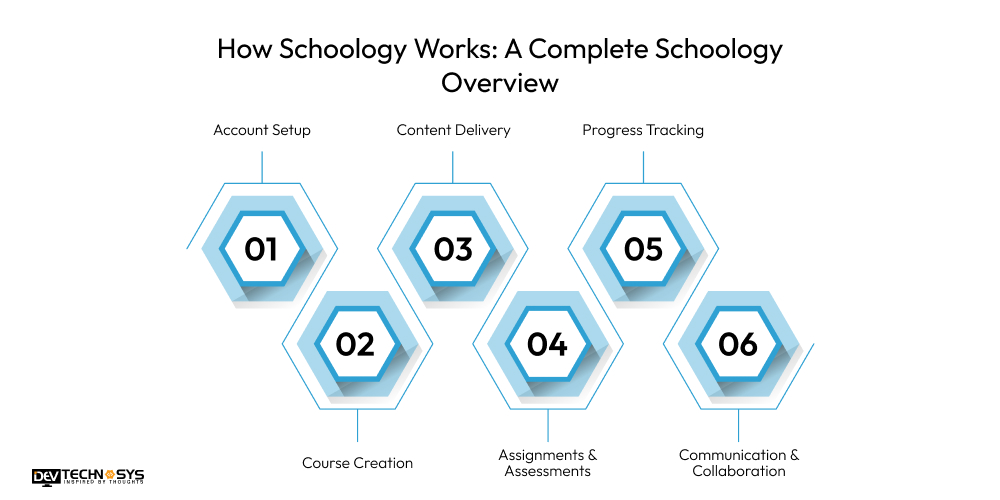
1. Account Setup:
Schools initially create Schoology accounts, and with these accounts, they enroll teachers, students, and parents by using an access code or through integration with Student Information Systems (SIS).
2. Course Creation:
Teachers are the ones who build courses by adding lessons, assignments, quizzes, discussions, and multimedia content that are aligned with the curriculum goals.
3. Content Delivery:
Learning materials are shared in a well-structured course layout; thus, students are given the liberty to access resources anytime through web or mobile apps.
4. Assignments & Assessments:
Students digitize their submission of work, whereas teachers grade using rubrics, auto-grading tools, and feedback features.
5. Progress Tracking:
Teachers are able to track student performance, attendance, and learning outcomes through built-in analytics and gradebooks.
6. Communication & Collaboration:
Through messaging, announcements, and discussion boards, teachers, students, and parents can have ongoing interactions.
Schoology for Teachers: Tools and Benefits
In general, the Schoology platform provides teachers with a wide range of tools to help them manage the classroom more efficiently, deliver high-quality teaching, and increase student engagement. Here are the main advantages for teachers:
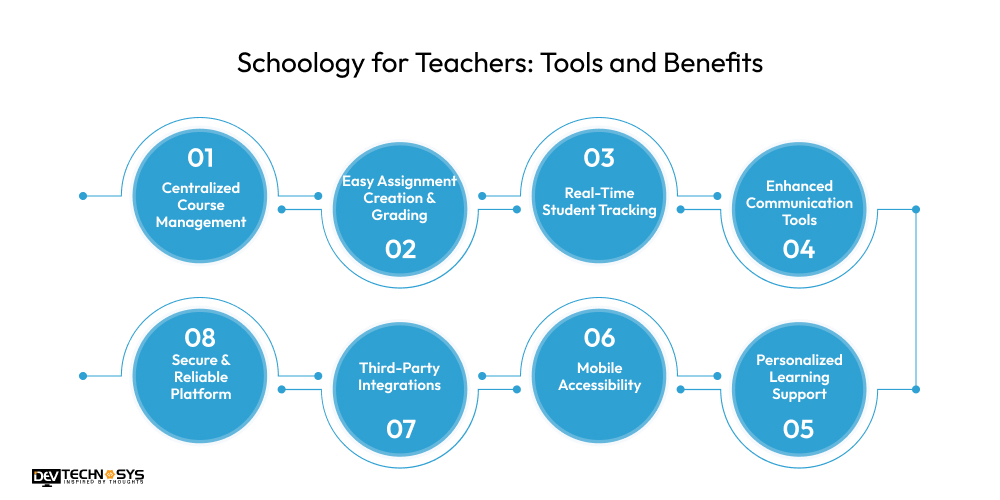
1. Centralized Course Management:
Teachers can create, organize, and manage all the course materials, lessons, assignments, and resources from one single dashboard, which helps save time and reduces administrative efforts.
2. Easy Assignment Creation & Grading:
Educators are capable of making assignments, quizzes, and tests that have auto-grading options, rubrics, and inline feedback so that they will have a smooth process of evaluation.
3. Real-Time Student Tracking:
Teachers can get a glimpse of their students’ attendance, performance, and progress in real time through an integrated analytics and gradebook.
4. Enhanced Communication Tools:
Through announcements, messaging, and discussion boards, teachers can easily communicate and collaborate with their students.
5. Personalized Learning Support:
Schoology for schools has the ability to differentiate its instruction by giving each student personalized content, assessments, and learning paths that suit their needs.
6. Mobile Accessibility:
Using Schoology for education enables handling classes, checking student work, and replying to student posts wherever they are and at any time of the day.
7. Third-Party Integrations:
Collaboration with Google Workspace, Microsoft, and other education app development solutions makes it easy to share content and manage the workflow.
8. Secure & Reliable Platform:
Schoology education software keeps everything safe and secure, gives access to only the right people, and makes sure the institution complies with the educational standards so that teachers don’t have to worry about anything other than teaching.
Schoology for Students: Key Features
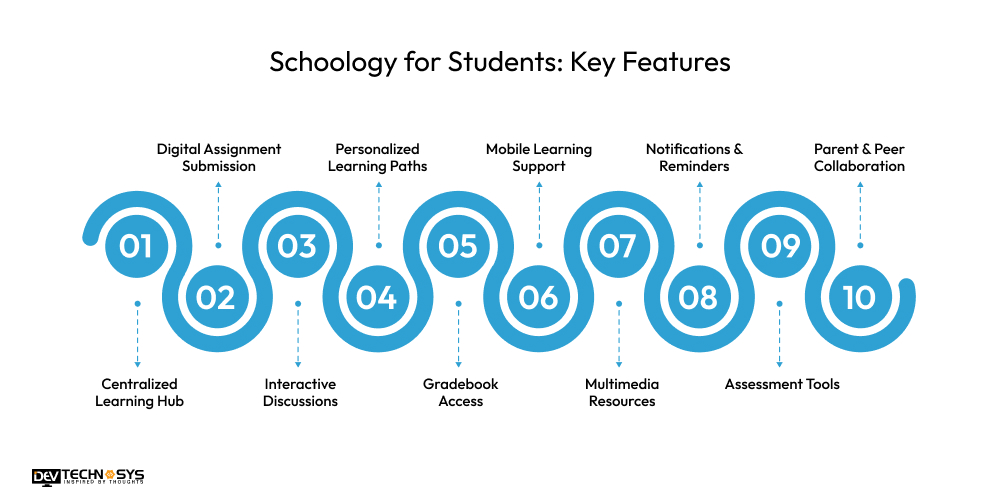
1. Centralized Learning Hub:
By having everything in one neat platform, students can easily access their courses, assignments, grades, and learning materials, which makes less space for confusion and thus saves time.
2. Digital Assignment Submission:
It makes it easy for students to send in their work, like homework, essays, and quizzes, online, as they get instant confirmation and can track when submissions are due.
3. Interactive Discussions:
Students can interact with their peers in activities like discussion boards, group projects, and collaborative tasks to exchange ideas and learn together.
4. Personalized Learning Paths:
Being able to use personalized materials, adaptive tasks, and differentiated assignments allows students to study in a way that suits their speed best.
5. Gradebook Access:
Students get to be more independent when it comes to monitoring their learning as they can see grades, check progress, and find areas for improvement instantaneously.
6. Mobile Learning Support:
The Schoology mobile app enables students to keep learning, submit their work, and stay informed through notifications, no matter where they are.
7. Multimedia Resources:
Students get to utilize video, presentation, document, and interactive resources to facilitate a fun and productive learning experience.
8. Notifications & Reminders:
Automatically get alerts about new assignments, due dates, announcements, and course changes so that you don’t miss out.
9. Assessment Tools:
Take quizzes, tests, and surveys online, get instant feedback and learning insights to help you improve.
10. Parent & Peer Collaboration:
Students can communicate with their teachers, classmates, and parents for help, support, and to work together on projects.
Schoology for Parents: Key Features
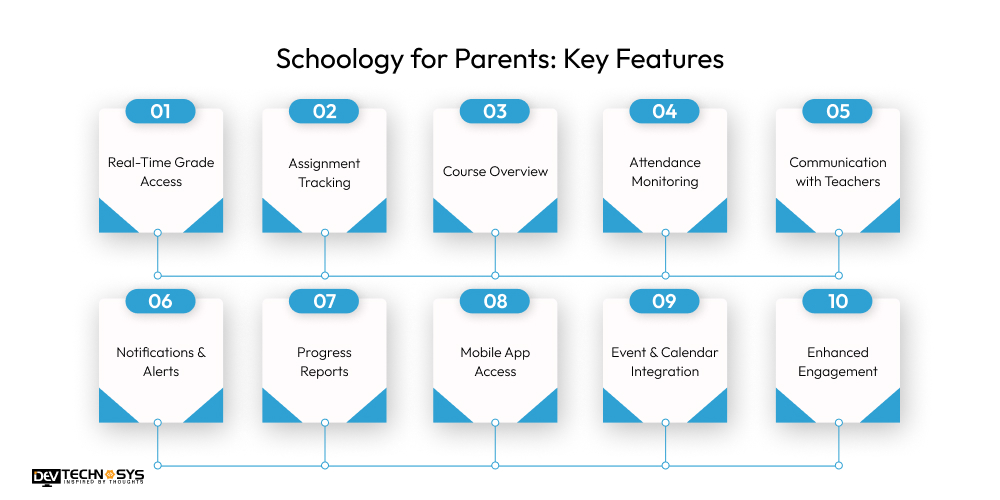
1. Real-Time Grade Access:
Parents can see their child’s grades and progress right away, which helps them keep a finger on the pulse of their academic performance.
2. Assignment Tracking:
Keep track of homework, projects, and deadlines so that students can manage their work effectively.
3. Course Overview:
Get access to a full picture of all classes, including the syllabus, lesson plans, and learning resources for better comprehension.
4. Attendance Monitoring:
Follow student attendance records to be informed about school participation and to spot any issues at an early stage.
5. Communication with Teachers:
Parents are able to communicate with teachers through exchanging messages and also get updates from them, hence, facilitating direct and effective communication.
6. Notifications & Alerts:
Stay in touch with the school by receiving notifications about assignments, grades, events, and announcements in a timely manner.
7. Progress Reports:
Have access to comprehensive performance reports and analytics that provide insight into your strengths and weaknesses.
8. Mobile App Access:
The Schoology app can be used by students to keep an eye on their progress, get notified, and reach out to teachers wherever they are.
9. Event & Calendar Integration:
Keep on top of all school events, parent-teacher meetings, and important academic dates in one place.
10. Enhanced Engagement:
Help kids learn by going over the materials, engaging in discussions, and working with teachers to make sure they are successful academically.
Benefits of Using Schoology in Education
Schoology brings a number of benefits that go beyond the mere teaching and learning tools; in fact, it is one of the platforms that revolutionizes education today.
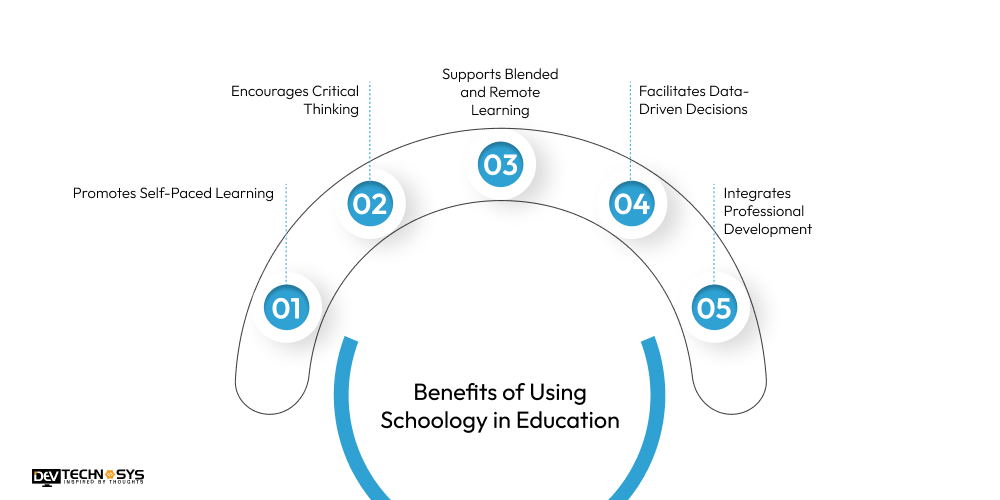
1. Promotes Self-Paced Learning:
Schoology digital learning platform gives students the power to manage their learning by providing them with access to resources, lessons, and assignments at any time, thus they can become independent learners and will be able to manage their time better.
2. Encourages Critical Thinking:
Students become more engaged with the content when they are given the opportunity for interactive discussion boards, collaborative projects, and problem-solving activities, which further prompt them to analyze, evaluate, and apply their knowledge.
3. Supports Blended and Remote Learning:
This Schoology tools for teachers syncs perfectly with both face, to, face and distance learning setups, thus teachers become very flexible in delivering lessons that suit the different needs and scenarios of their students.
4. Facilitates Data-Driven Decisions:
Using Schoology, administrators and teachers can easily spot the focus points, capabilities, and weaknesses of students at both individual and classroom levels by leveraging the data analytics, thus they can decide on the right actions to take regarding curriculum upgrading.
5. Integrates Professional Development:
Within Schoology, teachers can enhance their abilities through training modules, webinars, and other teaching resources that help them to be more familiar with up, to, date teaching methods.
Schoology Pricing and Plans
Typically, Schoology pricing is tailored to the needs of a particular school or school district based on the number of students and the features desired.
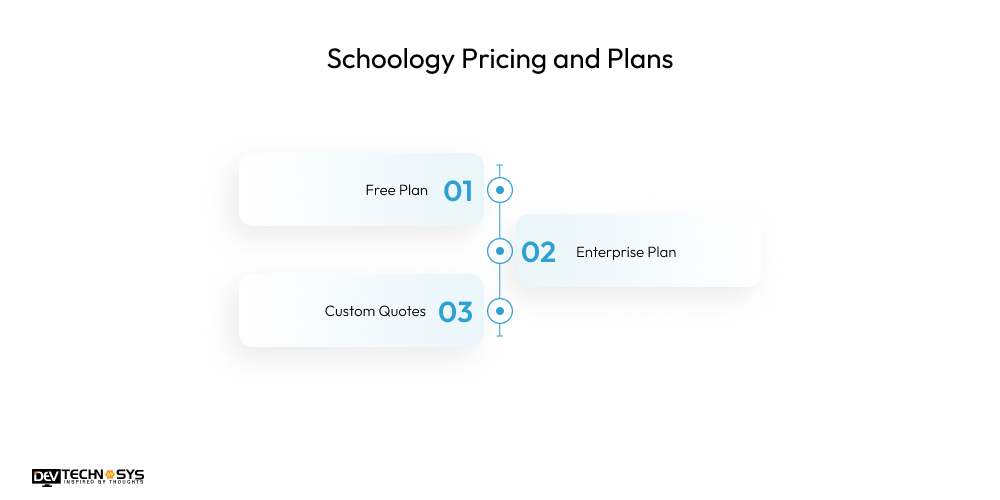
1. Free Plan:
A free basic package is offered to small schools (usually those with less than 100 students), which includes core LMS capabilities such as course creation, assignments, grading, reporting, and communication tools.
2. Enterprise Plan:
While the basic plan is free, those schools and districts looking for higher tiers of usage or functionality will need to subscribe to additional paid plans. Generally, this extra paves the way for advanced functionalities, including course templates, aggregated calendars, cloud hosting, enhanced security, as well as professional support services, and the price normally runs at about $10 per student per month.
3. Custom Quotes:
Schools often get customized pricing, which can cover implementation, training, SIS integration, and the direct negotiation of long-term contracts with PowerSchool (Schoologys parent company).
Schoology vs Other Learning Management Systems
When looking at Schoology versus other popular LMS platforms such as Moodle, Canvas, Blackboard, and Google Classroom, the main differences in features, usability, and target users can be identified:
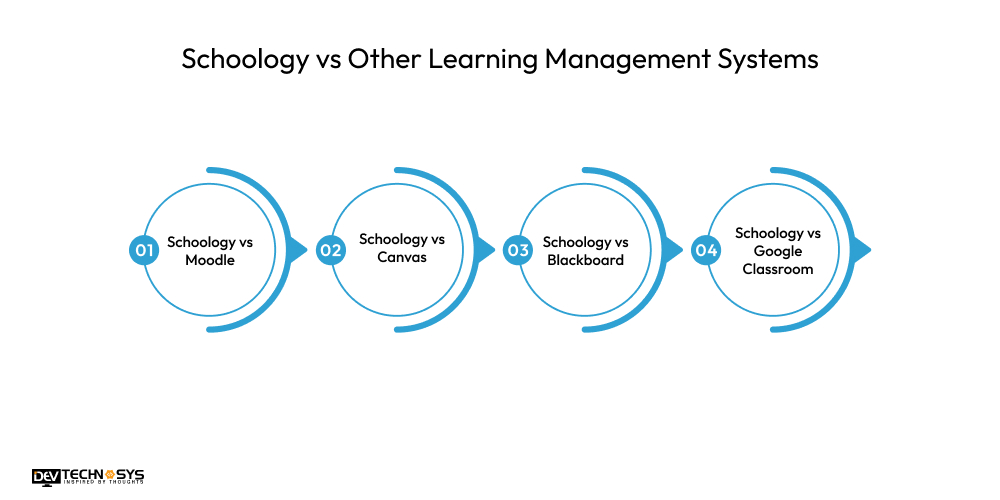
1. Schoology vs Moodle:
Schoology provides a more intuitive, user-friendly interface and a direct integration with PowerSchool that makes K12 adoption easy. Being open source, Moodle, on the other hand, is very customizable and affordable; however, it can require more setup and technical know-how.
2. Schoology vs Canvas:
Both platforms allow for course management, discussion forums, and mobile access, but Canvas generally has wider institutional adoption and offers slightly more advanced assessment options. Schoology remains more straightforward for daily classroom use.
3. Schoology vs Blackboard:
Blackboard has a greater range of enterprise features, advanced assessments, and customization options, while Schoology frequently gets the nod for simplicity of use, installation, and modern interface.
4. Schoology vs Google Classroom:
Google Classroom is barebones and free of charge, but it does not offer full LMS capabilities, such as analytics, advanced grading, or customizable content workflows that Schoology comes with.
Is Schoology Safe and Secure?
Certainly, Schoology is highly committed to the security of its platform and users, demonstrated through measures like encryption, secure Schoology login methods (including SSO/MFA), role-based access controls, and frequent audits of the system. Besides, it is a compliant educational data handler under major privacy laws such as FERPA, COPPA, and GDPR. However, schools hold the responsibility to properly set up privacy configurations, as certain features (e.g., data access controls and third-party data sharing) are a matter of institutional policy and setup.
Who Should Use Schoology?
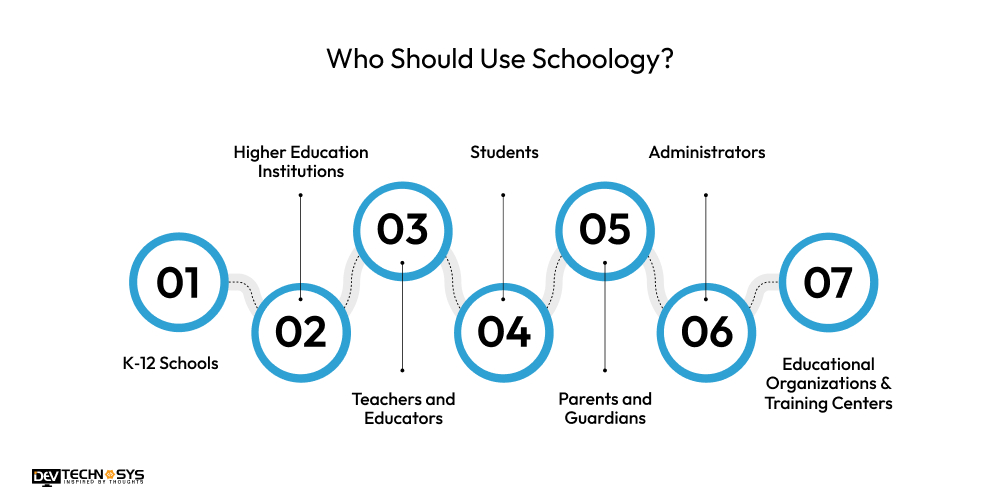
1. K‑12 Schools:
Primary and secondary schools that need a well-organized LMS to effectively handle courses, assignments, and communication will find it highly helpful.
2. Higher Education Institutions:
Schoology assignments and grading can be a great tool for higher education institutions to offer blended and online courses, keep track of students’ progress, and engage in collaboration.
3. Teachers and Educators:
Teachers are provided with tools to structure the curriculum, administer homework, give feedback, and keep an eye on students’ performance without any hassle.
4. Students:
It provides students with the freedom to study at their own pace, access learning materials, submit assignments, and take part in discussions and group work.
5. Parents and Guardians:
Parents are given the opportunity to stay updated on their children’s academic work and school life through monitoring grades, attendance, assignments, and school communication.
6. Administrators:
Equipped with data analytics, reporting capabilities, and student information system integrations, it supports the management of schools in a way that is both efficient and informed.
7. Educational Organizations & Training Centers:
In the case of traditional learning environments and professional development, this is an ideal platform seeking an organized, interactive space.
7 Schoology Use Cases in K-12 and Higher Education
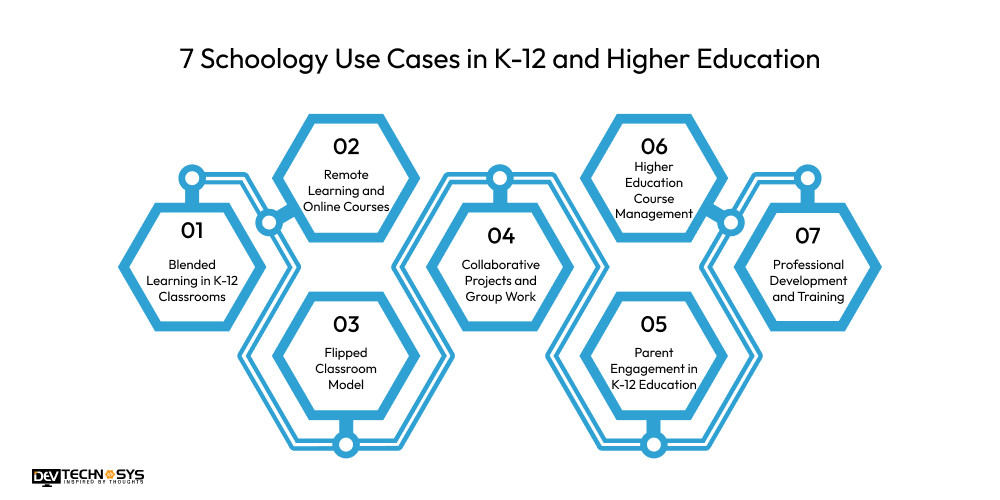
1. Blended Learning in K-12 Classrooms:
Teachers merge face, to, face lessons with the online resources, assignments, and quizzes of Schoology to establish a hybrid learning environment. Students are thereby given the opportunity to access materials at any time, complete lessons at their own pace, and participate in interactive discussions which deepen their understanding and help them to remember the material better.
2. Remote Learning and Online Courses:
In the event of class suspensions or for distance learning purposes, Schoology features a fully operational digital classroom. Teachers can use video to conduct their classes, give students assignments, and handle grading all online, thus facilitating uninterrupted learning without the necessity of physical presence.
3. Flipped Classroom Model:
With Schoology, students can go over lessons, watch videos, or read articles at home; thus, the time spent in the classroom can be dedicated to discussions, solving problems, and activities that help students learn by doing, leading to higher engagement and development of critical thinking skills.
4. Collaborative Projects and Group Work:
Schoology course management allows student collaboration through virtual groups, document sharing, and discussions. Students acquire teamwork and communication skills while learning from each other.
5. Parent Engagement in K-12 Education:
Parents have the opportunity to be informed about their children’s academic progress, assignment completion, and to stay in touch with teachers. This new level of transparency not only makes parents aware but also motivates them to get more involved in their children’s learning.
6. Higher Education Course Management:
Higher education institutions utilize Schoology not only for designing course outlines but also for registering attendance, material sharing, and assignment grading, thus saving time on administrative tasks and enhancing the overall educational experience.
7. Professional Development and Training:
Educational institutions and training centers rely on Schoology for professional development, training, and staff orientation purposes. Educators and school leaders are able to finish modules, assessments, and workshops in a format that is trackable.
How to Use Schoology: Step-by-Step Guide
Schoology online learning for students is a very easy platform to use for teachers, students, and parents alike. The guide below breaks down the whole process of getting started with Schoology and how to make the most of the platform features.
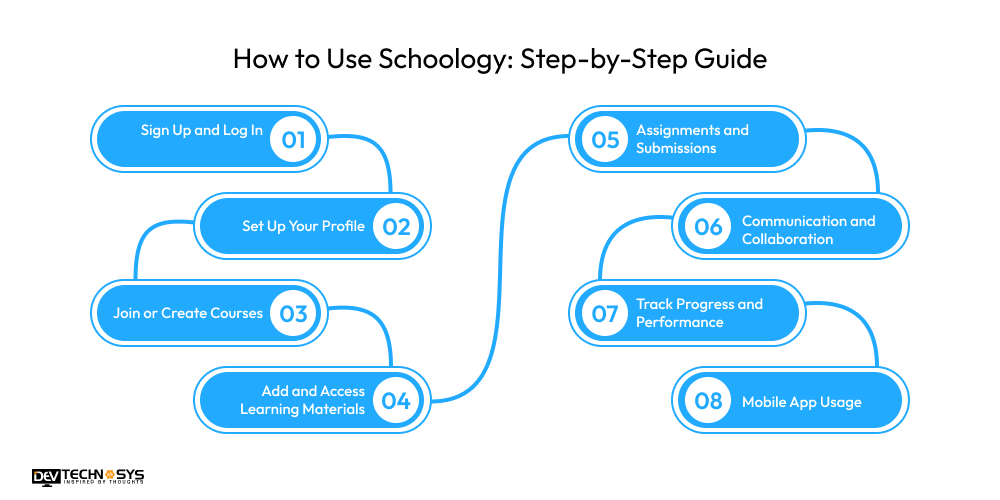
1. Sign Up and Log In:
Go to your school or institution’s page and open a Schoology account. Students and teachers normally get an access code or an invitation via email. Use your Schoology student login details to sign in through the web or mobile app. For better security, turn on two-step verification if available.
2. Set Up Your Profile:
Make your profile more personal by uploading a picture, adding a short description, and also your contact details. Teachers may put up the office hours or course announcements, whereas students can add information that may help with better communication.
3. Join or Create Courses:
Teachers create a course by specifying the title, description, syllabus, and schedule. Students enroll in a course by the unique code that a teacher shares with them. A teacher can divide the course content into units, lessons, or weeks so that students can easily navigate the material.
4. Add and Access Learning Materials:
Teachers add study materials to their courses, such as documents, videos, links, and interactive content. Students can use these learning resources anytime, even download the materials to study offline and review the lessons as per their convenience.
5. Assignments and Submissions:
Teachers post assignments, quizzes, and projects with specific deadlines and grading criteria. Students turn in their assignments through Schoology, and teachers can leave comments, give marks, and grades that will be automatically updated in the gradebook.
6. Communication and Collaboration:
Use messaging, discussion boards, and announcements to maintain connection. For example, teachers can post important updates, students can raise queries, and parents can get in touch with teachers. Also, shared folders and discussion threads make it easier to work on group assignments.
7. Track Progress and Performance:
Teachers keep track of student performance through analytics dashboards, gradebooks, and activity logs. Meanwhile, students have the option to view their grades, upcoming deadlines, and performance reports. To support their child’s education, parents can also get progress reports.
8. Mobile App Usage:
Install the Schoology assessment tools on your iOS or Android devices so that you can access courses, submit assignments, get notifications, and communicate quite easily. The mobile interface is a replica of the desktop version, so that learning is not limited by time or location.
Final Thoughts: Is Schoology the Right LMS for You?
Schoology is a multi-functional and easy-to-use LMS that can well accommodate the needs of K-12 schools, higher education institutions, teachers, students, and parents. Its simple-to-use interface, strong collaboration tools, analytics, and mobile accessibility make it perfect for blending, remote monitoring, and traditional learning environments.
However, some features may not be sufficient for highly customized or enterprise-level needs. In general, Schoology is a great digital learning platform that offers structure and engagement to institutions. If an organization or startup aims to enter the LMS market, Dev Technosys will be your best education app development company to create a custom LMS like Schoology that will perfectly fit your educational requirements and the audience.
Frequently Asked Questions
Find answers to the most common questions related to this article.
Schoology is a learning management system (LMS) based on the cloud that helps teachers organize courses, create assignments, and give assessments, while students and parents can use the Internet to get resources, check grades, and use communication tools.
Schoology is suitable for K, 12 schools, colleges and universities, teachers, students, parents, and school administrators, offering them a comprehensive set of tools for learning, course management, communication, and performance tracking in blended, online, and face, to, face classrooms.
Schoology for schools and colleges provides a simple free plan for small organizations, and large schools and districts are billed for more advanced features, analytics, integrations, and support. The price is usually tailored according to student numbers and requirements.
To become a student of a particular class, one needs to enter an access code given by the teacher. Teachers are able to create classes, upload content, and control student registration via the platform.
Yes. Through Schoology classroom management, parents have access to assignments, grades, attendance records, announcements, and they are able to communicate with teachers, which makes them more knowledgeable and able to support their child's education effectively.
Schoology for K-12 education implements data protection through encryption, role-based access controls, and secure hosting, and it also adheres to FERPA, COPPA, and GDPR. For maximum security, schools should use the configurations appropriately.
Yes. The Schoology for higher education is available for iOS and Android, enabling students, teachers, and parents to access courses, submit assignments, receive notifications, and communicate anytime, anywhere.














