






















“Design, innovate, elevate.”
In this extraordinary world, most people nowadays use websites or apps whose designs are attractive and complex. Mobile app designers are looking for tools to create complex designs so that more people can use their apps and websites. So, this blog is for both mobile app designers and businesses to explore the various types of tools with advanced functionalities.
According to the global market, the mobile app design tools market was valued at $198.27 billion in 2024. And it is projected to reach around $674.81 billion by the end of 2031.
This valuable data shows that mobile app design tools are rapidly growing in this competitive market, and investing in them is a profitable opportunity for businesses.
In this blog, we will provide you with a wide variety of tools for mobile app designers. And explain how they work easily and how they can create attractive and premium designs for your mobile app.
So, hang on!
Top 30+ Tools For Mobile App Designers
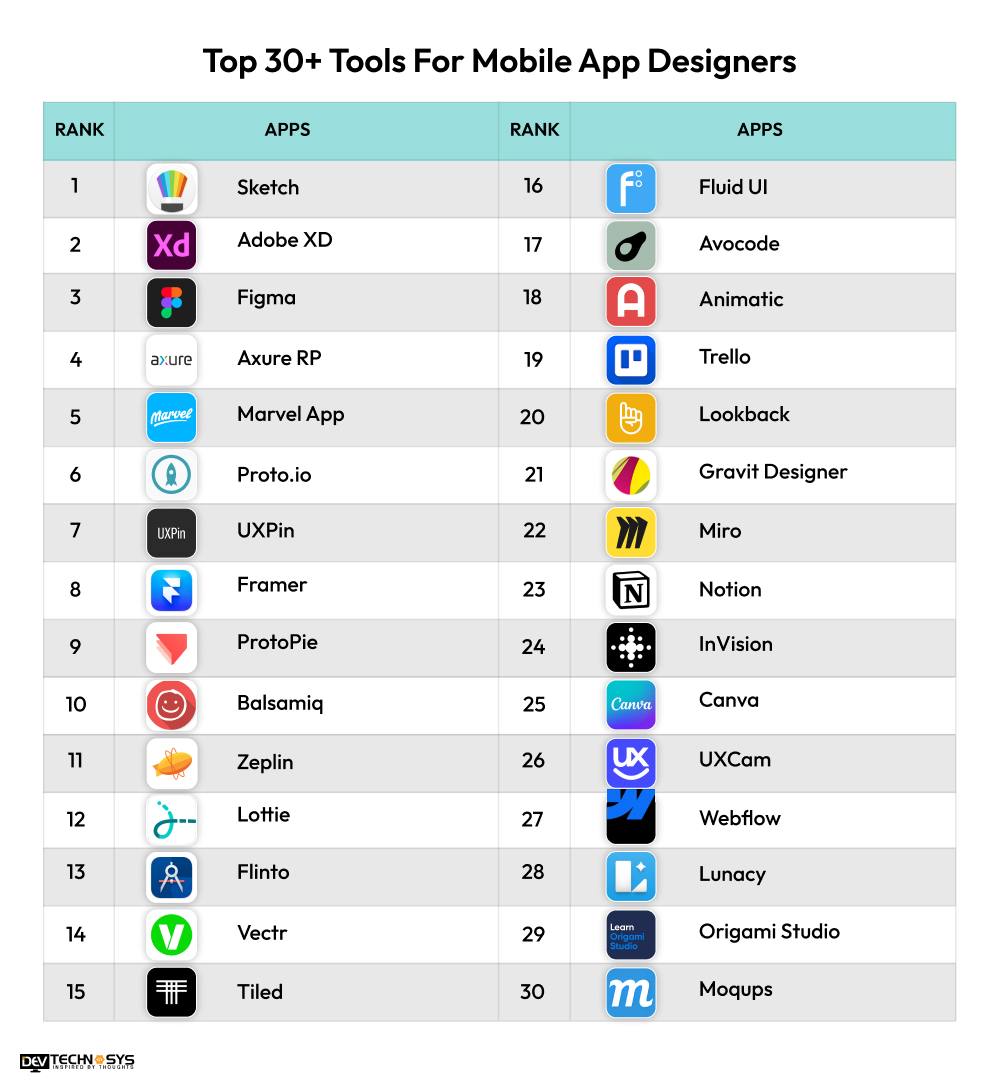
Now, we start to explain the various popular platforms for mobile app designers, which also allows businesses to understand their workings and functionality before building a tool like these. So, let’s take a look at the best mobile app design tools of 2025:
App |
Launched Year |
Ratings |
Downloads |
Availability |
| Sketch | 2010 | 4.8 | 1M+ | macOS |
| Adobe XD | 2016 | 4.6 | 100M+ | Windows, macOS, Web |
| Figma | 2016 | 4.8 | 4M+ | Windows, macOS, Web, Linux |
| Axure RP | 2002 | 4.2 | 1M+ | Windows, macOS |
| Marvel App | 2013 | 4.5 | 100K+ | iOS, Android, Web |
| Proto.io | 2011 | 4.7 | 1M+ | iOS, Web |
| UXPin | 2010 | 4.6 | 2M+ | iOS, Web |
| Framer | 2013 | 4.5 | 10M+ | Windows, macOS, Web |
| ProtoPie | 2017 | 4.6 | 1M+ | Windows, macOS |
| Balsamiq | 2008 | 4.6 | 2M+ | Windows, macOS, Web, Linux |
| Zeplin | 2014 | 4.7 | 1M+ | Windows, macOS, Web |
| Lottie | 2017 | 4.1 | 2M+ | Web, iOS, Android |
| Flinto | 2013 | 4.5 | 1M+ | macOS |
| Vectr | 2015 | 4.3 | 1M+ | Web, Windows, macOS, Linux |
| Tiled | 2016 | 4.7 | 500K+ | Web |
| Fluid UI | 2012 | 4.3 | 100K+ | Web, iOS |
| Avocode | 2015 | 4.7 | 1M+ | Web, Windows, macOS |
| Animatic | 2015 | 4.6 | 1M+ | iOS |
| Trello | 2011 | 4.5 | 100M+ | Web, iOS, Android, Windows |
| Lookback | 2014 | 4.6 | 10M+ | Web, iOS |
| Gravit Designer | 2017 | 4.5 | 5M+ | Web, Windows, macOS, Linux |
| Miro | 2011 | 4.7 | 50M+ | Web, iOS, Android, Windows |
| Notion | 2013 | 4.7 | 10M+ | Web, Windows, macOS, iOS, Android |
| InVision | 2011 | 4.5 | 1M+ | Web, macOS, Windows |
| Canva | 2012 | 4.7 | 250M+ | Web, iOS, Android |
| UXCam | 2015 | 4.8 | 1M+ | Web, iOS, Android |
| Webflow | 2013 | 4.7 | 1M+ | Web |
| Lunacy | 2019 | 4.6 | 5M+ | Windows, macOS, Web |
| Origami Studio | 2016 | 4.5 | 1M+ | macOS |
| Moqups | 2012 | 4.4 | 1M+ | Web-based, iOS |
1. Sketch
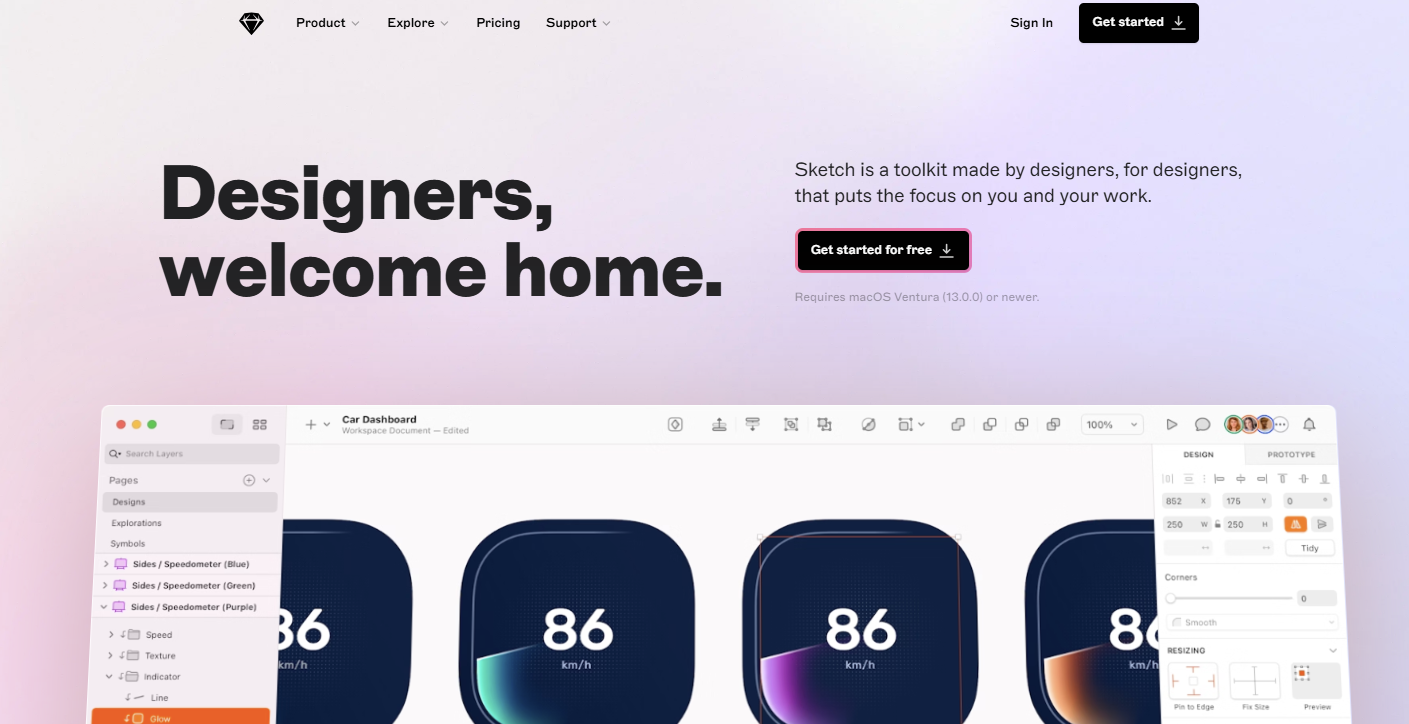
Sketch is a vector design tool for MacOS. It provides user-friendly designs that can be efficient. These tools are famous for their UI/UX designs and especially for their plugin collection.
Sketch was released in 2010 by the Dutch Company Sketch B.V. This tool offers various advanced features, such as prototypes, wireframes, and more. Sketch won an award for Apple design in 2012. After won an award, this tool is viral across the world.
Special Features:
- Vector editing tools
- Third-party integrations
- Symbols
2. Adobe XD
Adobe XD also works on vector-based designs and mobile app prototyping. This tool, developed or published by Adobe Inc., is available for iOS and Windows. It provides various design formats such as artboards, wireframes, prototypes, and graphic designs.
Adobe XD shares user experiences on mobile apps and websites. It is one of the best mobile app design tools and software. Even school childerns are also known the Adobe as a best designing tools ever in their childhood time.
Special Features:
- Advanced Transitions
- Support Cross-Platform
- Voice Integration
3. Figma
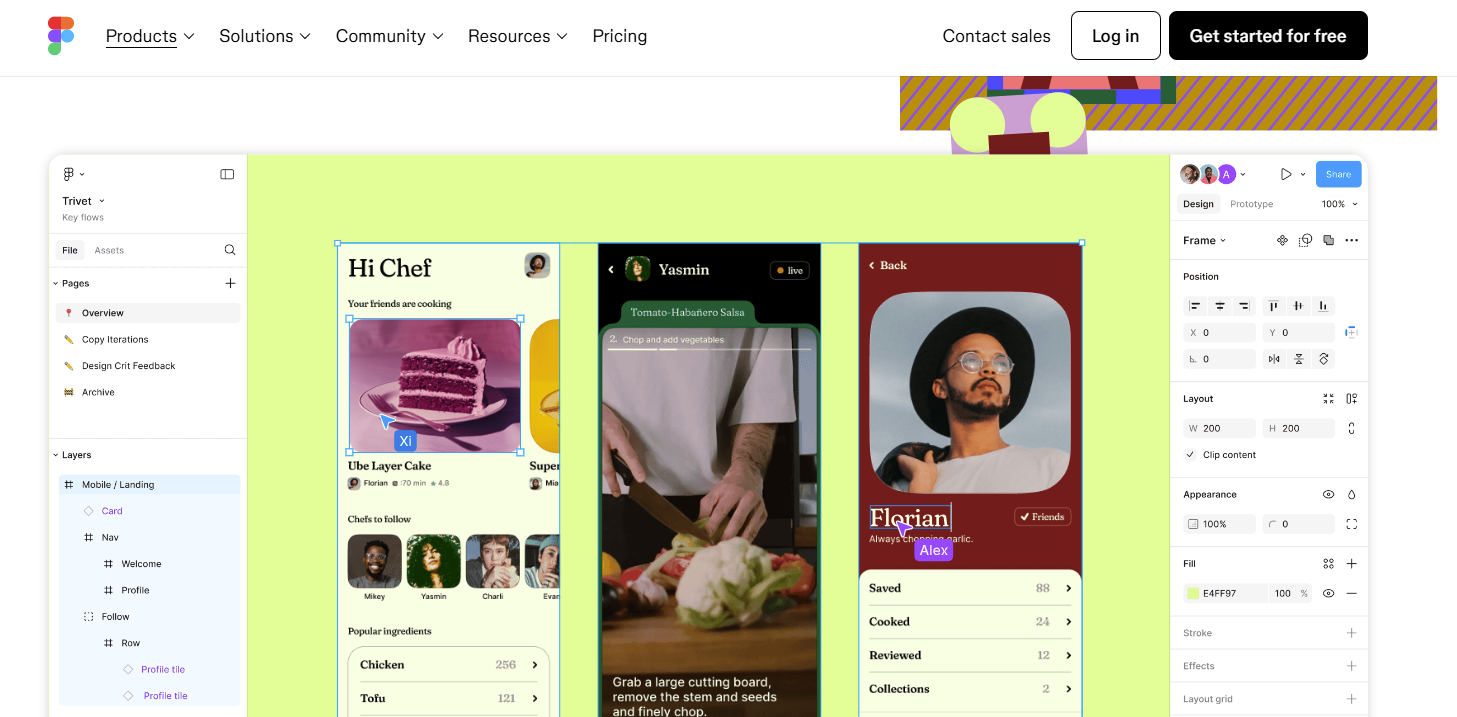
Figma is one of the most popular mobile app design software programs. It offers interactive features, cloud-based functionalities, and UI/UX designs. This tool provides a user-friendly interface that allows users to easily interact with all of the mobile app’s features and functions.
This platform also provides offline features for MacOS and Windows desktops. It was developed by Figma Inc in 2016.
Special Features:
- Version control
- Wide Variety of plugins
- Real-time collaboration
4. Axure RP
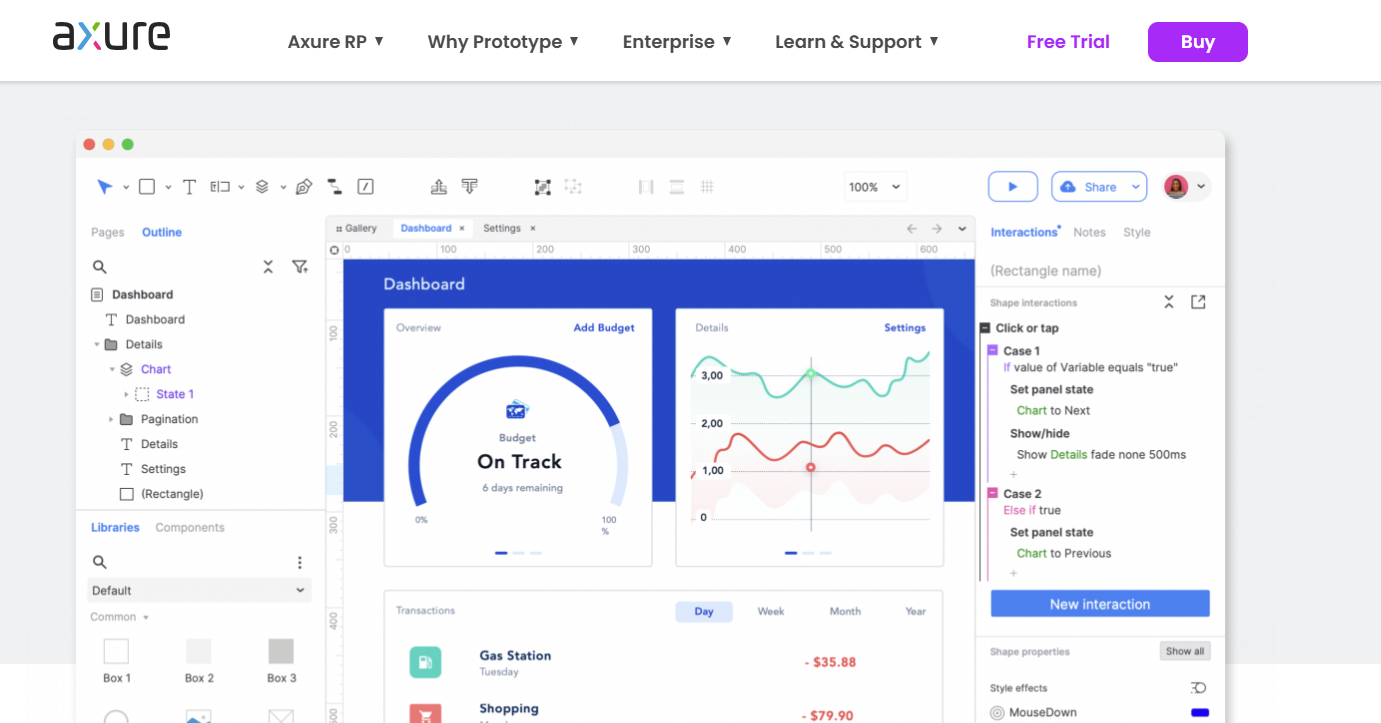
Axure RP especially works on UX designs, and it has the ability to use a drag-and-drop feature to resize and format the icons and widgets. This platform depends on complex logic and maintains the streamlined workflows of dynamic content. Axure RP was launched in 2020 by Axure Software Solutions and it is available on macOS and Windows.
Special Features:
- Cross-platform design
- Low-fidelity design
- Prototyping
5. Marvel App
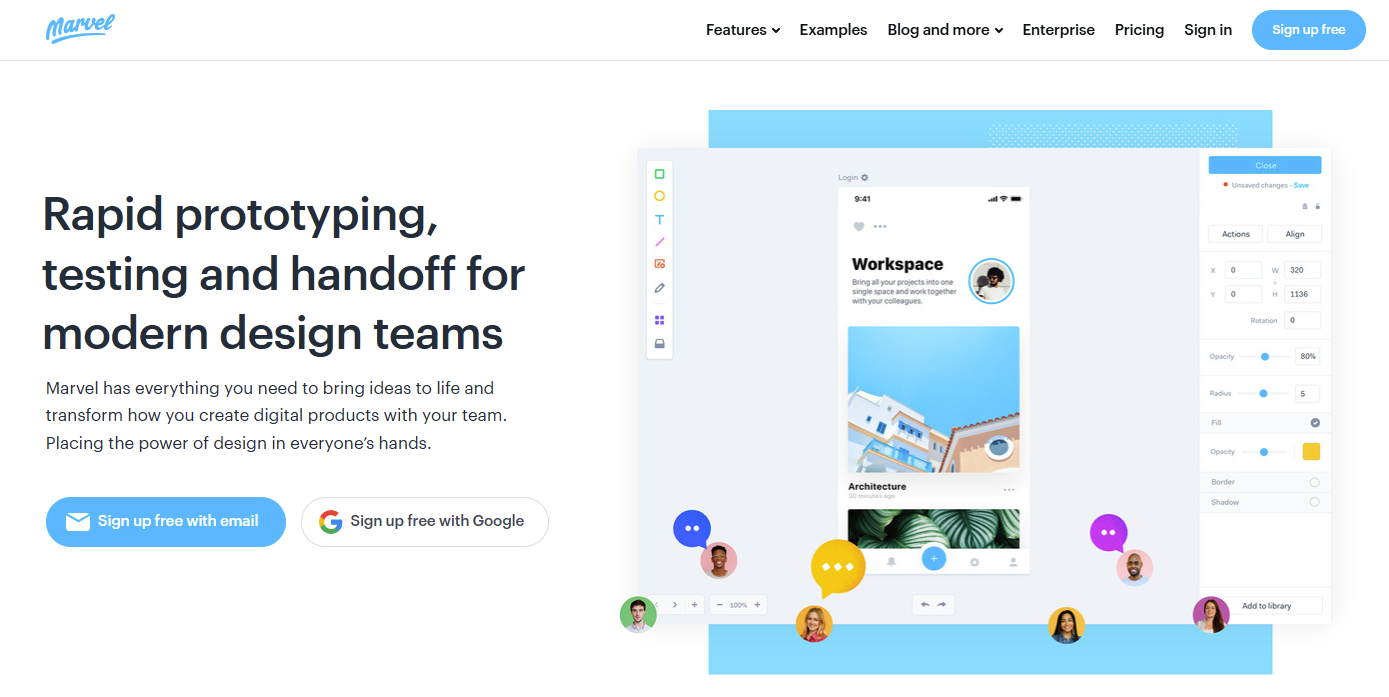
Marvel is design testing tools for mobile app designers that allows you to test your mobile app designs and prototypes. This tool save the time of mobile app designers to provide fastest iteration and allows real-time collaboration.
Marvel is mainly popular for the hand-drawn sketches and users can access a wide variety of photos and designs for the mobile app designs.
Special Features:
- Testing integration
- Hand-drawn sketches
- Wireframing
6. Proto.io
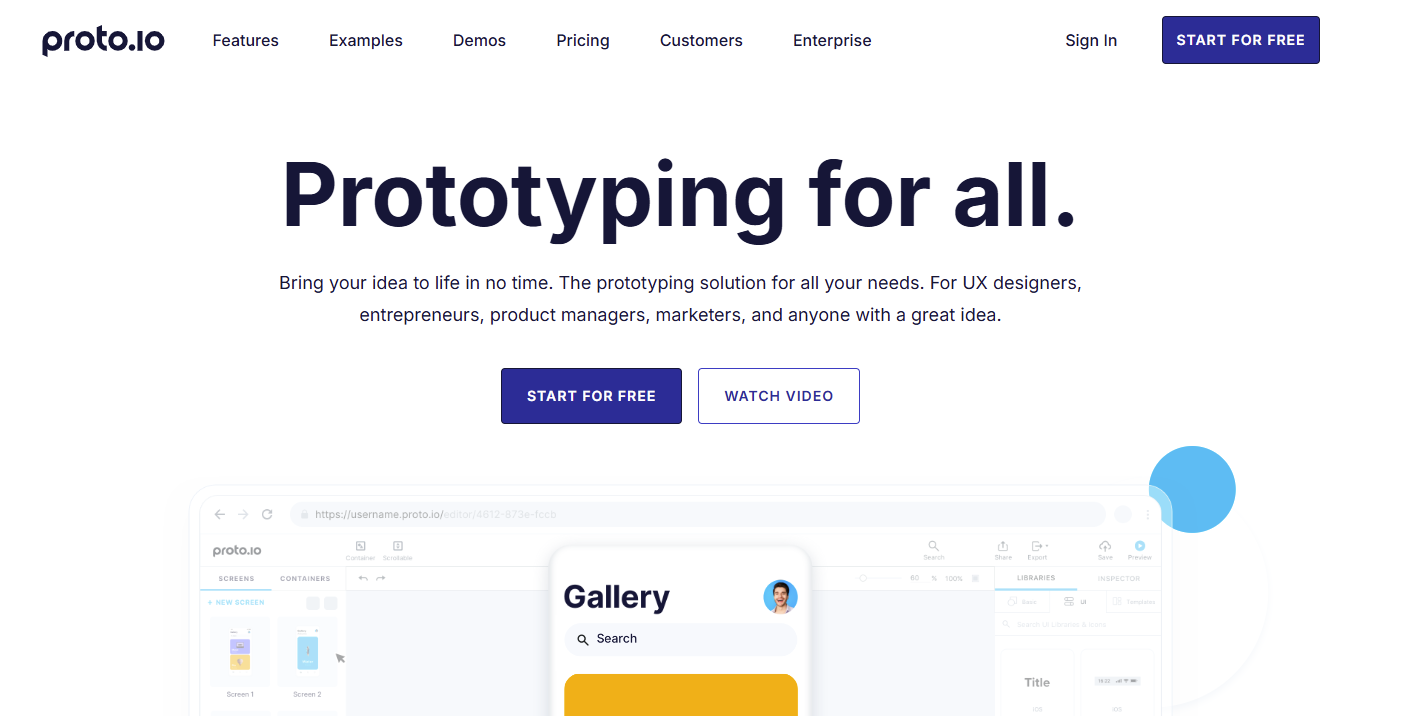
Proto.io was specially developed for the web-based design of prototypes without using code. It provides many interactive features related to design, such as drag-and-drop, animations, transitions, templates, and plugins. PROTOIO Inc. launched this tool in 2010.
It offers various mobile app design services for entrepreneurs, developers, project managers, and mobile app designers. Proto.io offers a 15-day trial offer, after which paid plans are started.
Special Features:
- No coding
- Drag and drop
- Responsive designs
7. UXPin
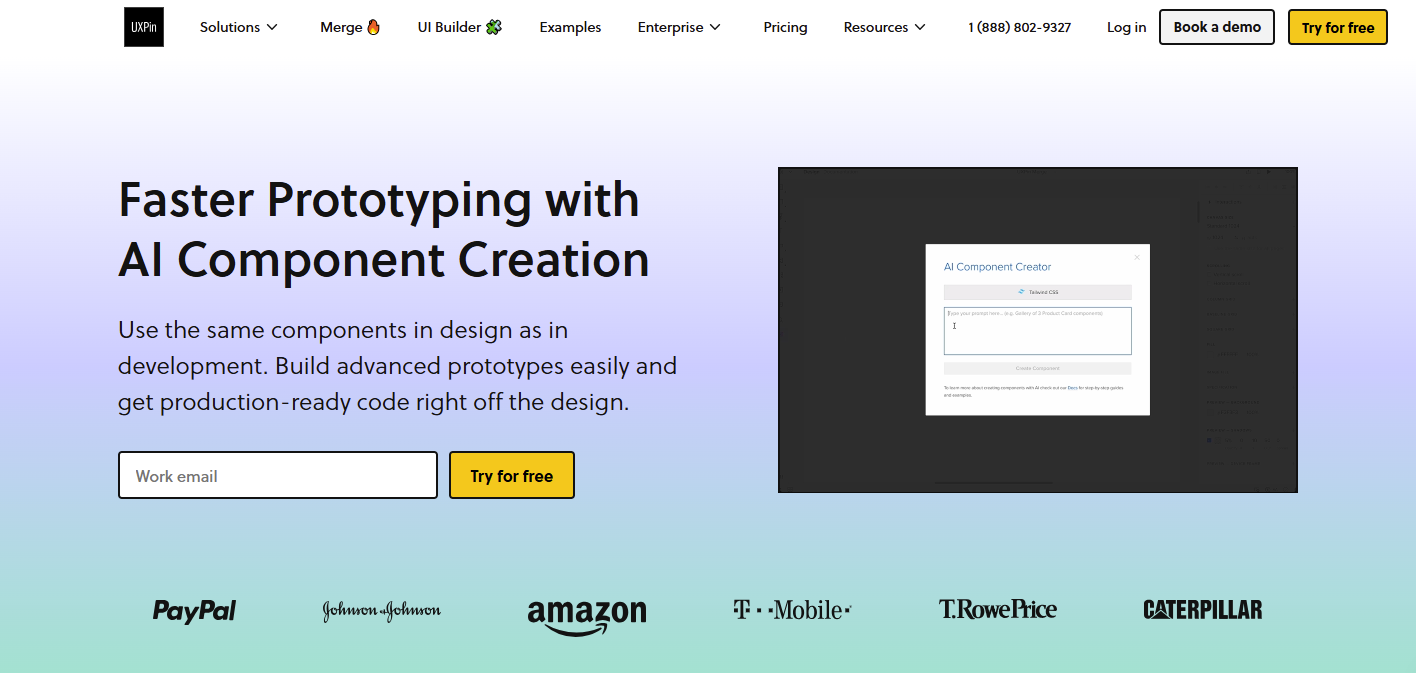
UXPin is based on real-feel prototypes and designs. It mainly works with the power of coding and real design components, such as advanced prototypes and wireframes.
In this mobile app, designers can define their designs and prototypes with layouts, photos, styles, and components. This tool provides various plugins with coding to design a mobile app with a user-friendly interface that allows easy access to the functionality.
Special Features:
- Reusable components
- Collaboration features
- Prototypes with logic
8. Framer
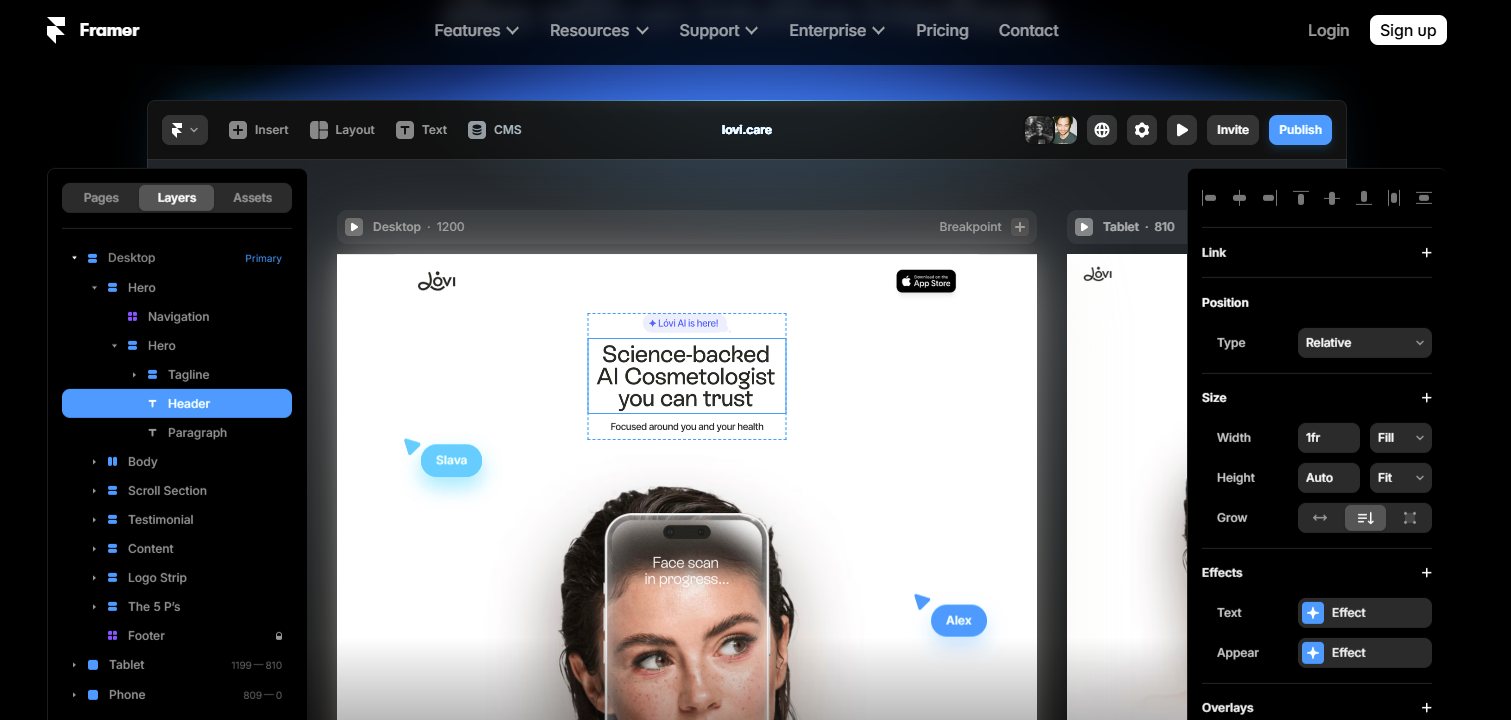
Framer is a web design platform to create interactive designs with advanced coding and produce prototypes using coding. This tool allows third-party integrations to import various design frameworks and components.
Framer is specially designed to offer flexible and convenient designs and also provide gestures, real-time animations, and transitions.
Special Features:
- Code-based design and prototypes
- Auto Layout
- Animations and transitions
9. ProtoPie
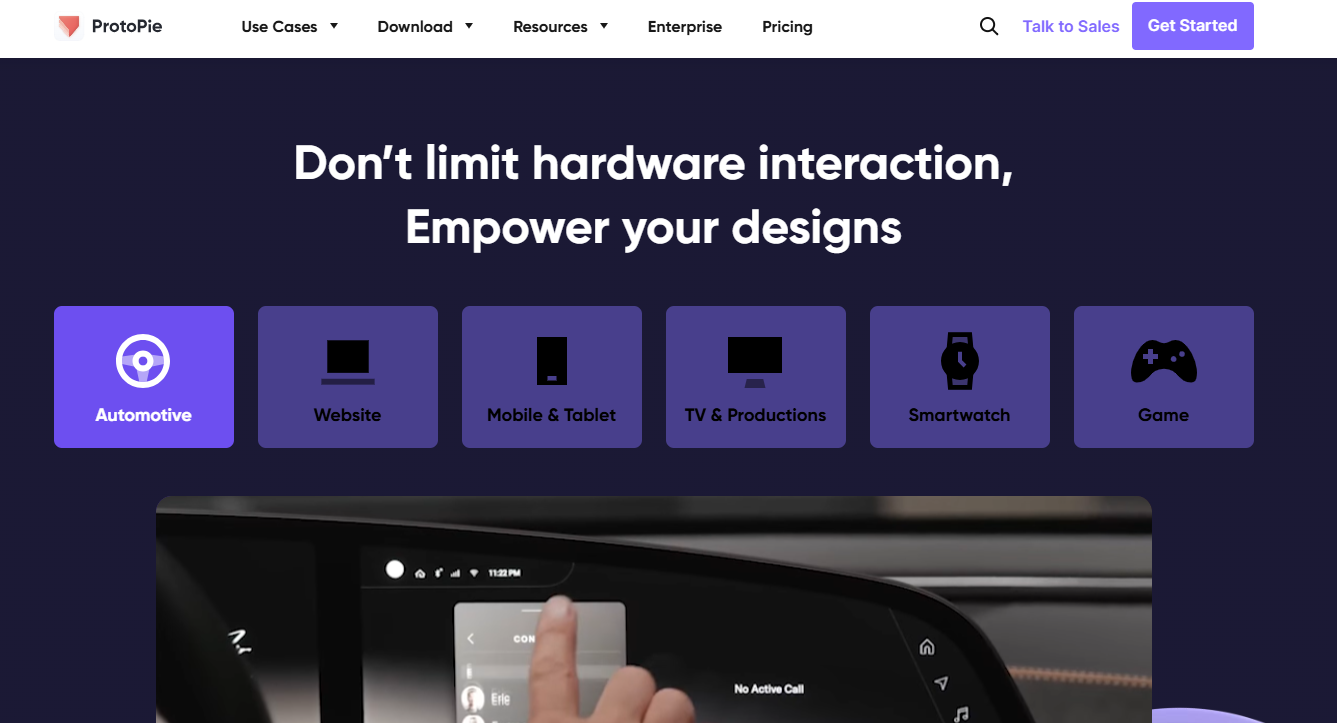
ProtoPie is a non-coding tool that allows users to create innovative designs, logic, animations, interactions, and animations. This is one of the best app design software for designing apps as real-feel components and prototypes without writing code. This platform allows users to import third-party tools such as Sketch and Figma.
Special Features:
- No coding
- Advanced transitions and animations
- Integrate with third-party tools
10. Balsamiq
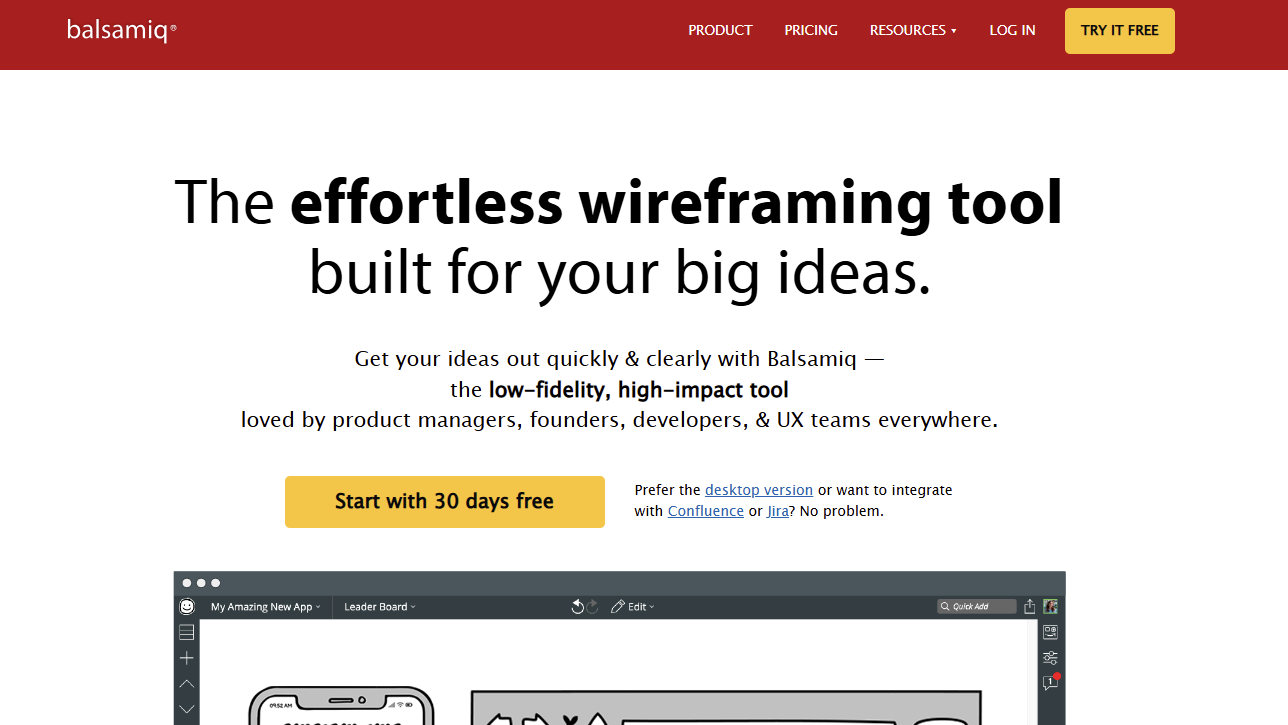
Balsamiq is one of the most used application design tools. It is specially designed for the UI/UX of mobile apps and websites. Peldi Guilizzoni, a former Adobe senior developer in 2008, developed it.
It offers various features such as drag-and-drop, advanced templates, real-time collaboration, symbols, components, and UX elements. It is also known as a wireframing tool, and it is easy and quick to use.
Special Features:
- Low-fidelity
- Drag and drop
- App and web desktop versions
11. Zeplin
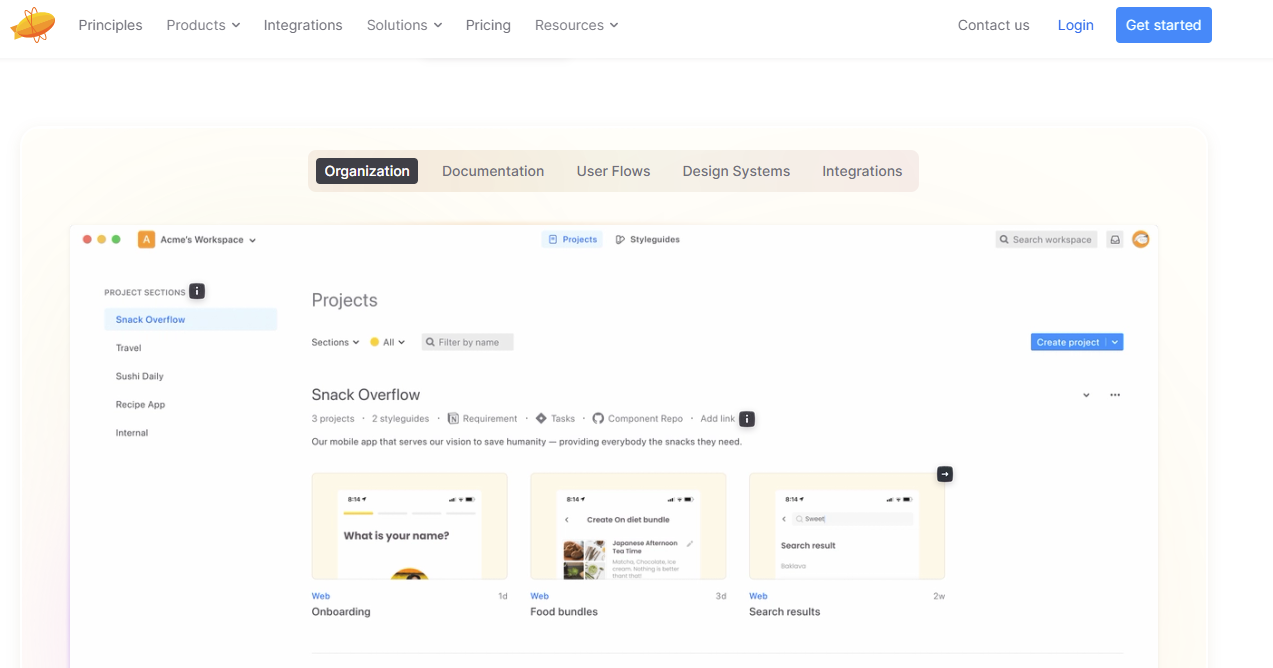
Zeplin is a design delivery platform that provides developers with design tools and specifications. This tool helps keep teamwork together and integrates with other third-party tools so that you do not have to access either.
Hire graphic designers developers to offer many advanced features, such as flexible integration methods, prototype creation, design creation, style guides, and code translations. This tool was founded by Pelin Kenez and Berk Cebi in 2014.
Special Features:
- Cross-platform availability
- Major designing tools
- Asset management
12. Lottie
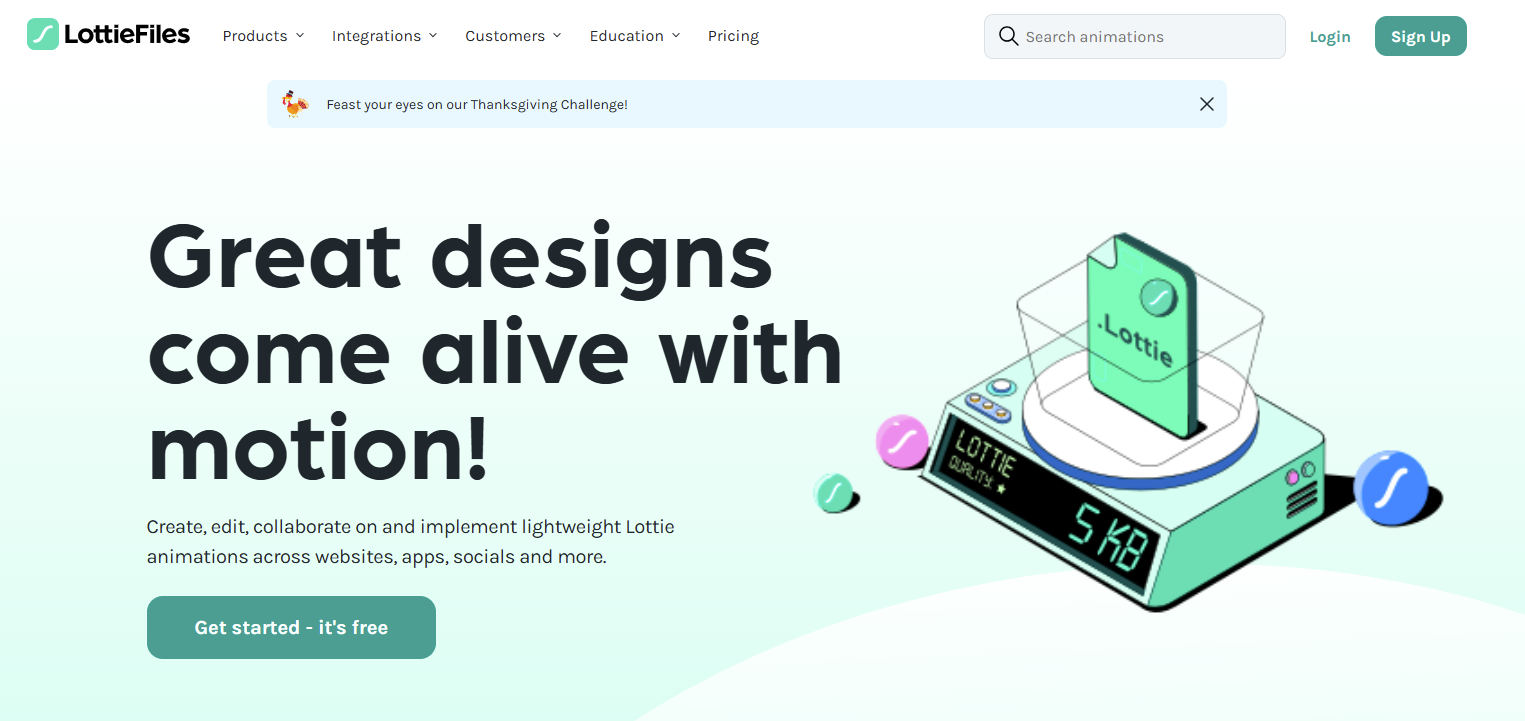
Lottie is an animation-based tool that allows mobile app designers to create real-time animations for mobile apps, web apps, and social media. This open-source animation tool provides accessibility for testing, creating, and sharing Lottie-based animation designs on various platforms.
It provides low-, high-, and standard-quality animations in JSON format. Hernan Torrisi founded the Lottie platform in 2015.
Special Features:
- JASON-based animation files
- Multiple platforms availability (Android iOS)
- The vast library of inbuilt animations

13. Flinto
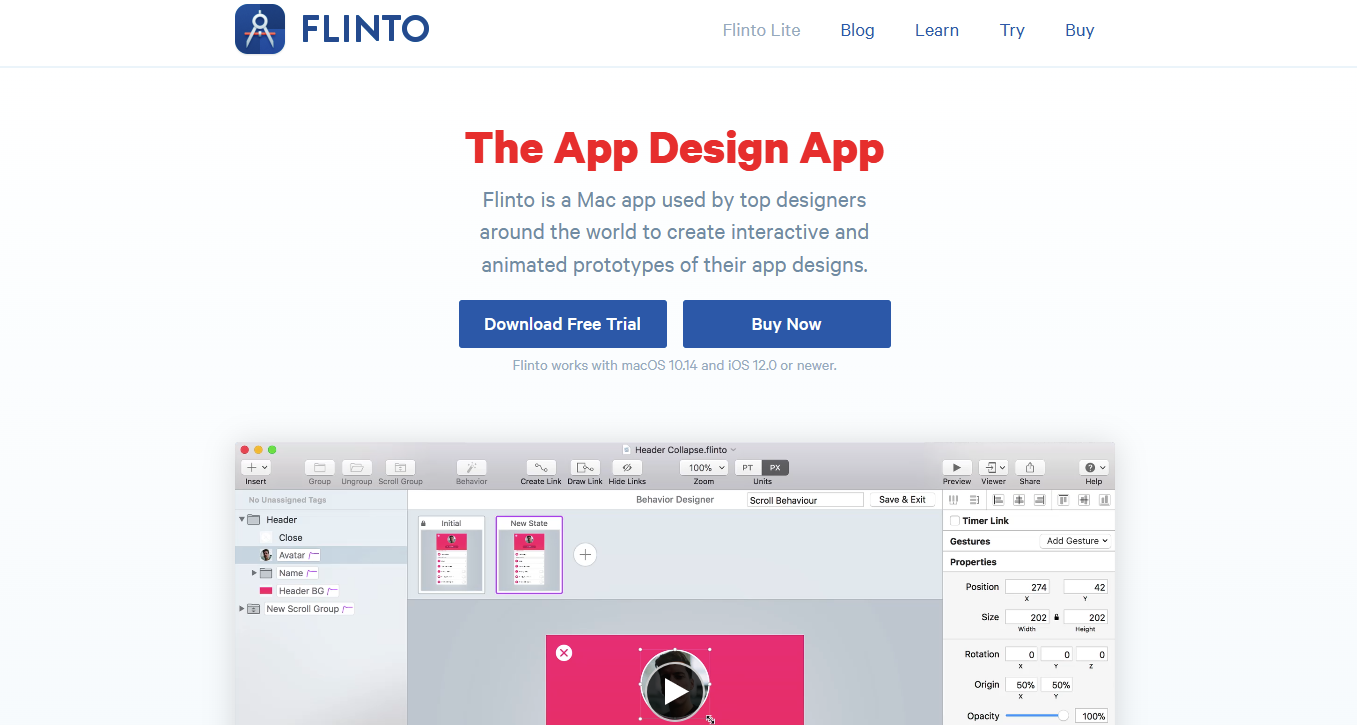
Flinto is one of the most used mobile app UI design platform. It is a Mac app that allows users to create unique prototype and wireframe designs.
This tool offers various drawing tools, such as vector animations, editing, shaping, mockup creation, and more. Flinto provides many design tools that help mobile app designers enhance user experiences by applying advanced designs.
Special Features:
- Gesture support
- Real-time animations
- Wide variety of drawing tools
14. Vectr
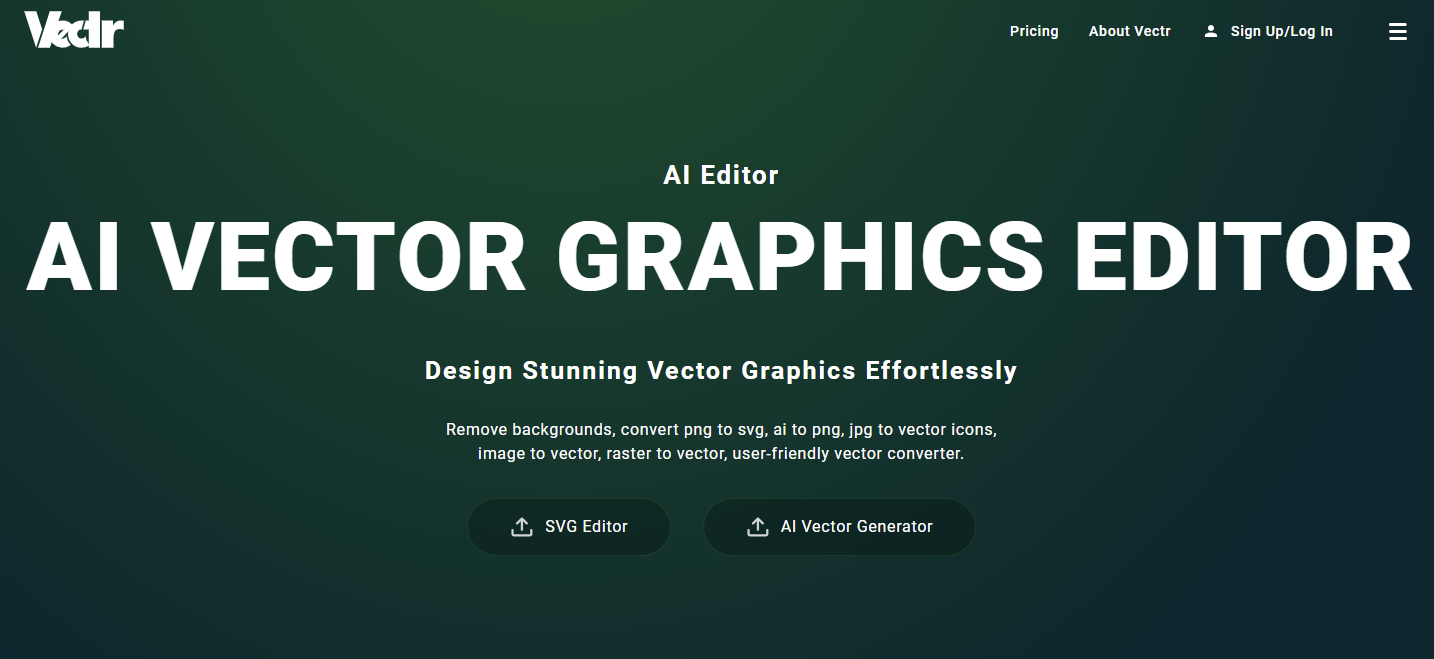
Vectr is a graphic mobile app design tool that allows designers to edit images, logos, icons, menubars, and presentations. This platform mainly works as a graphic editor and offers various real-time collaboration activities.
Vectr provides various file formats such as PNG, JPG, JPEG, SNG, and many graphic design files. It is one of the best app design tools for providing cross-platform availability.
Special Features:
- Offer cloud storage
- Various graphics designs
- Real-time collaborations
15. Tiled
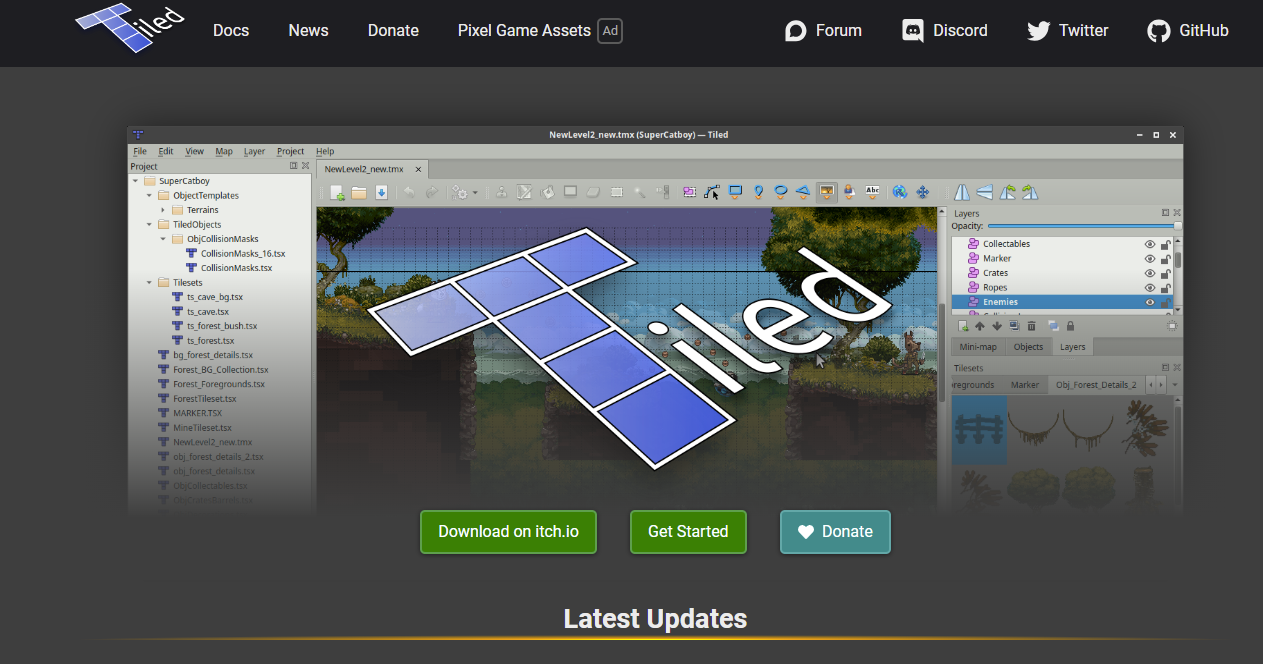
Tiled is a robust level editor tool that mainly works on game design development and is available on the object layers. It provides various interactive features, such as drag and drop, resize, rotate, crop, and many more.
This platform offers various presentations on PowerPoint and makes it attractive to apply gestures and transitions. Tiled is the best game design tool for mobile app designers.
Special Features:
- Interactive animations
- Prototyping and wireframing
- Contents
16. Fluid UI
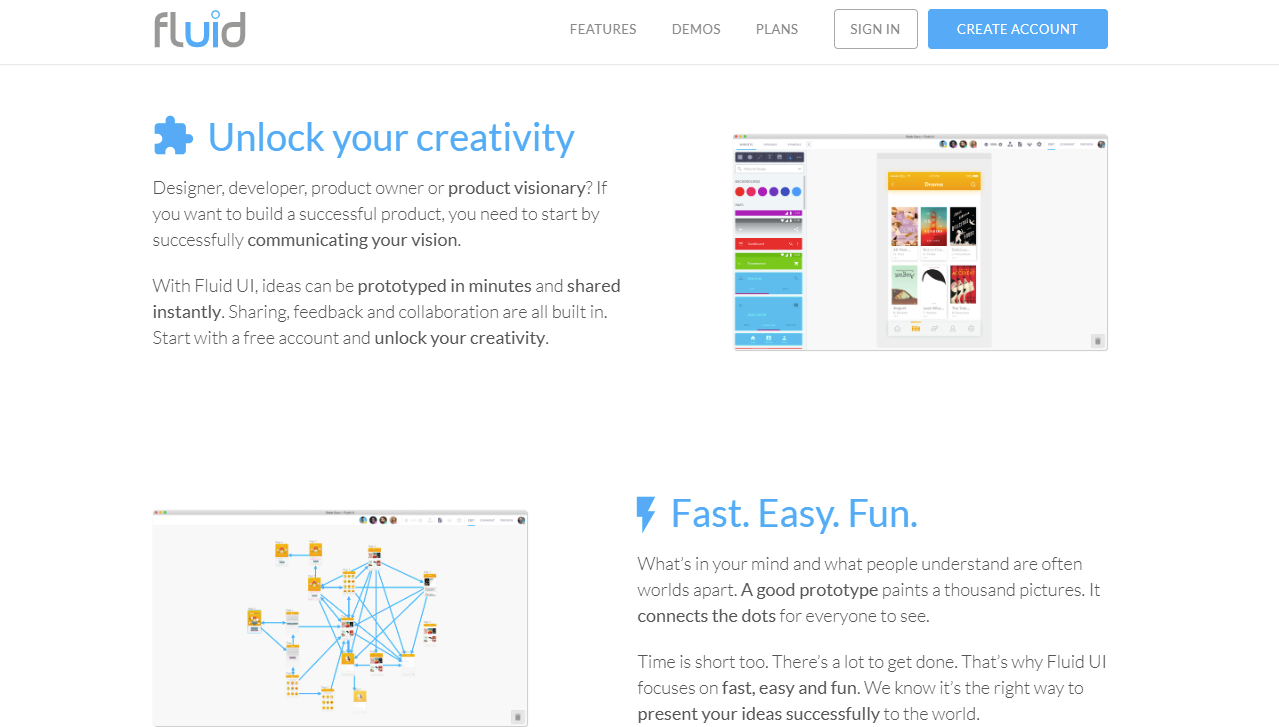
Fluid UI is a cloud based designing tools for mobile app designers to create designing components, wireframes, prototypes, and more. This tools offers various interface features such as editing previews, real-time collaborations, and drag and drop. Fluid UI design a user-friendly interface that allows users to easily navigate all the features and services of the app with just their fingertips.
Special Features:
- Drag-and-Drop
- No coding for designing
- Portotyping and wireframes
17. Ceros
Ceros is one the most flexible and convenient tool for mobile app designers and developers to work together in a single platform. This platform is available on the web, Android, and iOS. It helps developers to keep up to date with designing progress. They can show the designing tool and if they want to change the code, then they can send a request to designers.
Special Features:
- Cloud syncing
- Team-collaboration
- Code generation
18. Animatic
Animatic is a motion design tool for mobile apps and websites that allows designers to create animated videos and photos. It is mainly based on animation and provides various formats, such as 2D, 3D, 4D, and 5D. This platform can easily enhance the user experience by providing attractive visual effects and animation styles. Hire web designers to build an app like Animatic with extensive functionalities and specifications.
Special Features:
- Animation and Transitions
- Easily export
- Real-time animated styles

19. Trello
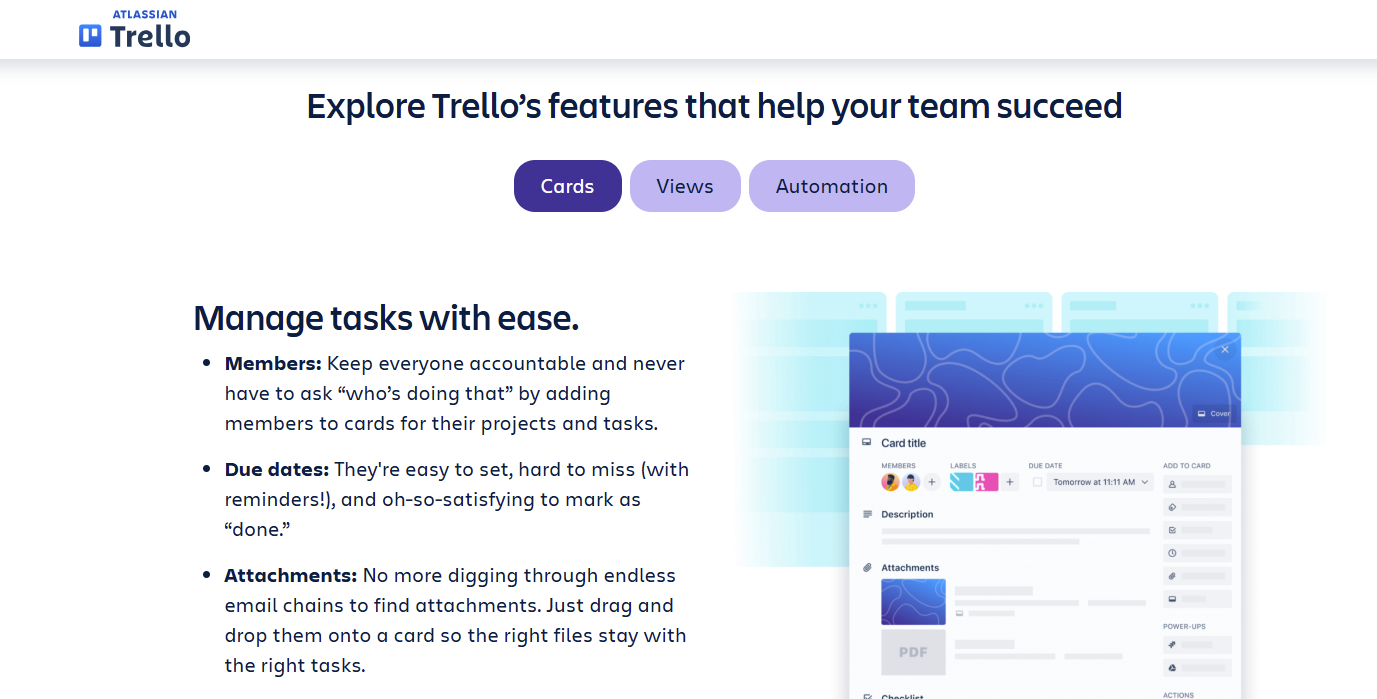
Trello is the most popular and used online platform for visual work management. It allows users to track and manage their app design progress. This platform is easy and simple to use and enables teams to work together and coordinate work management. Trello provides drag-and-drop file features, which are very convenient for mobile app designers and users.
Special Features:
- Integration with third-party
- Collaboration
- Teamwork coordinations
20. Lookback
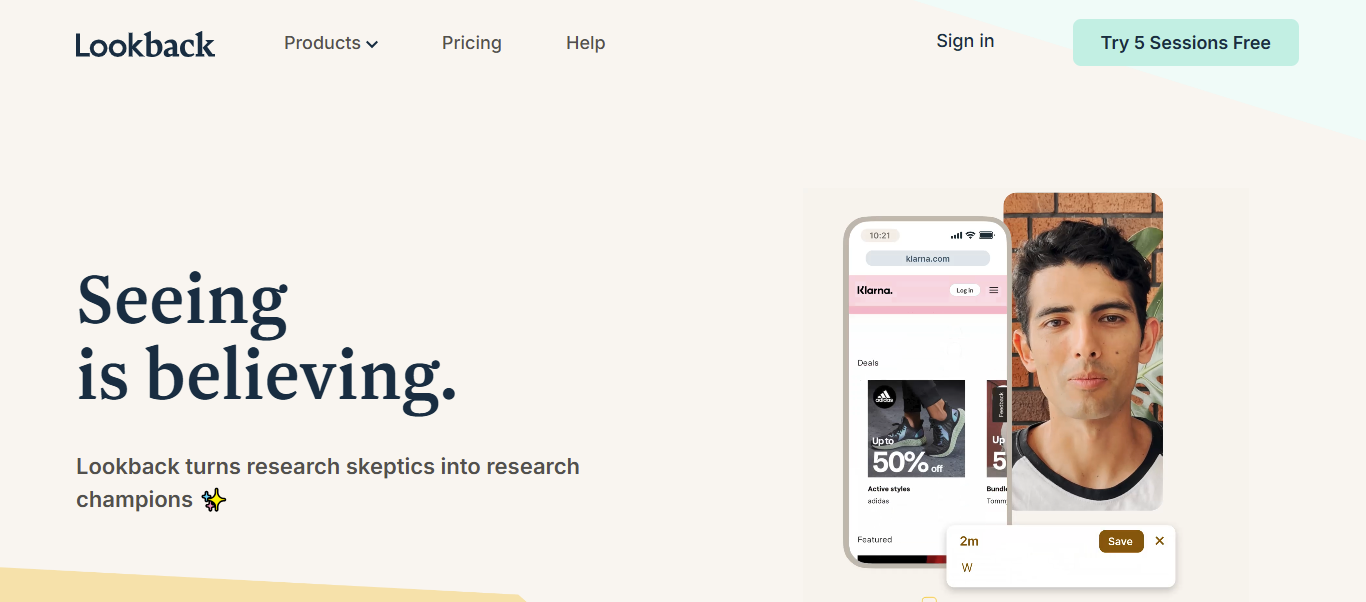
Lookback is mainly worked as a cloud-based platform that enables users to organize the testing and user research ability. This platform observes the user’s habits, behaviors, purchasing patterns, demographics, preferences, live interviews, analytics, and feedback collections.
It offers support services for users, and a 24/7 help center is available to solve the problem as soon as possible. It provides many services, such as virtual room conferences and links for the participant.
Special Features:
- User feedbacks
- Data insights
- Live interviews
21. CorelDRAW
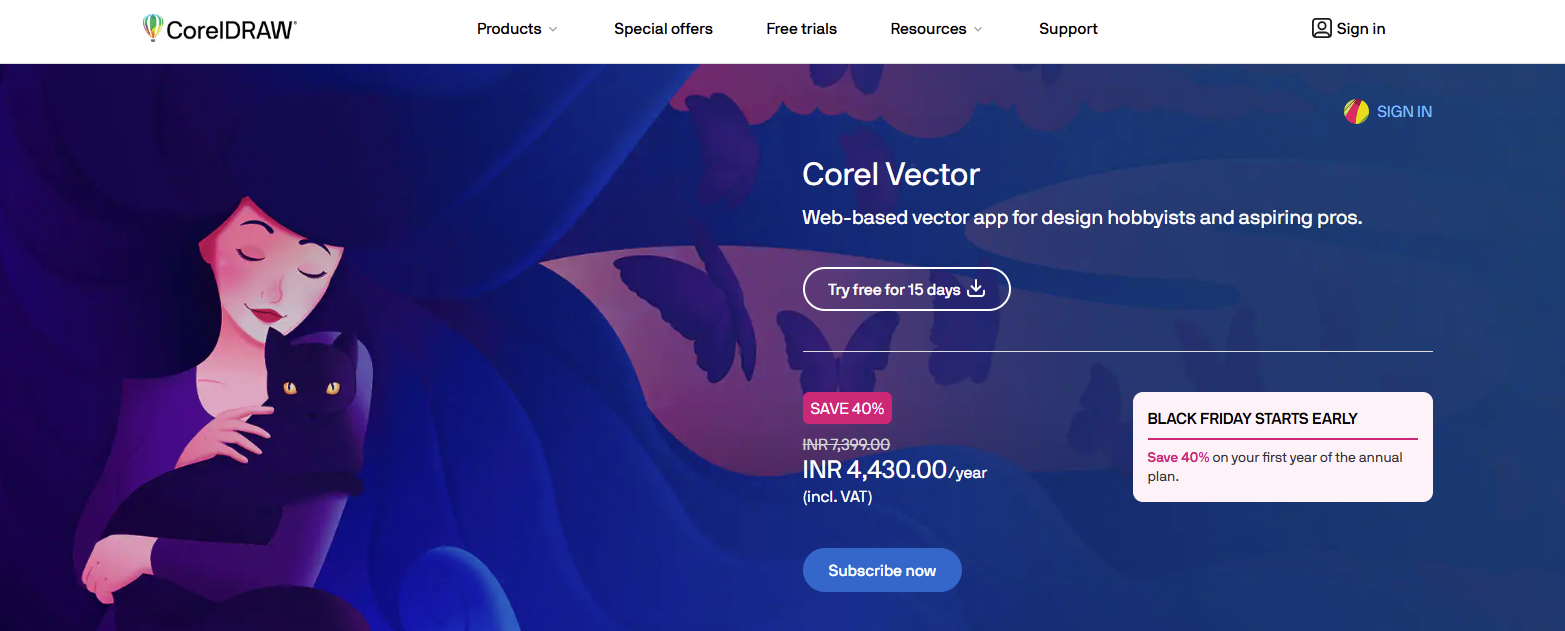
CorelDRAW is a graphic based designers that allows mobile app designers to create unique designed of logos, icons, presentations, and flyers. This platform offers various advanced features such as shapes, editing, resizing, shapes, layering, text, and more. CorelDRAW is a open-source platform and easy to use tool with having wide collection of graphic designing tools.
Special Features:
- Design assets
- Vector editing
- Collection of pre-built graphic designs
22. Miro
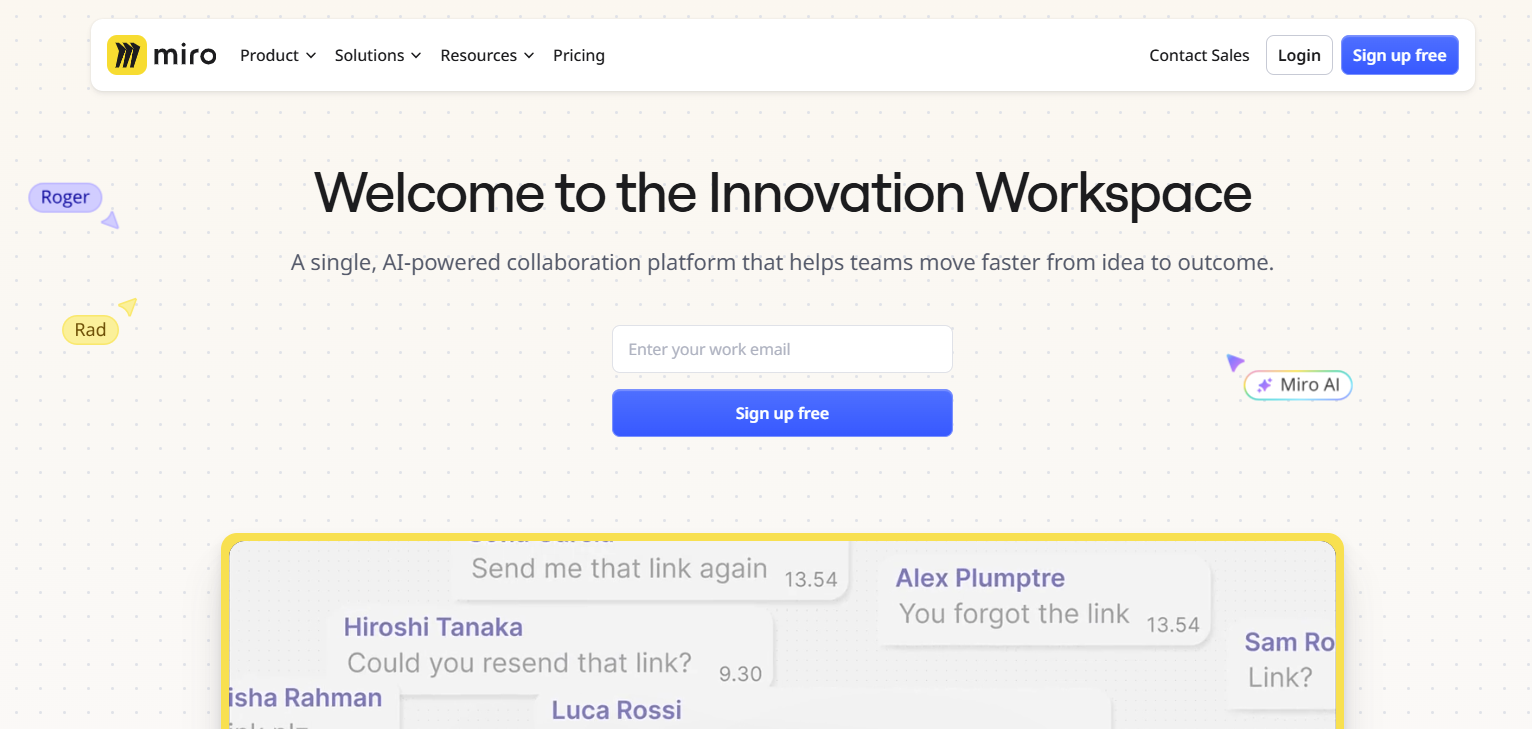
Miro is a trending tool for app designers that provides a whiteboard for team members to work together in a single, easy-to-access platform. It provides many working formats, such as brainstorming, planning, designing, identifying the requirements, presentations, and demonstrating. It uses various programming languages, such as Java, Kotlin, and TypeScript. Miro was founded in 2011 by Andrey Khusid and Oleg Shardin.
Special Features:
- Visual brainstorming
- Advanced templates
- Real-time team collaboration
23. Notion
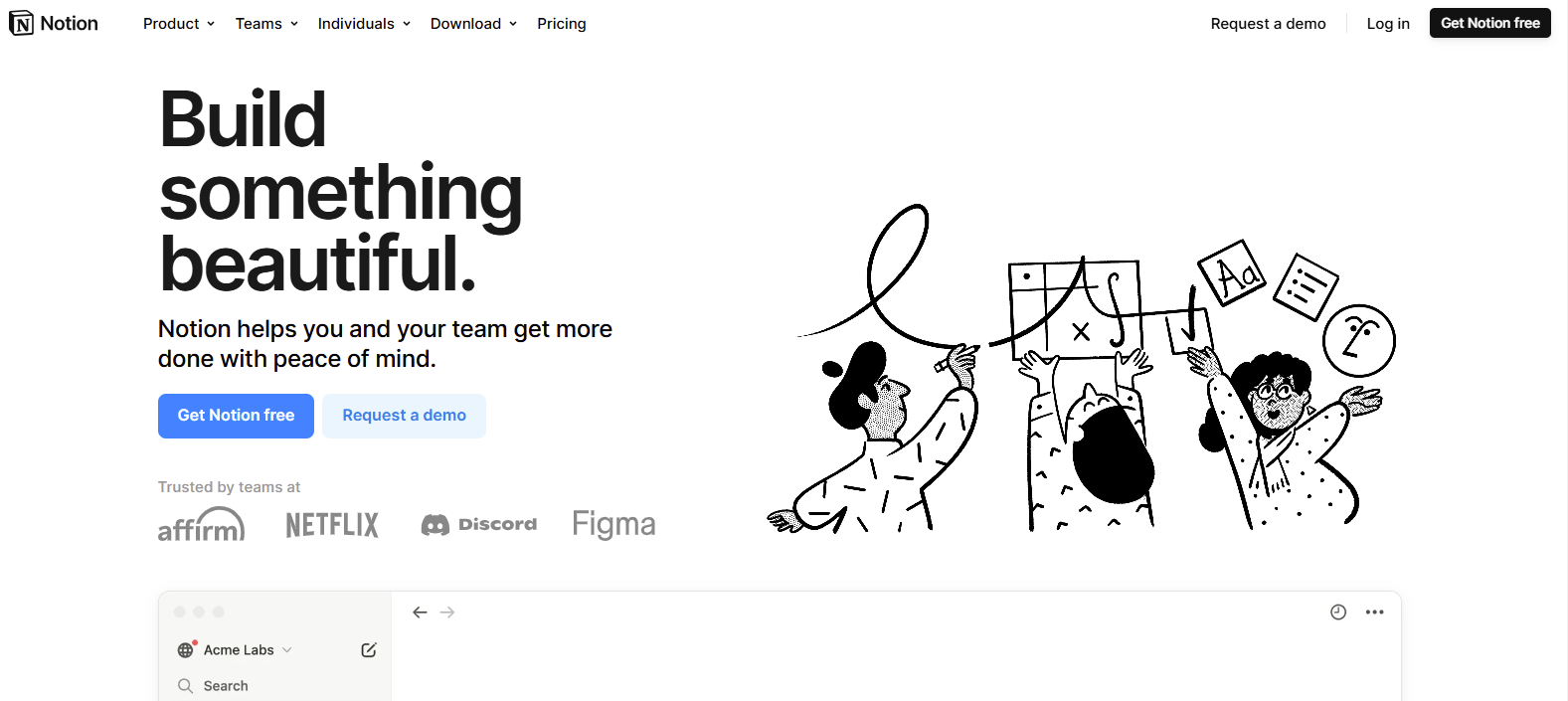
The notion is product management software that allows users to manage collaborations, projects, and tasks and take notes. Hire dedicated developers to offer various advanced operations to easily manage or track the product works, such as customization, templates, project progress, and note-taking.
It mainly provides the designs with innovative ideas and creates customized pages. Web browsers access the notion and offer a variety of paid plans to access advanced functionality.
Special Features:
- Database collection
- Task management
- Collaboration
24. InVision
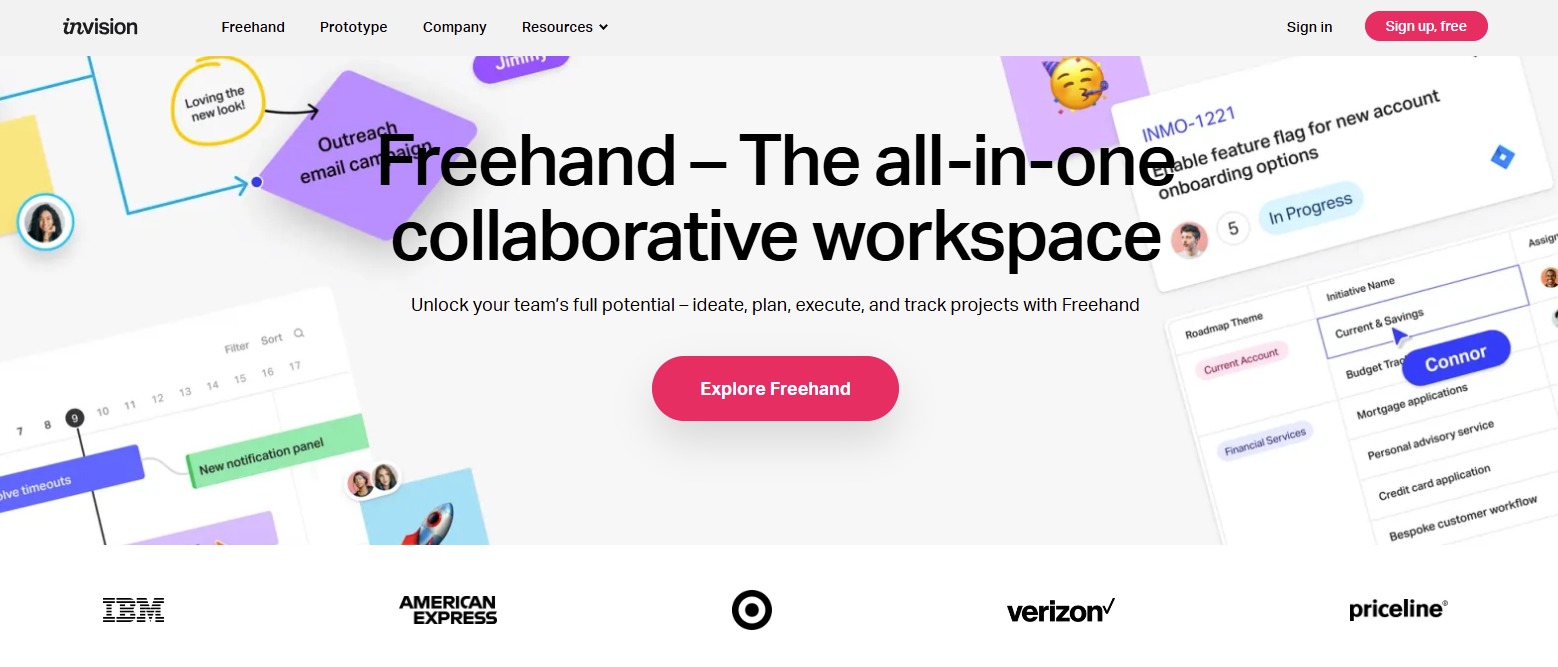
InVision is a phone application design tool that enables mobile app designers to create prototypes and wireframes and manage product management. This tool also collaborates with team members to create advanced mockups.
InVision offers various robust features, such as communication channels, flexible layers, tracking project progress, and more. It focuses on various stages, such as prototyping, identifying core features, testing, and designing.
Special Features:
- Version control
- Product management
- Mockups
25. Canva
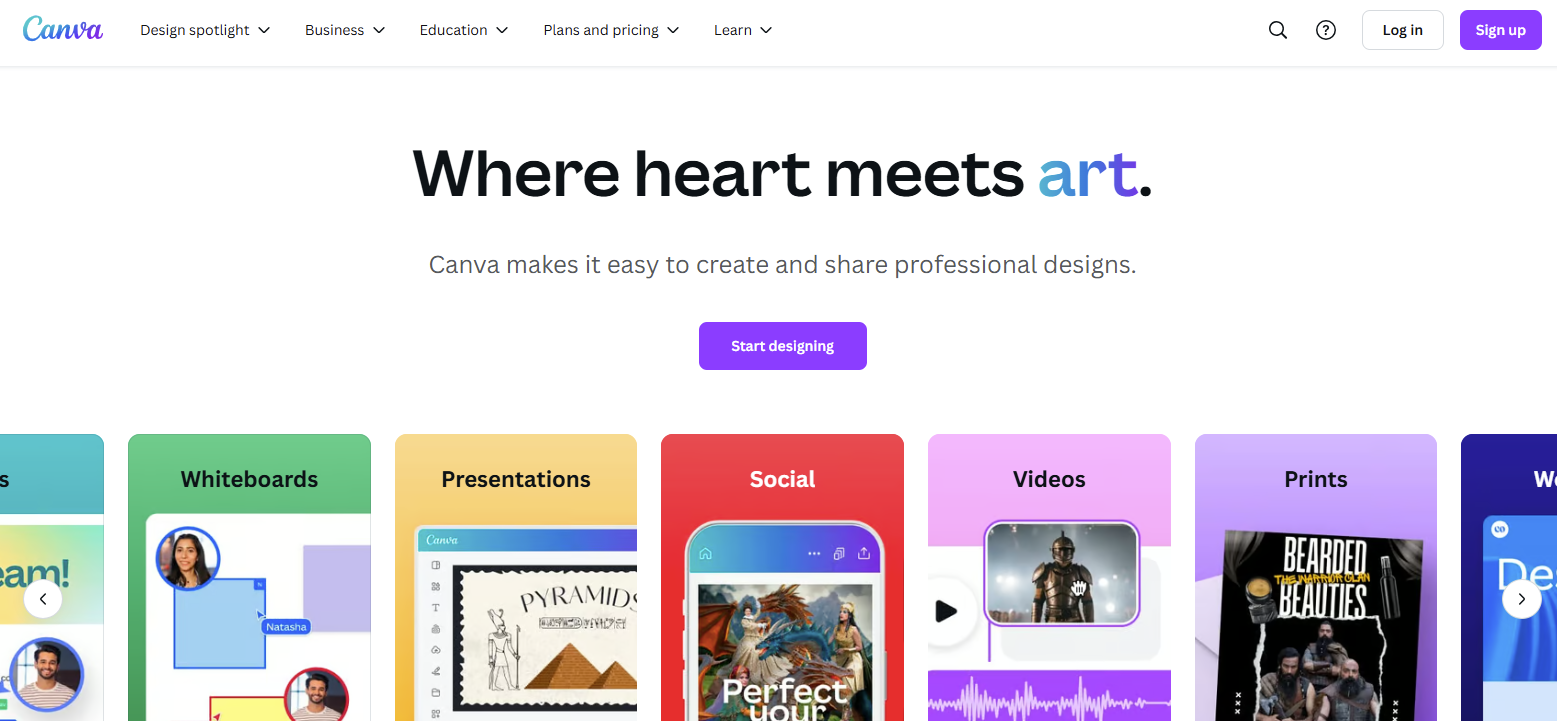
Canva is most famous online tools to develop UI designs for mobile apps and it provides a wide collection of inbuilt templates and more. It offer variety of designing resources such as social media designing, documents, websites, booklets, videos, and presentations. Users can easily access their levels and it easy to use for the beginners and also expert developers. Canva was launched in 2013 in Australia.
Special Features:
- Premium Templates
- Drag-and-drop
- Simple UI
26. UXCam
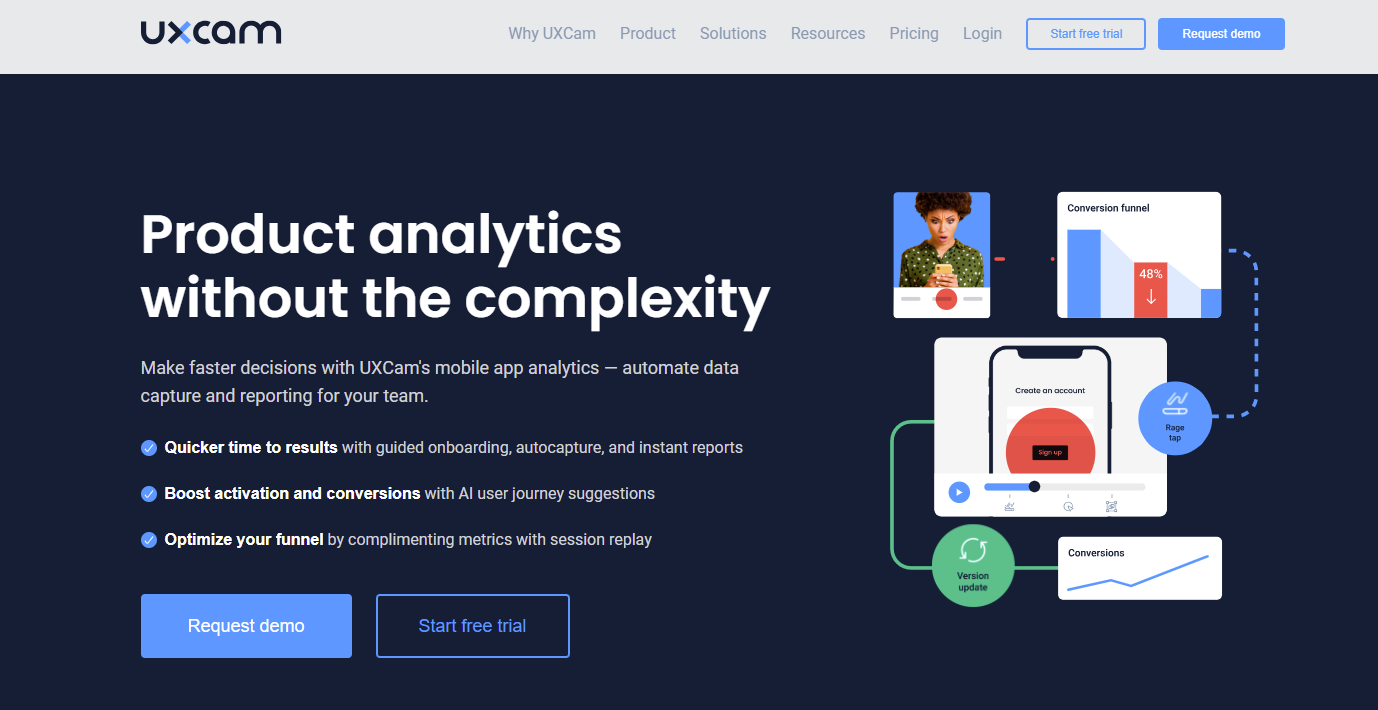
UXCam is an online mobile analytics tool. It explains how users can interact with mobile apps and tracks their actions. This provides many benefits to companies that what type of users can visit their apps, such as session replay, heatmaps, traffic, and security measurements. It offers various advanced features like integration with third parties, data insights, and app performance analysis.
Special Features:
- Heatmaps
- Data insights
- Crash analytics
27. Webflow
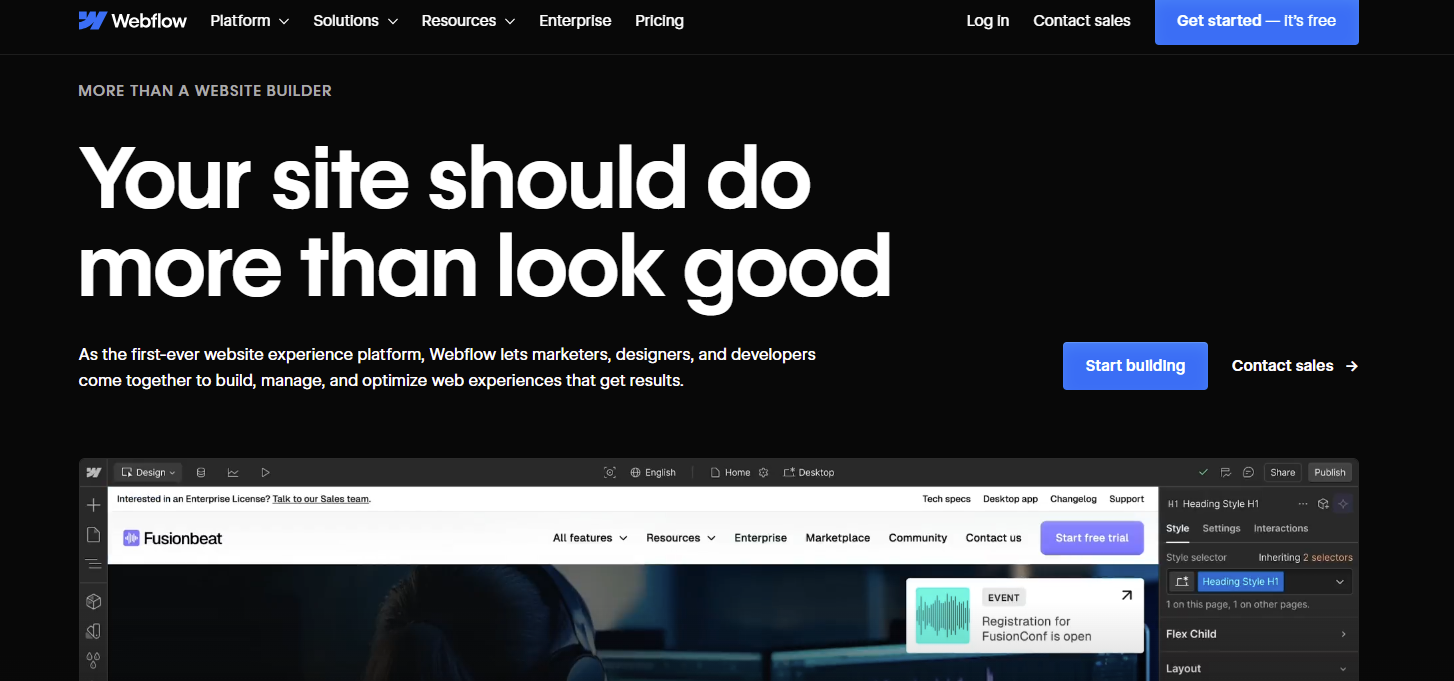
Webflow is a digital mobile app design development platform that allows developers to build, design, and publish mobile apps or websites on selected platforms. It automatically develops HTML, Javascript, and CSS code according to the user’s demand.
This platform also provides hosting services and SEO tools for marketing your website and app. Webflow is a SaaS application platform that allows users to build robust applications and websites.
Special Features:
- Code export
- Drag-and-drop
- Responsive design
28. Lunacy
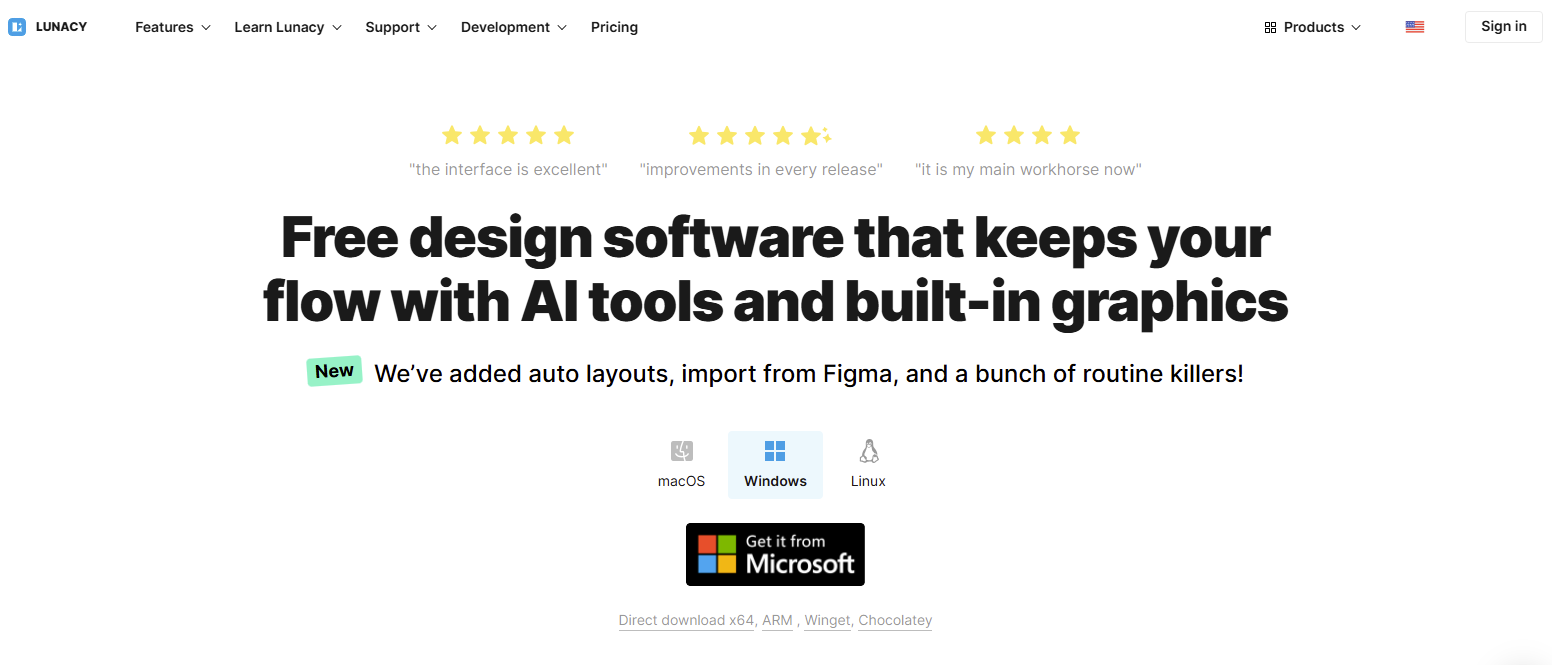
Lunacy is a vector graphic editor tool that allows users to design mobile apps, websites, and UI/UX. It is mainly based on Windows, and it is easy to learn and apply the various built-in plugins and graphic tools.
Consult with an IT consulting services provider to integrate these advanced features in your platform, such as real-time collaboration and inbuilt graphic tools.
Special Features:
- Cloud collaboration
- Offline mode
- Cross-platform availability
29. Origami Studio
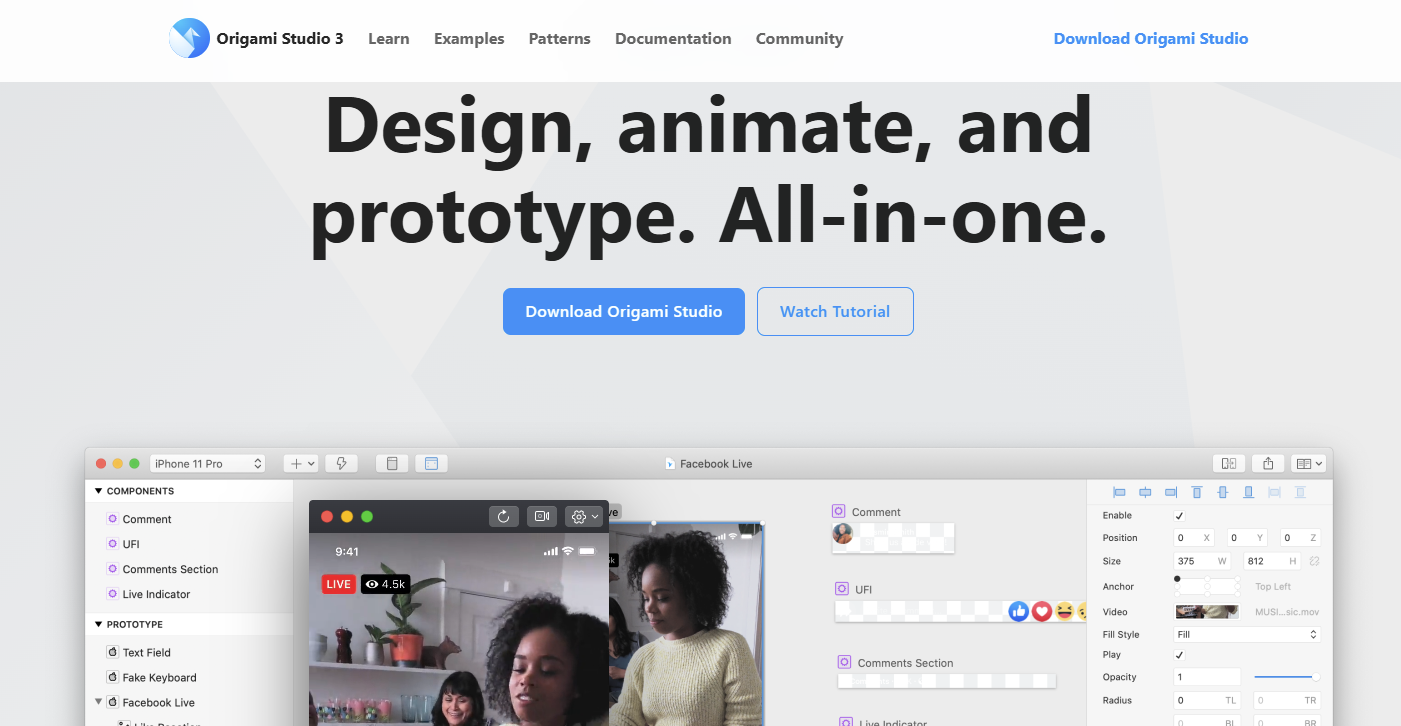
Origami Studio is an online mobile application design tool to create prototypes, wireframes, and interactive designs for the apps, websites, and more. This platform offers various services such as mirroring, sharing files, prototyping, real-time animations, and switches. Origami studio was developed by the Meta.
Special Features:
- Integration with third parties
- No code
- Real-time accessibility
30. Moqups
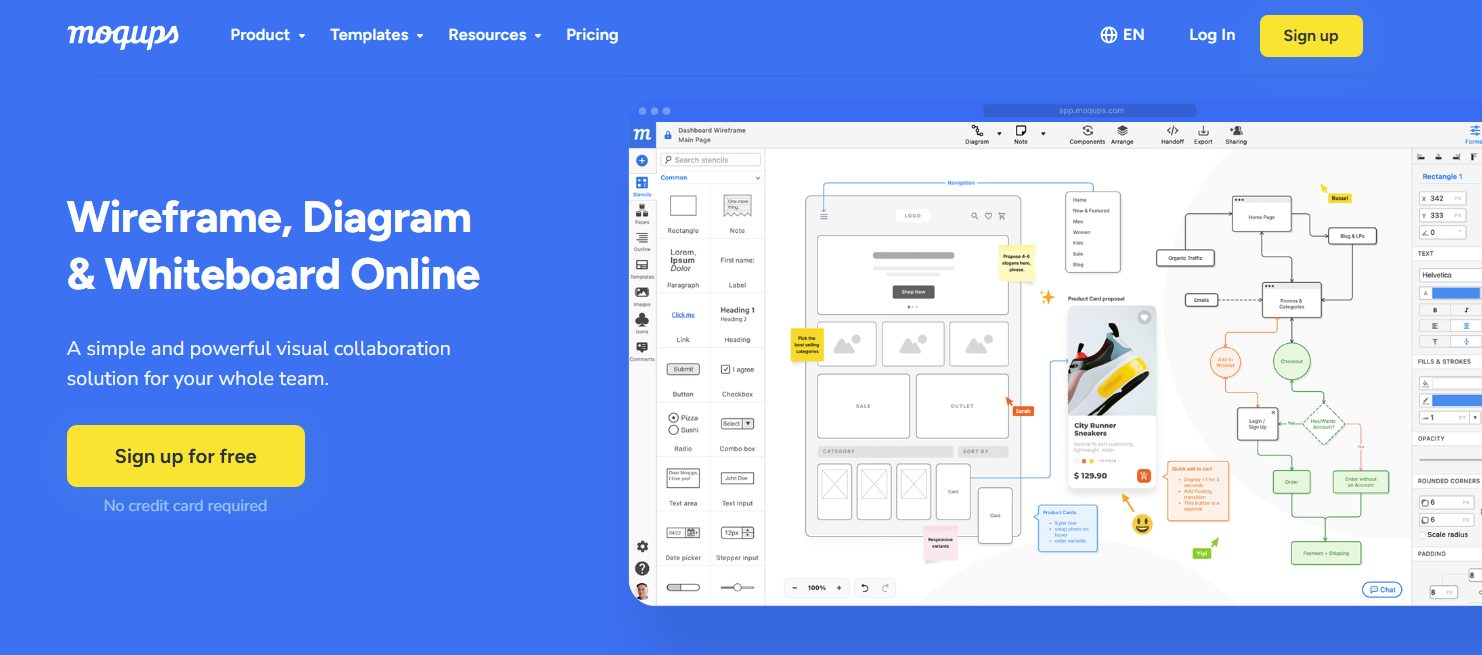
Moqups is a web design tool most used by companies or agencies to create unique website designs. It has over 2 million users. This platform various collaborations such as mockups, wireframes, prototypes, and diagrams. Moqups offers a wide range of functionalities, such as cloud-based accessibility, open-source support, and real-time collaborations.
Special Features:
- Team collaboration
- Drag-and-drop
- Cloud storage
How Dev Technosys Will Help You?
In this blog, we discussed the top tools for mobile app designers and provided detailed explanations of each tool’s special features. This blog explains why mobile app design tools are crucial for every website or app development to make it successful and globally reachable. After that explanation, it’s time to decide which tools you need to apply in your app or website development.
If you want to build tools for Android app designers, contact Dev Technosys, a successful mobile app development company with 14+ years of experience developing mobile apps and websites.
Frequently Asked Questions
Q1. Which Tool Is Best For Mobile App Designing?
There are various types of tools that provide high-quality designed collections, such as:
- Sketch
- Figma
- AdobeXD
- PhotoShop
- Canva
Q2. What Is The Key Factor To Consider When Designing For Mobile Apps?
Here we provide the list of the factors to consider:
- Clear navigation
- Responsiveness
- Accessibility
- User-centered design
- Visual appeal
Q3. Which Language Is Best For The App Designing?
We provide the best languages to design mobile apps. They are:
- Flutter
- React Native
- Ionic
- Xamarin
- Java
Q4. What Tools Are Best For Mobile App Prototyping And Animation?
As we discussed in the blog, there are various popular tools that are perfect for mobile app prototyping and animation:
- Flinto
- Framer
- Principle
- InVision Studio
- Lottie













