






















Welcome to the World of Frontend – Where Ideas Become Interactive!
Have you ever imagined what makes a website look like, attractive, user-friendly, and responsive? It’s the magic of frontend development. The frontend helps bring digital experiences to life by providing smooth animations for buttons and a sleek page design.
The frontend is defined as the part of a website or app that you see and interact with. It encompasses colors, layout, buttons, menus, images, and text.
Let’s dive into this frontend tutorial, where you can experience a step-by-step journey of frontend development. So, are you ready to turn your ideal into code and create interfaces which work seamlessly across different devices? Then, let’s not wait and read this blog to learn frontend development.
What is Frontend Development?
Front-end development refers to the process of creating the interactive and visual elements of websites that users interact with and view. This primarily includes JavaScript, HTML, and CSS to create attractive styles and layouts for user interface design.
An attractive frontend coding tutorial includes web design fundamentals, which help beginners to understand how to develop user-friendly and responsive websites easily.
Why is Frontend Development Crucial?
Here, we are discussing why frontend development is essential for developers to make websites more engaging.
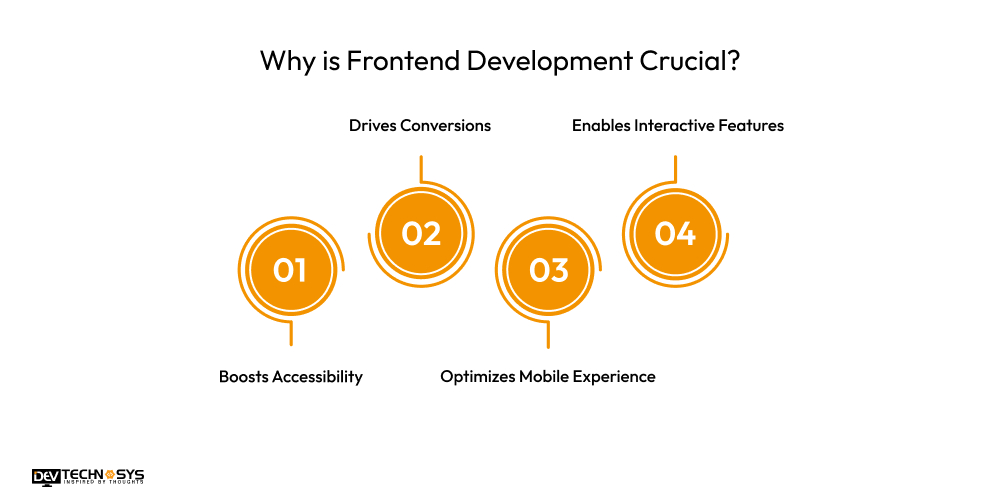
1. Boosts Accessibility
With a well-designed front-end, you can create a website that is readily usable for everyone, including individuals with disabilities.
2. Drives Conversions
An attractive and appealing frontend guides users to take actions that make purchasing easy. By working on HTML, CSS, JavaScript projects, developers can create a user-friendly interface which improves conversion rates.
3. Optimizes Mobile Experience
Front-end development is crucial, as it helps ensure that the website functions seamlessly on mobile devices. This is particularly important in today’s era of high mobile internet usage.
4. Enables Interactive Features
Front-end development is essential as it helps add several elements, such as animators, sliders, and forms, which make a website more functional and engaging.
Types of Frontend Programming Languages
Let’s explore different types of frontend programming languages that help you increase the interactivity, structure, and style of an app or website.
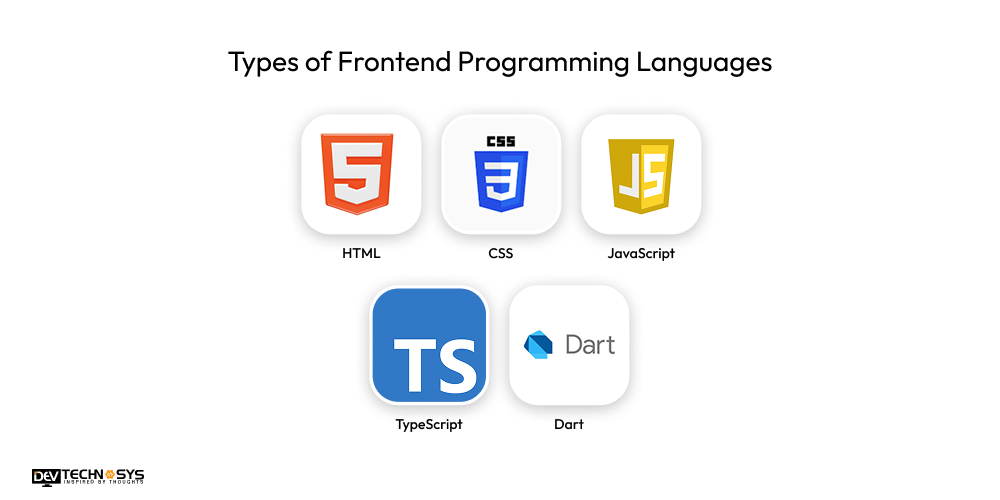
| Language | Purpose | Key Features |
| HTML | Structure of web pages | Defines content layout and elements |
| CSS | Styling of web pages | Controls colors, fonts, spacing, and responsiveness |
| JavaScript | Interactivity and dynamic content | Enables animations, form validation, and user actions |
| TypeScript | Superset of JavaScript | Adds static typing and better tooling support |
| Dart | Frontend for mobile/web apps | Used with Flutter for building fast, cross-platform apps |
Core Components of Frontend
Here, we are discussing a core component of the frontend that helps you offer a seamless experience to users.
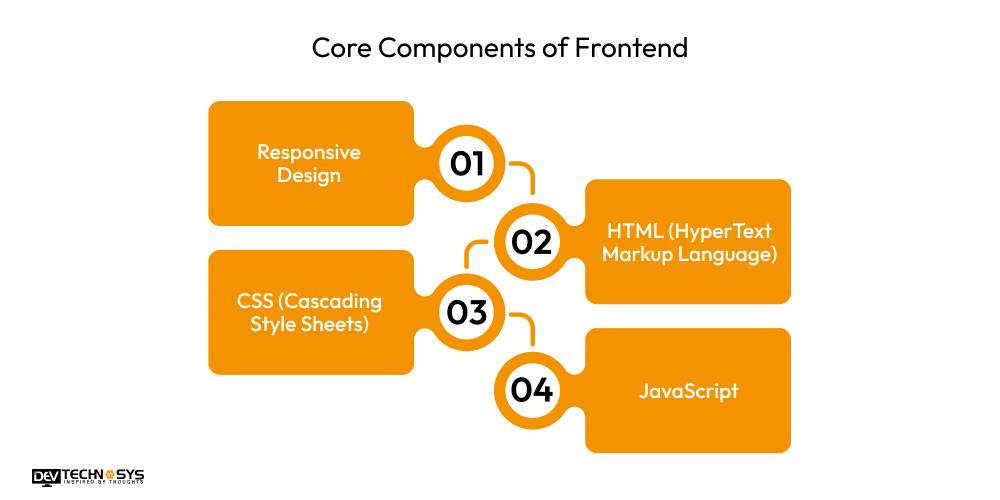
1. Responsive Design
Through this component of frontend, you can ensure that the website functions seamlessly on multiple devices such as smartphones, desktops, and tablets.
2. HTML (HyperText Markup Language)
This is an essential component of the frontend, which defines the structure of a webpage using elements such as images, headings, forms, links, and other visual elements.
3. CSS (Cascading Style Sheets)
It is a crucial component of the frontend that helps style the visual appearance of HTML elements, such as fonts, controls, layout, colors, and their responsiveness across multiple screen sizes.
4. JavaScript
With the help of this component, developers can add interactivity to websites through animation and real-time user interactions.

Databases in Frontend Development
To enhance user experience and facilitate efficient data retrieval, let’s examine the table below to determine which databases are crucial for frontend development.
| Database | Type | Used For | Key Features |
| IndexedDB | NoSQL (Client-side) | Storing large amounts of structured data in browsers | Asynchronous, key-value storage, persistent |
| LocalStorage | Key-Value Storage | Saving small, simple data (e.g., preferences, tokens) | Synchronous, max ~5MB, persists until cleared |
| SessionStorage | Key-Value Storage | Temporary data storage during a session | Synchronous, cleared when tab/browser closes |
| WebSQL | Relational (SQL) | Structured data storage with SQL queries (legacy use) | Based on SQLite, not widely supported anymore |
| Firebase (Firestore) | NoSQL (Cloud + Client-side) | Real-time data syncing and storage in web apps | Real-time updates, offline support, scalable |
| PouchDB | NoSQL (Client-side) | Syncing local and remote CouchDB databases | Offline-first, sync with server, JSON-based |
Frontend Testing and Debugging
- With frontend testing, you can ensure that users see and interact with the app and website work correctly. This testing helps in checking performance, buttons, features, and layouts.
- With debugging, you can identify and fix bugs and errors in the UI or code.

Frontend vs Backend Development – What’s the Difference?
Let’s identify the factors that differentiate front-end from back-end. By the end of this table, you can find out how the frontend emphasizes client-side scripting. So, come and learn more about frontend development tutorial and responsive web design tutorial with this table.
| Aspect | Frontend Development | Backend Development |
| Definition | Deals with the visual part of a website or app | Handles server-side logic, database, and application logic |
| Main Focus | User interface (UI) and user experience (UX) | Data processing, server communication, and performance |
| Technologies | HTML, CSS, JavaScript, React, Angular, Vue | Node.js, PHP, Python, Java, Ruby, .NET |
| Data Handling | Displays data to users | Manages, processes, and stores data |
| Runs On | Web browsers (client-side) | Servers (server-side) |
| Examples of Tasks | Designing layout, buttons, menus, animations | Creating APIs, managing databases, and authentication |
| Tools/Frameworks | Figma, Bootstrap, SASS, React | Express.js, Django, Laravel, MongoDB, MySQL |
| Skills Required | Design sense, responsiveness, basic logic | Programming, database management, server handling |
How to become a Frontend developer?
- To become a frontend developer, you must learn the core languages, including CSS, HTML, and JavaScript.
- With the help of having an in-depth understanding of web design fundamentals, you can learn browser compatibility and responsive design.
- To become front-end developers, it is crucial to understand APIs and version control.
Conclusion
As per the above discussion, we have now concluded that frontend web development for beginners is a journey that helps them become aware of core components, languages, and databases to build an engaging website. With the help of accurate tools and support from dedicated developers, you can create a user-friendly interface.













