
























Ever wished your web app could run as a full-featured desktop app on Windows, macOS, or Linux?
With React, you can make that happen easily!
React isn’t just for websites anymore. By combining it with tools like Electron or Tauri, you can turn your web skills into powerful, installable desktop applications without learning an entirely new language.
Key takeaways:
-
- Use Electron to wrap your React app, enabling cross-platform desktop deployment using web-based frontend code.
- Start with Create React App to scaffold your project, making it easier to integrate with Electron later.
- Create a main.js file in Electron to control the desktop window and load your React app.
- During development, use concurrently to run both React development server and Electron process at the same time.
This means you can build apps that look great, work fast, and run across multiple platforms, all from a single React codebase.
Whether you’re a freelancer, startup founder, or developer wanting to expand your reach, desktop apps open the door to new users and new income streams.
In this dynamic blog, we’ll walk you through everything you need to build a desktop app with react, step by step.
Let’s turn your next idea into something users can download!
What is a Desktop App?
To make a traditional PC app, you need to know platform-specific languages and tools, like C++ for Windows or Swift for macOS. This makes codebases more complicated and broken up. When developers use both React and Electron together, they can write their game once and make it work on all major operating systems.
React is a tool that lets you use JavaScript to make user interfaces. Electron, on the other hand, is a system for cross-platform desktop development in JavaScript, HTML, and CSS. Together, they make it easy to make current desktop apps that are engaging.
Why Build a Desktop App with React?
To build a desktop app with react, it offers a unified codebase, fast development, cross-platform compatibility, and a modern UI, making it ideal for efficient, scalable, and user-friendly desktop software solutions.
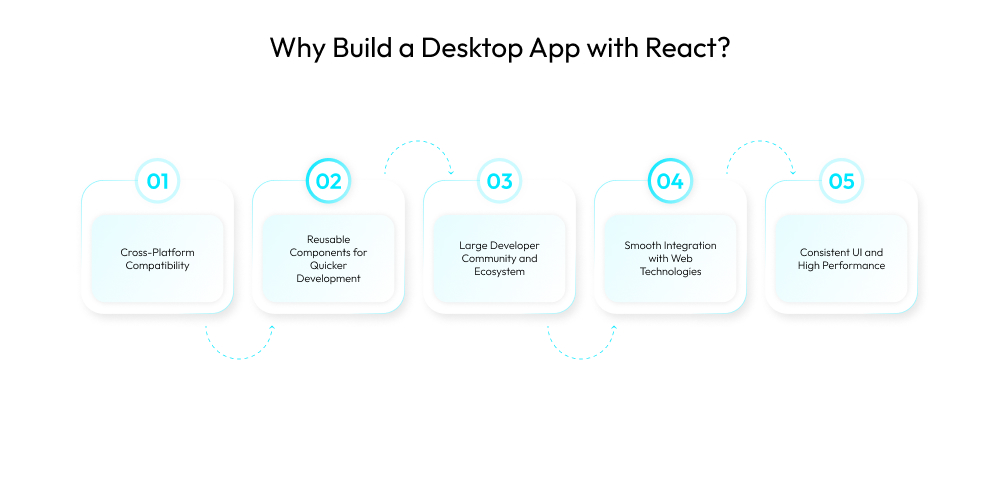
1. Cross-Platform Compatibility
React, when paired with Electron or comparable frameworks, enables you to create desktop programs that operate flawlessly on Windows, macOS, and Linux from a single codebase. This decreases development time while maintaining uniform performance and design across platforms.
2. Reusable Components for Quicker Development
React’s component-based architecture encourages code reuse, allowing developers to create large desktop apps fast. Hire web developers to create modular UI components simplifies maintenance, reduces redundancy, and speeds up upgrades or new enhancements.
3. Large Developer Community and Ecosystem
React has a large community, comprehensive documentation, and dozens of libraries and tools. This ecosystem enables speedier debugging, access to plugins, and up-to-date best practices, making desktop app development more efficient and dependable.
4. Smooth Integration with Web Technologies
React makes use of conventional web technologies such as HTML, CSS, and JavaScript. This allows web developers to seamlessly migrate into desktop app development and construct rich, interactive experiences without having to learn a new stack from start.
5. Consistent UI and High Performance
React with Electron for desktop applications provides a responsive and dynamic user experience by utilizing a virtual DOM and fast rendering algorithms. When combined with Electron or Tauri, it gives near-native performance for quick, fluid, and contemporary desktop applications.
Want a chatbot demo or pricing? Fill the form and talk to our experts today.
Pick what you need below — you can select more than one — then tap Get detail to continue.
-
Chatbot demo dashboard
-
Cost to develop an app
-
Industry report
-
Case study
Overview of Electron
Electron is an open-source system made by GitHub that lets you use web tools to make desktop apps. It bundles your web code with a Chromium browser and Node.js runtime.
Key Components:
- Main Process: Manages the application lifecycle and native interface.
- Renderer Process: Runs the user interface using Chromium.
- Preload Scripts: Provide controlled access to Node.js APIs in the renderer process.
Electron apps are essentially web applications that can access operating system-level APIs.
Setting Up Your Development Environment
Create desktop application using React and Electron:
Prerequisites:
- js (v16 or above recommended)
- npm or yarn
- A code editor (Visual Studio Code preferred)
Installation:
Verify your Node and npm versions:
node -v
npm -v
Install create-react-app:
npx create-react-app react-desktop-app
cd react-desktop-app
Install Electron as a development dependency:
npm install –save-dev electron
Creating a React Application
React provides a solid foundation for UI development. Step-by-step guide to React desktop app development.
Use create-react-app to bootstrap the app quickly:
npx create-react-app my-desktop-app
cd my-desktop-app
This generates a basic React project structure with pre-configured tooling.
Integrating Electron with React
Create Electron Main Process File
Create a new file public/electron.js:
const { app, BrowserWindow } = require(‘electron’);
const path = require(‘path’);
function createWindow() {
const win = new BrowserWindow({
width: 800,
height: 600,
webPreferences: {
preload: path.join(__dirname, ‘preload.js’),
contextIsolation: true,
},
});
win.loadURL(‘http://localhost:3000’);
}
app.whenReady().then(createWindow);
Add Electron Start Script to package.json
“main”: “public/electron.js”,
“scripts”: {
“start”: “react-scripts start”,
“electron”: “concurrently \”npm start\” \”wait-on http://localhost:3000 && electron .\””
}
Install supporting tools:
npm install concurrently wait-on –save-dev
Run the app:
npm run electron
Project Structure and Configuration
Recommended structure:
my-desktop-app/
├── public/
│ ├── electron.js
│ └── preload.js
├── src/
│ ├── components/
│ ├── App.js
│ └── index.js
├── package.json
└── README.md
This structure separates Electron-specific and React-specific code.

Using Electron Features in Your App
File System Access
const fs = require(‘fs’);
fs.writeFile(‘example.txt’, ‘Hello from Electron!’, err => {
if (err) throw err;
});
Notifications
new Notification({ title: ‘Notification’, body: ‘Electron works!’ }).show();
Dialogs
const { dialog } = require(‘electron’);
dialog.showOpenDialog({ properties: [‘openFile’] }).then(result => {
console.log(result.filePaths);
});
Use contextBridge in preload.js to expose functions securely:
const { contextBridge, ipcRenderer } = require(‘electron’);
contextBridge.exposeInMainWorld(‘api’, {
notify: (message) => ipcRenderer.send(‘notify’, message),
});
Building and Packaging the Application
Use electron-builder to package your app:
Install electron-builder:
npm install –save-dev electron-builder
Update package.json:
“build”: {
“appId”: “com.example.reactdesktopapp”,
“mac”: { “target”: “dmg” },
“win”: { “target”: “nsis” },
“linux”: { “target”: “AppImage” }
},
“scripts”: {
“pack”: “electron-builder –dir”,
“dist”: “electron-builder”
}
Build the App:
npm run build
npm run dist
Output installers will be available in the dist/ directory.
Distributing the Desktop App
Once packaged, distribute your app via:
- GitHub Releases
- Your website
- Microsoft Store (Windows)
- Mac App Store (requires notarization)
Best Practices for Desktop App Development
Discover essential best practices to build a desktop app with React, including performance optimization, cross-platform support, security, and user experience, ensuring your application is reliable, scalable, and delivers a seamless user experience across devices.
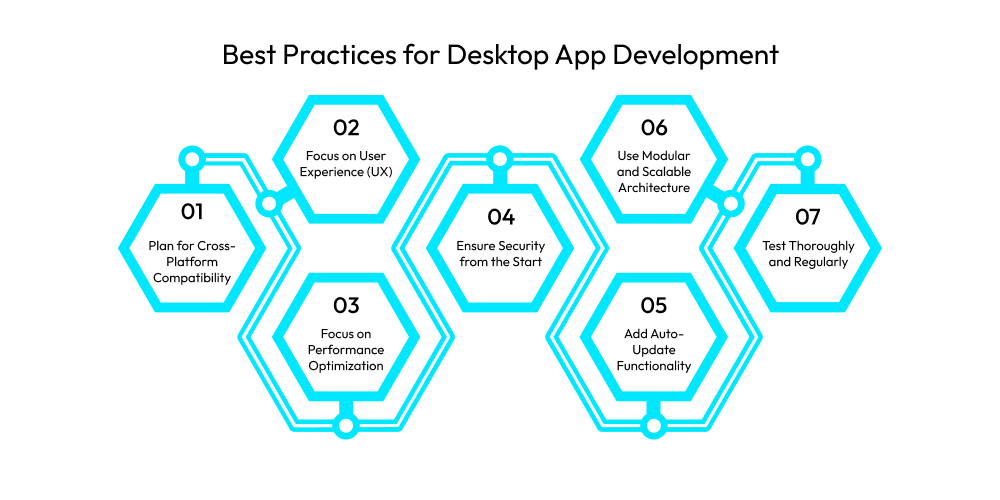
1. Plan for Cross-Platform Compatibility
Make sure your program supports key platforms such as Windows, macOS, and Linux. To speed development, consider using cross-platform frameworks such as Electron or Tauri.
Test your UI and functionality across systems to identify discrepancies early and provide a consistent experience for all users, independent of operating system.
2. Focus on User Experience (UX)
Design with the end user in mind. Ensure easy navigation, responsive interfaces, and short learning curves. Good UX improves user happiness and decreases churn.
Follow desktop UI standards and make your program accessible to persons with impairments by using screen readers, keyboard navigation, and color contrast.
3. Focus on Performance Optimization
Optimize your app’s performance and resource efficiency. Avoid unneeded background activities, compress materials, and reduce memory utilization. Laggy interfaces and high CPU utilization can erode user confidence.
Hire dedictated developers to use performance profiling tools to identify bottlenecks and continually improve load times and responsiveness.
4. Ensure Security from the Start
Create Mac desktop app with React to implement security best practices, including data encryption, secure authentication, and frequent upgrades. Do not hardcode private information, and make sure that all user entries are correct.
Stay aware of typical vulnerabilities, such as injection attacks, and adhere to safe coding principles to protect user data and ensure compliance.
5. Add Auto-Update Functionality
Including auto-update functionality ensures that users always have access to the newest security patches and features. It increases dependability, lowers support costs, and assures uniformity across users.
Best tools to build desktop app with React like Electron’s autoUpdater or third-party services to automate update distribution while minimizing disruption to user processes.

6. Use Modular and Scalable Architecture
Design your app using a modular framework that separates issues and promotes reuse. This increases code maintainability and enables teams to expand features or modules independently.
Adopting paradigms like as MVC or MVVM results in a better structured codebase, particularly for expanding projects.
7. Test Thoroughly and Regularly
Comprehensive testing, including unit, integration, and user interface tests, assures app stability.
Hire React Native app developers to automate your testing routines to detect regressions early, and manually test across platforms to find hidden defects. Regular QA cycles contribute to a refined, dependable user experience and reduce post-release difficulties.
5 Common Pitfalls and How to Avoid Them
Avoid common pitfalls in desktop app development, like poor performance, weak security, and lack of cross-platform support, by following smart strategies that ensure stability, scalability, and a seamless user experience.
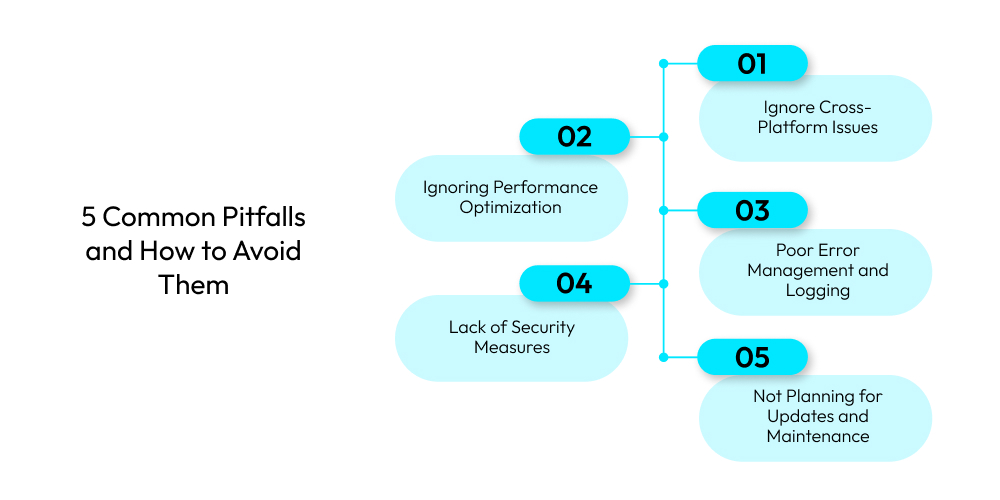
1. Ignore Cross-Platform Issues
Assuming that your software will operate the same across all platforms might lead to issues and crashes. Always test on Windows, Mac, and Linux.
Use platform-agnostic libraries and account for system-specific characteristics during website development to provide a seamless, uniform user experience across the board.
2. Ignoring Performance Optimization
Poorly optimized programs might take an excessive amount of memory and CPU, resulting in poor response times and unhappy users. Avoid superfluous re-renders, closely monitor resource utilization, and profile your program on a frequent basis.
Optimize loading times and background operations to keep the UI smooth and responsive.
3. Poor Error Management and Logging
Failure to incorporate effective error handling can make debugging difficult and reduce user confidence. Use try-catch blocks with caution, offer informative error messages, and report errors regularly.
Create windows app using React to implement centralized logging to monitor issues, enhance support, and prepare for future upgrades.
4. Lack of Security Measures
Many developers ignore basic security precautions, putting user data at danger. Always check user inputs, employ encryption, and avoid exposing sensitive data in code.
According to the website development company, implement secure authentication and stay up to speed on developing vulnerabilities to protect your app and user data.
5. Not Planning for Updates and Maintenance
Skipping future planning leads to technological debt and out-of-date features. Implement auto-updates and version control from the beginning. Design your architecture such that it can readily tolerate adjustments.
Review and refactor your code on a regular basis to maintain the program’s efficiency, safety, and in line with user expectations.
Conclusion
Finally, build a desktop app with React gives you freedom, the ability to work on multiple platforms, and a strong community of developers. Using frameworks like Electron or Tauri along with React, developers can make desktop apps that run quickly, can be scaled up, and are easy for users to understand.
React makes the whole development process easier by letting you reuse parts and making changes go smoothly. Working with a react native app development company that can make great desktop solutions for your business is a good idea if you want to see your ideas come to life quickly and professionally.
Frequently Asked Questions
1. What Is The Best Framework For Building Desktop Apps With React?
Electron is the most popular choice, but Tauri is gaining traction due to its smaller bundle size and better performance.
2. Is React Native Suitable For Desktop Apps?
React Native is mainly for mobile, but extensions like React Native for Windows and macOS allow you to build native desktop apps.
3. How Does the Tauri Differ From the Electron?
Tauri is a lightweight alternative to Electron, using your system’s webview instead of bundling Chromium, resulting in smaller, faster apps.
4. Do React Desktop Apps Work Offline?
Yes, desktop apps built with React can work offline by bundling all necessary files and using local storage or embedded databases.
5. What Languages Are Needed To Build A React Desktop App?
Primarily JavaScript (or TypeScript), along with HTML and CSS. Knowledge of Node.js and system APIs can also be helpful.














