




Key Takeaways:
-
- AI Agent vs AI Chatbot: choose by workflow, not hype. Chatbots suit repetitive, low-risk requests, while agents handle multi-step, cross-system tasks.
- The real difference is action: chatbots answer within a set scope, while agents plan steps and complete tasks.
- Agents cost more to build and run, so guardrails, permissions, and audit trails matter before launch.
- Most teams end up using both, with a chatbot at the front door and an agent behind it.
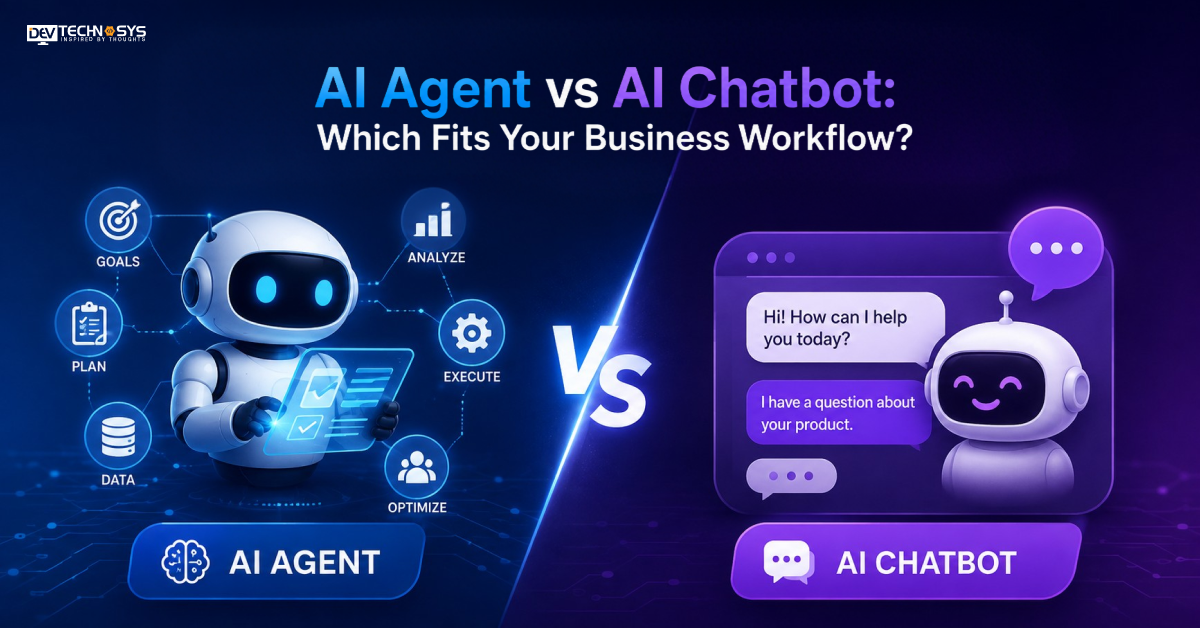
The question most teams face is this one: to deploy a chatbot or to create an AI agent? While it seems straightforward on a vendor slide, the AI agent vs AI chatbot choice can impact your system’s productivity capabilities. A chatbot provides responses within a pre-programmed domain. An agent reads context, calls tools, and completes tasks between your systems.
If you get the wrong one, it costs you as much in both directions. Underbuild, and you lose autonomy you never get to use. Underbuild, and your team continues to duplicate data in and out of tools, and customers sit and wait on a bot to apologize.
The guide you’re reading is about AI agents vs chatbots, as seen through your workflows, which means you can align the appropriate tool with the right task and confidently plan AI workflow automation.
What is an AI chatbot?
A conversational AI chatbot is software that carries on conversations with users in natural language and reacts in a specific area. Older versions are based on scripts and decision trees. The newer ones employ a language model to comprehend open-ended inquiries and then generate responses based on the knowledge base.
Some of the most common functions of core AI chatbot features are FAQ responses, data capturing (including names, order numbers, etc.), lead qualification, appointment scheduling, and conversation routing to the appropriate team. Each response is a single answer to a single topic. The bot is unable to make decisions independently on what to do next.
This makes AI-powered business chatbots a good choice for simple requests like support, which are relatively low-risk and high-volume.
A common chatbot flow goes like this: Customer asks, Chatbot looks for a response, and then it concludes or transfers to a human. The bot hits its cap once a refund is needed or 3 systems are checked.
What is an AI agent?
An autonomous AI agent is a system designed to follow a language model that can reason about a goal, select actions, and perform them. It takes the discussion as being only part of a much bigger task. An agent doesn’t wait for the next prompt but rather divides a request into steps, calls real tools like your CRM, ticketing system, or payment gateway, evaluates the outcome, and continues to work through the request until it is completed.
The features of core AI agents range from the ability to use tools, remember past interactions, plan for multiple steps, and know when to transfer to a human. These intelligent AI agents can update a record, issue a refund, or reschedule a follow-up, all without any human driving any of the individual moves.
This is why business AI agents are a great fit for teams that have cross-system work. An AI agent workflow can search for an order, verify the policy, handle the exchange, and send out an email to the customer. But the construction of a single well requires sound integration design, clear guardrails, and clean data, which is where AI agent development comes in handy.
Industry Insight
According to McKinsey, 62% of organizations are experimenting with AI agents, while 23% are already scaling agentic systems.
AI Agent vs AI Chatbot: Key Differences
The difference between AI agents and chatbots comes down to who decides the next step. When comparing AI chatbots with AI agents, the chatbot takes a predetermined route to a goal, whereas the agent discovers his/her own route to a goal.
The largest gap is regarding autonomy. A chatbot responds to every message in turn and waits for a response. An agent may take any kind of action without being prompted; for instance, if the shipment is late, the agent can reach out to the customer first.
There is integration underlying that as well. Generally, chatbots read data or information from a knowledge base or hand data to one system. Agents do multi-system reading and writing concurrently.
Memory differs. Most times, chatbots will remember nothing after a session, but agents will remember the context as they move from one session to the next.
That shapes automation. AI chatbot automation deals with repetitive and predictable requests. Work that requires judgment, sequencing and follow-through is covered by AI agent automation.
There is an inverse correlation between cost and risk. Chatbots have lower launch costs and are more manageable. Agents provide more value per task and require permissions, monitoring, and audit trails. Complexity is the deciding factor in any AI agent vs chatbot scenario.
Dimension |
AI chatbot |
AI agent |
| Core job | Answers questions and walks users through set steps | Completes the task from start to finish |
| Decision logic | Matches a message to a flow or a knowledge base answer | Plans steps and chooses tools to reach a goal |
| Initiative | Waits for the user’s next message | Can start work on its own, such as flagging a delayed order |
| Unexpected requests | Falls back to a script or a human handoff | Reasons through them within set permissions |
| Systems reached | One knowledge base or a single integration | Several systems with read and write access |
| Memory | Often resets when the session ends | Carries context across sessions |
| Sample task | Shares the return policy and store hours | Verifies the order, issues the refund, updates the CRM and notifies the customer |
| Best-fit workflow | Repetitive, low-risk, single-step requests | Multi-step, cross-system work that needs judgment |
| Setup and oversight | Lighter build with basic monitoring | Deeper integration, guardrails, permissions, and audit trails |
| Main risk | Dead ends and frustrated users | Wrong actions if permissions are too loose |
Choosing Between AI Chatbot vs AI Agent: A Five-Question Workflow Scorecard
The right pick gets easier when you score the work itself instead of comparing the tools.
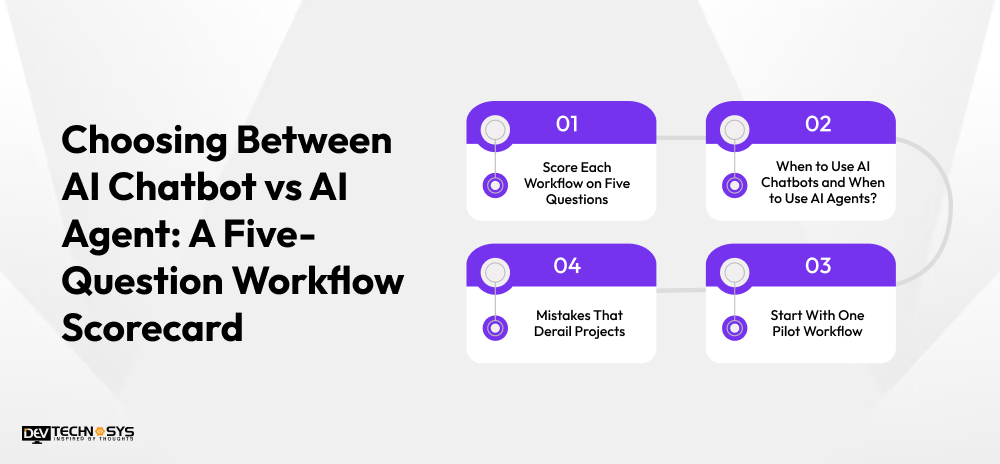
Score Each Workflow on Five Questions
Rate every workflow on these five points before you pick a tool.
- Task complexity: Does the job end after one answer, or does it need several steps?
- Systems touched: Does it stay in a knowledge base, or does it cross your CRM, billing, and ticketing tools?
- Risk: What happens if the bot gets it wrong? A wrong store hour is minor. A wrong refund is not.
- Volume: Is the request repeated thousands of times in the same form?
- Autonomy tolerance: How much independent action is your team comfortable allowing?
Rate each question from one to three, where three means complex, risky, or cross-system.
When to Use AI Chatbots and When to Use AI Agents?
Mostly low scores point to a chatbot. This is when to use AI chatbots: single-step, repetitive, low-risk requests. High scores on three or more questions show when to use AI agents: multi-step, cross-system, judgment-heavy work. Anything in between suits a chatbot that hands off to an agent.
In any AI chatbot vs AI agent decision, most teams find their workflows split between both, so AI-powered business workflows often combine the two.
Mistakes That Derail Projects
Three mistakes show up often in early projects.
- Teams deploy an agent on messy data, so it acts on wrong information.
- They grant broad permissions on day one instead of starting read-only.
- They push a simple FAQ flow onto an agent and pay for autonomy the task never needed.
Start With One Pilot Workflow
Pick one workflow, track resolution rate and error rate, and expand only when the numbers hold steady. Many teams begin with a chatbot on the highest-volume request, then add agent capabilities where the scorecard says the work is complex. If a chatbot is the right first step, AI chatbot development can build one that fits your existing stack and security needs.
AI Agent vs Chatbot Use Cases By Business Function
The AI agent vs AI chatbot split shows up differently in each team, so match the tool to the work each function does.
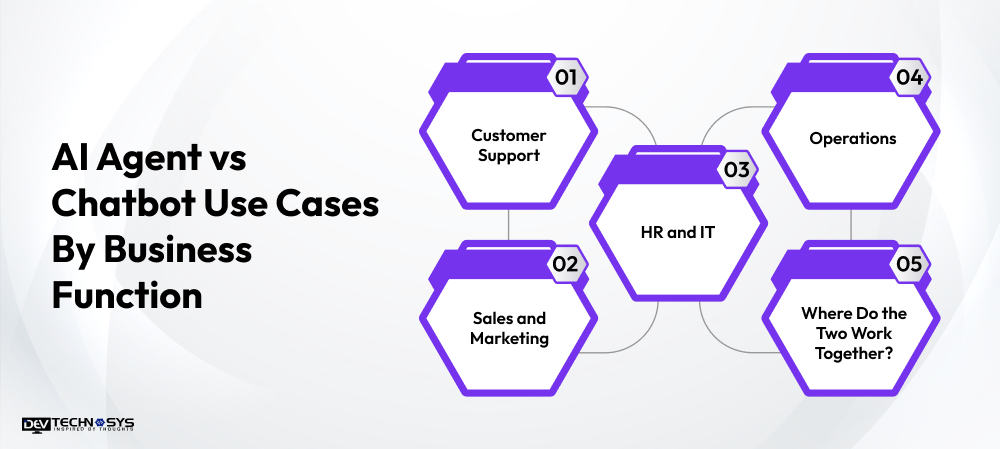
Customer Support
AI chatbot use cases here include order status, return policies, store hours, and password resets. AI agent use cases start where the issue crosses systems, such as a billing dispute that needs account history, policy checks, and a credit.
Sales and Marketing
Among AI chatbot business use cases, lead qualification, pricing questions, and demo booking work well. AI agent business use cases go further, such as ranking regional prospects each morning and drafting the outreach
HR and IT
A chatbot answers leave policy, payroll dates, and device setup questions. An agent can onboard a new hire by creating accounts, assigning training, and notifying the manager.
Operations
Chatbots handle stock checks, order tracking, and delivery status. Agents reorder inventory, reroute delayed shipments, and alert suppliers when thresholds are crossed.
Where Do the Two Work Together?
Most teams end up using both tools. In a single customer journey, the chatbot greets and qualifies while the agent finishes the job behind the scenes. Getting that handoff right depends on solid conversational AI development that connects your channels, data, and business rules, so customers never repeat themselves and staff always see the full context.
Hybrid AI Business Automation: Chatbot in Front, Agent Behind
Most teams do not have to pick a side in the AI agent vs AI chatbot debate. The strongest AI business automation setups split the job by layer, not by tool.
- The chatbot handles the front door: it greets the customer, understands the request, and collects key details.
- The agent takes over when the task needs action: it checks records, applies policy, and completes the steps across systems.
- A human steps in for exceptions: approvals and upset customers go to a person with the full history attached.
This structure keeps simple requests fast and cheap for customers while reserving agent effort for complex work. It also turns AI workflow automation into a controlled path, where each layer has clear permissions and a clear handoff.
Industry Insight
According to IBM Newsroom, 69% of surveyed executives identified improved decision-making as the leading benefit expected from agentic AI systems.
AI Agent and Chatbot Development Cost: What Drives The Price
Agents generally cost more to build and run than chatbots. The gap comes from scope, not from the model itself.
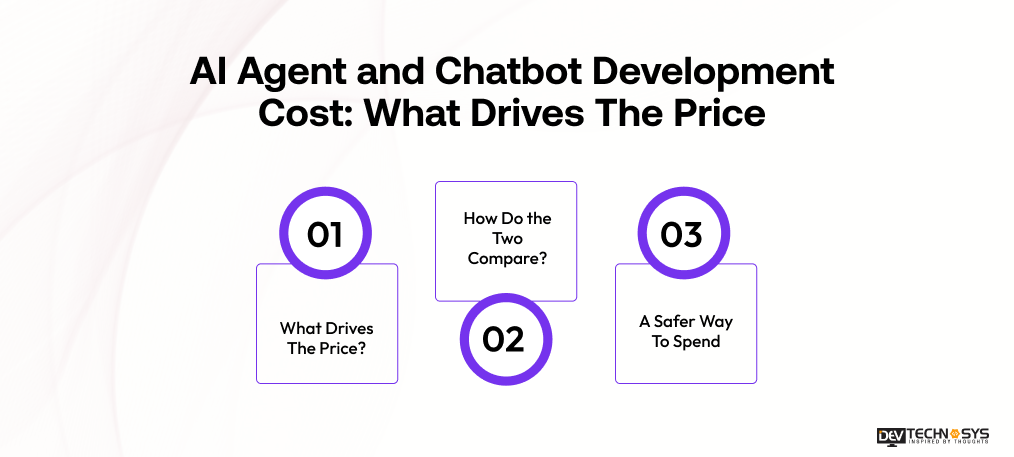
What Drives The Price?
- Integrations: every system the bot touches adds design, testing, and maintenance work.
- Data readiness: clean, structured records shorten the build. Messy data slows it.
- Level of autonomy: the more actions a bot can take alone, the more guardrails it needs.
- Security and compliance: regulated data adds reviews, access controls, and audit logging.
- Ongoing monitoring: agents need closer tracking of errors, costs, and permissions after launch.
How Do The Two Compare?
A chatbot’s cost rises with the size of its knowledge base and the number of channels it serves. An agent’s cost rises with the number of systems it connects to and the actions it may perform.
A Safer Way To Spend
Start with one workflow, measure resolution and error rates, then expand gradually. This keeps spend tied to proof instead of rough guesses. For a scoped estimate based on your own systems, talk to a team offering AI development services.

Conclusion: Match The Tool To The Workflow, Not The Trend
The AI agent vs AI chatbot decision comes down to the work, not the label. Neither tool is better. Each one earns its place in a different kind of workflow.
Use chatbots for repetitive, low-risk, single-step requests where speed and consistency matter. Use agents for multi-step, cross-system work that needs judgment and follow-through. When both appear in one customer journey, let the chatbot handle the front door, and the agent finish the job behind it.
Start small. Score one workflow with the five questions, run a pilot, and track resolution and error rates. Expand only when results hold. Once the pilot proves the value, agentic AI development is the natural next step for teams ready to give software more responsibility.
Frequently Asked Questions
Find answers to the most common questions related to this article.
The core AI agent vs AI chatbot difference is action. A chatbot answers questions within a set scope, while an agent plans steps, uses tools, and completes tasks across systems. Chatbots respond; agents deliver outcomes, which makes agents better for multi-step work.
Often, yes. Adding AI agent capabilities like tool access, memory, and guardrails can extend an existing chatbot, and your current flows carry over. Start with a single low-risk task, such as updating an order, and expand as results prove reliable.
Usually, yes. AI agents for business need more integrations, permissions, and monitoring, so build and running costs rise. Scope drives the gap more than the model. A chatbot on a narrow knowledge base is cheaper than an agent acting across several systems.
A chatbot is enough when requests are repetitive, low-risk, and single-step. That covers FAQs, order status, appointment booking, and basic lead capture. This is when to use AI chatbots: the answer sits in a knowledge base, and no cross-system action is needed.