























In this digitalization world, small and big businesses want a platform where they can automate their human resource operations to enhance flexibility and reduce human efforts. Where an app like Gusto offers human resources to perform various HR operations via mobile devices, such as payroll management, onboarding, time tracking, tax filing, and employee benefits.
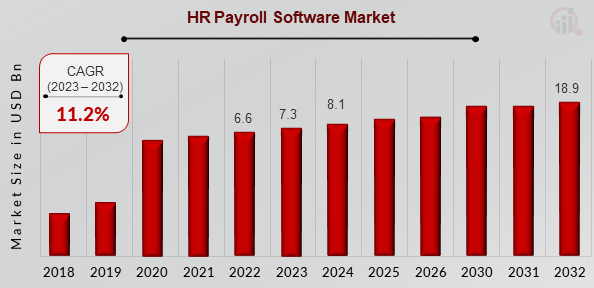
As per the global survey, the payroll app market was valued at around $7.3 billion in 2023. It is projected to grow around $18.9 billion by the end of 2032.
The above useful data reveals that investing in a payroll app like Gusto is an income-source-generating opportunity for entrepreneurs to expand their business in a new way.
In this energetic blog, we will explore how to develop a payroll app like Gusto, benefits for entrepreneurs, cost, advanced features, and monetization techniques.
Hang on!
What is Gusto?
The Gusto app is a mobile version of Gusto’s cloud-based HR platform, specifically built for small and medium-sized businesses. It streamlines payroll, benefits management, and employee onboarding.
Business owners may manage payroll, measure work hours, and verify compliance, whilst employees can check pay stubs, manage benefits, and update personal information. The best HR management apps, like Gusto, allow organizations to manage important operations from anywhere.
- Automate Payroll Processing
- Employee Access
- Employee Benefits Management
- Onboarding Process
Market Analysis of Payroll Applications
- In 2023, the payroll mobile app industry was estimated to be worth $7.3 By the end of 2032, it is anticipated to have grown to about $18.9 billion.
- According to the global market, the payroll application is expected to grow with a compound annual growth rate of 2% during the forecast period from 2024 to 2032.
- As per a recent survey, the market for HR payroll software was dominated by North America.
- In the payroll software the HR payroll software category will be more demanding and successful in this competitive market in 2022.
- The user penetration of payroll mobile applications is expected to increase with rapid growth by the end of 2030.
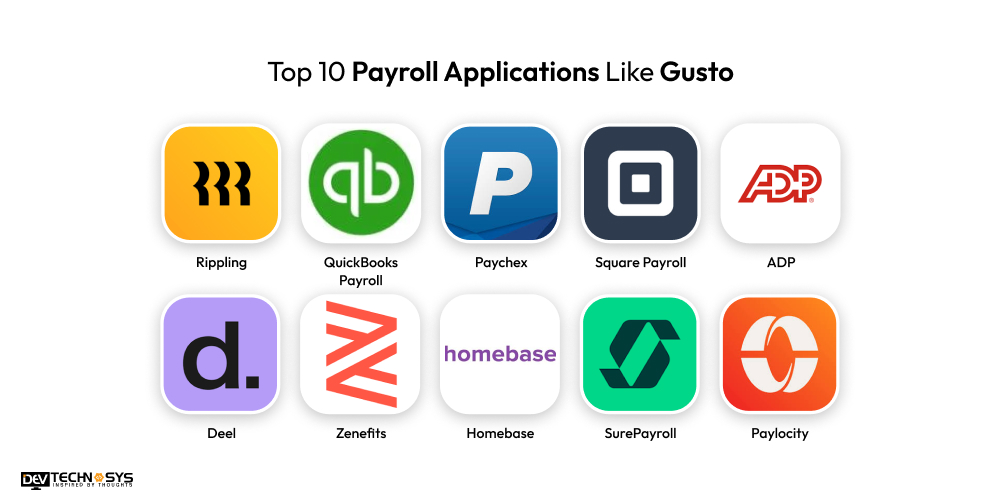
Top 10 Payroll Applications Like Gusto
Here’s a table of top mobile payroll apps similar to Gusto, including their launch year, platform availability, user ratings, and store downloads where available:
| Applications | Download Users | Stores Ratings | Apps Launched On | Platform Accessibility |
| Rippling | 10M+ | 4.7 | 2016 | Android, iOS, Web |
| QuickBooks Payroll | 100K+ | 4.2 | 2001 | Android, iOS, Web |
| Paychex | 1M+ | 4.0 | 2000 | Android, iOS, Web |
| Square Payroll | 500K+ | 4.1 | 2016 | Android, iOS, Web |
| ADP | 1M+ | 4.0 | 2005 | Android, iOS, Web |
| Deel | 500K+ | 4.2 | 2018 | Android, iOS, Web |
| Zenefits | 100K+
|
4.0 | 2013 | Android, iOS, Web |
| Homebase | 500K+
|
4.4 | 2015 | Android, iOS, Web |
| SurePayroll | 50K+ | 4.5 | 2000 | Android, iOS, Web |
| Paylocity | 100K+ | 4.5 | 2000 | Android, iOS, Web |
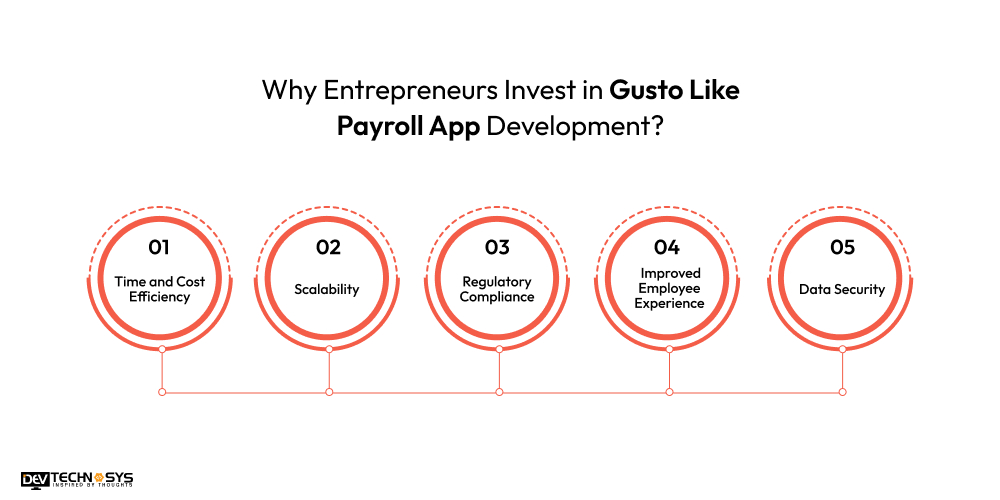
Why Entrepreneurs Invest in Gusto Like Payroll App Development?
Entrepreneurs invest in Gusto-like payroll software development for a variety of reasons, including business goals, operational efficiency, and scalability. Here are five main reasons:
1. Time and Cost Efficiency
Managing payroll manually can be time-consuming and error-prone. Entrepreneurs engage in payroll app development to automate operations such as wage calculation, tax filing, and benefits administration.
This saves administrative costs and guarantees compliance with labor rules, saving both time and money. Gusto similar apps simplify payroll operations, allowing businesses to focus on core tasks.
2. Scalability
Payroll management becomes more complex as a business grows. A Gusto-style payroll system can scale with a growing staff by providing features that handle various pay structures, benefits, and tax rules.
Entrepreneurs recognize the value of investing in technologies that can scale with their company, minimizing the need for costly upgrades or system changes as their workforce grows.
3. Regulatory Compliance
Payroll rules, tax rates, and compliance regulations are always changing, making it difficult to stay current. Compensation management apps such as Gusto offer automatic updates to assure federal, state, and local compliance.
As we discussed earlier with iPhone app development company, entrepreneurs engage in such systems to avoid penalties or legal problems that could result from payroll errors.
4. Improved Employee Experience
A streamlined payroll system can dramatically increase employee satisfaction. Entrepreneurs recognize that providing features such as direct deposit, simple access to pay stubs, and benefits management via a compensation management app improves the employee experience, aiding in retention and attracting top talent.
5. Data Security
Managing sensitive financial data necessitates stringent security protocols. Payroll software include encryption and secure access capabilities to protect employee and corporate data. Entrepreneurs engage in payroll software to reduce the dangers of data breaches and maintain confidentiality.
7 Easy Steps To Develop An App Like Gusto
To make an app like Gusto, we offer robust development steps that help businesses understand the working process and gain in-depth development knowledge. These development stages can enhance the business experience and give an idea of how to build a successful app similar to Gusto. So, here we offer the robust payroll mobile app development process:
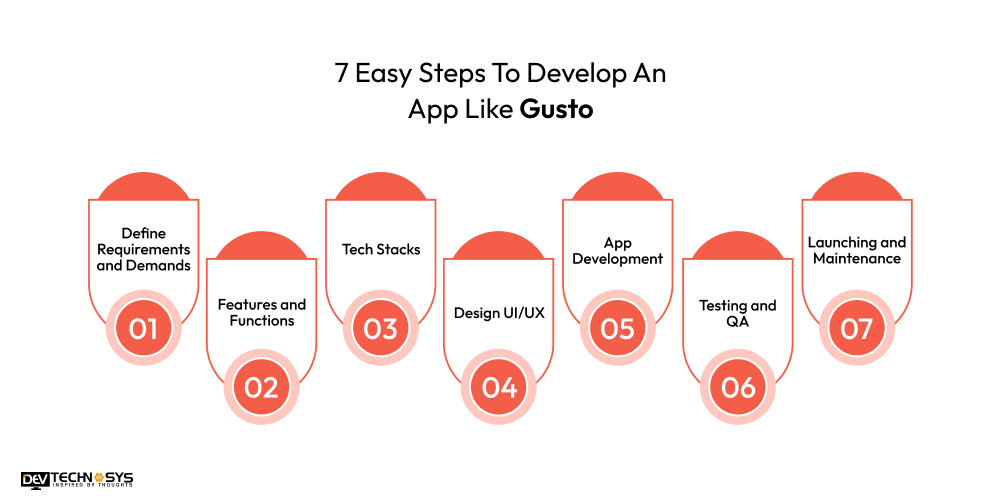
1. Define Requirements and Demands
Let’s begin the first development stage. Take advice from an IT consulting company to identify the project’s core and advanced requirements. You can also observe existing compensation management apps to understand their functionalities and working processes. Prepare a plan for competitors and identify the app’s ideal users.
| What are your app’s basic or core requirements? |
| Clear your app’s future goals. |
| Which vehicle salary processing app are more successful and trending in this competitive market? |
2. Features and Functions
Moving to the second development stage, create a list of core features of your payroll mobile app, such as automated payroll processing, tax calculation, direct deposits, time tracking, employee self-service portal, and benefits management. Focus on scalability, security, and integration with accounting and HR tools to enhance usability.
| What are your app’s basic features and functions? |
| Observe the existing payroll processing apps for the best features. |
| Make an organized sheet of features and functions to reduce data redundancy. |
3. Tech Stacks
In this third stage of development, hire dedicated developers to choose the right technology stack for both front-end and back-end development. Use frameworks like React or Angular for the front end and Node.js or Ruby on Rails for the back end. Select secure databases like PostgreSQL or MySQL, and cloud services such as AWS.
| Which type of tech stacks are used in your car Gusto clone app development? |
| Define your scalability requirements. |
| Choose advanced or basic tech stacks. |
4. Design UI/UX
Create an intuitive user interface (UI) and seamless user experience (UX). Focus on easy navigation, mobile responsiveness, and clear functionality. Design a clean dashboard for employers and employees, ensuring essential payroll features are accessible with minimal clicks for efficiency.
| What are wireframes in UX design? |
| What tools do you use for prototyping? |
| How do you ensure a responsive design? |
5. App Development
Begin building both front-end and back-end components, integrating key features like payroll processing, tax filing, and employee profiles. Ensure data security through encryption and multi-factor authentication.
Assemble an experienced development team from an Android app development company to implement third-party API integrations for banking services, tax filings, and employee benefits management.
| Do you want to create hybrid or native apps? |
| Choose highly talented mobile app developers. |
| Integrate a high number of features and functions. |
6. Testing and QA
After the successful development, test the app for functionality, security, and usability. Perform unit tests, integration tests, and end-to-end testing to ensure everything works smoothly. Conduct security audits to prevent data breaches and ensure compliance with legal standards, such as GDPR or HIPAA.
| Make sure that all features and functions are working properly |
| Use various testing methods, such as functional and usability testing. |
| Check the app’s security measurements. |
7. Launching and Maintenance
Once testing is complete, hire mobile app developers to launch the app on the desired platforms (web, iOS, Android). Ensure a smooth onboarding process for users. Post-launch, monitor performance, gather user feedback, and provide ongoing support. Regularly update the app to maintain security, introduce new features, and stay compliant with tax regulations.
| Launch your app on selected platforms like Android and iOS. |
| Use the best marketing techniques. |
| Assign the post-maintenance phases to maintain the app’s performance. |

10 Must-Have Features of Payroll Apps like Gusto
When selecting an employee compensation app like Gusto, make sure it has crucial features that streamline payroll operations and improve user experience. Here are seven essential features:
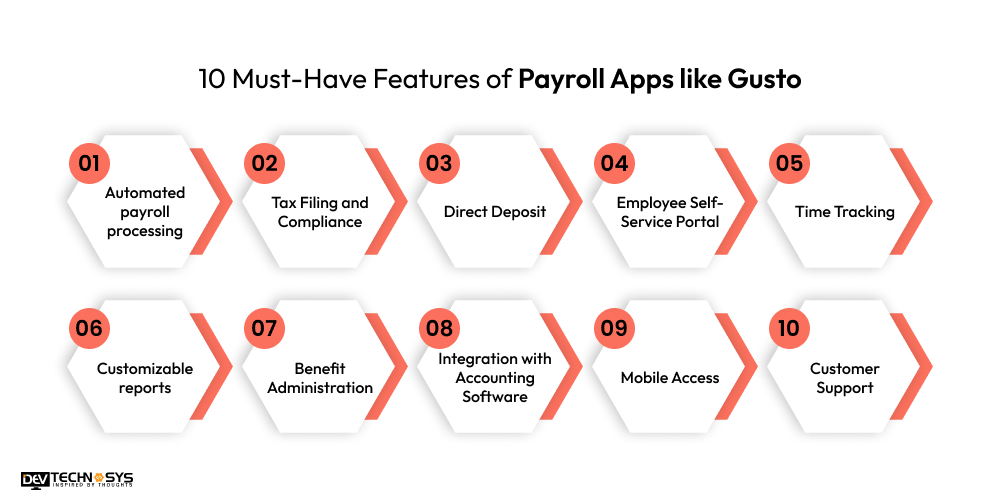
1. Automated payroll processing
A similar app like Gusto has the ability to automatically compute and process employee compensation, tax deductions, and bonuses, saving time and minimizing errors.
2. Tax Filing and Compliance
Gusto alternatives integrated tax filing software that manages federal, state, and local taxes to help firms comply with rules.
3. Direct Deposit
Gusto clone apps offer employees compensation by direct deposit is convenient and reduces paperwork.
4. Employee Self-Service Portal
Gusto similar apps allow employees to access their pay stubs, request time off, and update their personal information via a user-friendly interface.
5. Time Tracking
App similar to Gusto offer accurate recording of employee hours, overtime, and paid time off (PTO) guarantees accurate payroll computations.
6. Customizable reports
Gusto Alternatives has the ability to create customizable reports for payroll, taxes, and other financial parameters facilitate corporate analysis and decision-making.
7. Benefit Administration
If you create an app like Gusto, that allows you to handle employee benefits like as health insurance, retirement programs, and other perks.
8. Integration with Accounting Software
Gusto clone app offers seamless interaction with accounting software such as QuickBooks or Xero, which guarantees that financial management runs smoothly.
9. Mobile Access
A mobile app or adaptable web design allows companies and employees to manage payroll at any time and from any location.
10. Customer Support
Gusto clone apps provide quick, reliable assistance for resolving issues, answering questions, and ensuring smooth payroll operations, offering peace of mind to users.
What is the Cost to Develop a Payroll App Like Gusto?
The cost to develop a payroll app like Gusto is around $8,000 to $25,000, varying according to complexity, features, and development location. Basic functions like payroll processing, tax filing, and reporting can keep expenses low, however complex features like employee benefits administration, time tracking, and mobile access will raise the price.
Ongoing maintenance and updates also increase long-term expenditures. The development team’s experience and geography will also have an impact on HRMS software development costs.
| Payroll App Development | Estimated Cost | Time Frame |
| Basic App Development | $8000 – $12000 | 2 to 5 Months |
| Mid-Premium App Development | $14000 – $19000 | 6 to 8 Months |
| High-Premium App Development | $25000+ | 9+ Months |
What are the Factors That Affect Payroll App Development Cost?
Several factors influence the payroll mobile app development cost. These aspects vary in breadth and complexity, with a direct impact on the entire cost to develop a payroll app like Gusto. Here’s the breakdown:
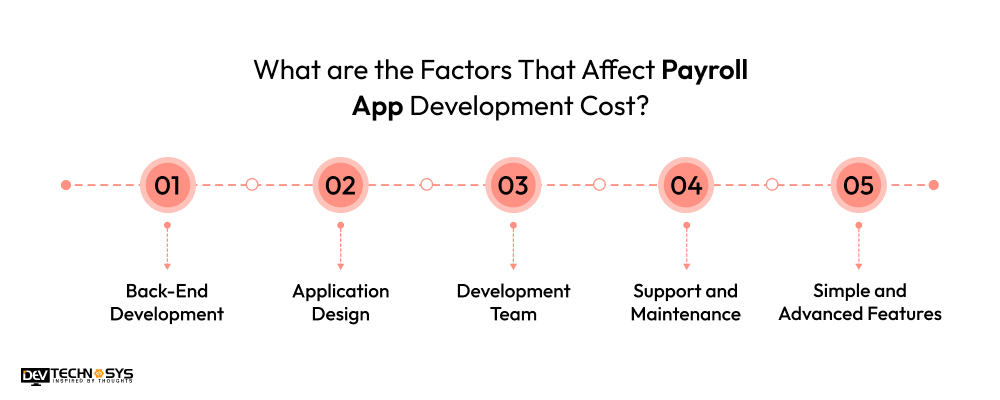
1. Back-End Development
The complexity of the backend infrastructure influences development expenses. Employee compensation apps require strong back-end systems to store data securely, calculate taxes, manage employees, and integrate seamlessly with third-party services.
The payroll on demand app development cost increases as the backend becomes more powerful and scalable.
| Backend Development | Cost Estimation |
| Basic Backend Process | $10,000 – $18,000 |
| Premium Backend Process | $20,000 – $28,000 |
2. Application Design
The user experience (UX) and user interface (UI) design might influence prices depending on the app’s complexity and design quality. A simple, practical design is less expensive than polished, intuitive, and visually appealing software, which takes more time and money to create.
| Design Quality | Cost Estimation |
| Basic Design | $8,000 – $12,000 |
| Complex Design | $15,000 – $22,000 |
3. Development Team
The number, competence, and location of the development team all contribute significantly to the cost. Hiring staff with extensive knowledge of payroll systems, tax rules, and software development best practices ensures excellence while increasing costs.
Teams in higher-cost labor markets, such as North America or Western Europe, may charge more than those in Eastern Europe or India.
| Developer’s Experience Level | Cost Estimation |
| Entry-Level Developer | $15 – $18/ Per Hour |
| Mid-Level Developer | $18 – $22/ Per Hour |
| Senior-Level Developer | $25+ / Per Hour |
4. Support and Maintenance
Post-launch support and maintenance ensure that the software functions properly and is up to date with changing tax rules, security standards, and user needs. Regular updates, bug repairs, and customer support all add to the HR management software maintenance cost.
| Maintenance Phase | Cost Estimation |
| Simple Maintenance Phase | $2,000 – $4,000/year |
| Complex Maintenance Phase | $7,000 – $9,000/year |
5. Simple and Advanced Features
Basic payroll functions such as tax computations and employee payment processing are less expensive to implement, whereas additional features like benefits administration, time monitoring, automatic compliance, and mobile access increase the complexity. More features necessitate more development time, raising the total Gusto app development cost.
| Features | Cost Estimation |
| Core Features(Automated Payroll Processing and Employee Self-Service Portal) | $8,000 – $10,000 |
| Advanced Features(Tax Filing & Compliance and Customizable Payroll Settings) | $13,000 – $19,000 |

How to Make Money From Payroll App Like Gusto?
Monetizing employee compensation like Gusto can be highly profitable by implementing various revenue streams. By combining these monetization strategies, you can generate consistent revenue while providing valuable services to businesses and employees. Below are five ways to make money from a salary management app:
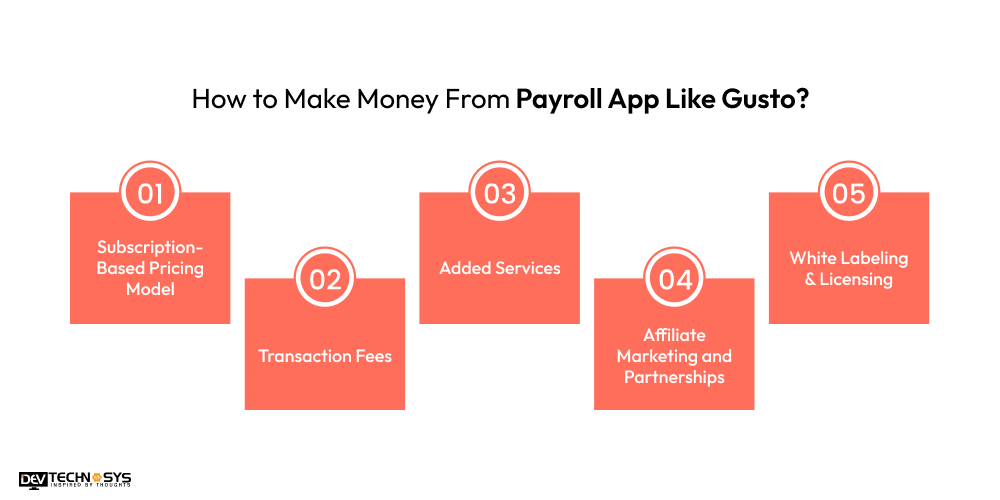
1. Subscription-Based Pricing Model
Subscription-based income models are widespread for payroll processing apps. You can provide multiple tiers based on features, such as a basic plan for small firms with limited capabilities and sophisticated plans for larger organizations that include benefits administration, compliance, and custom reporting.
Monthly or annual subscription fees offer a steady and regular income. To attract users, consider offering a free trial and pushing them to subscribe to a paid plan.
2. Transaction Fees
If your payroll software allows for payments or direct deposits to employees, you might charge a tiny transaction fee for each payment completed. This concept works well for firms with large payroll volumes and may be deployed without incurring major upfront costs for users. By collecting a tiny fee per transaction, you can create recurring revenue.
3. Added Services
Provide extra paid services such as tax preparation, employee benefits management, and HR consulting. These services could be included as part of a premium subscription or supplied separately. For example, offering tax filing at a fee or including advanced reporting tools as paid upgrades might appeal to enterprises seeking further capability.
4. Affiliate Marketing and Partnerships
Partner with third-party suppliers, such as insurance companies, accounting software, or benefits administration firms, and make their services available through your app. You can receive a commission for each recommendation or customer acquisition.
According to a mobile app development company, integrating such services adds value to your users and produces affiliate cash.
5. White Labeling & Licensing
Another monetization strategy is to white-label your payroll processing app and license it to other businesses or payroll providers. They can rebrand the app under their own name, while you keep ownership and money from licensing fees. This method works best when the software is extremely configurable and adaptable to various enterprises.
Conclusion
Go ahead to the final words. We explored how to create a payroll system and what functionalities should be integrated for higher success rates. We also provide why businesses must have to invest in it and what are major factors that drive more growth. It enables human resource executives to automate payroll management, time tracking, tax filing, employee-related tasks, and more.
Are you looking to build an app like Gusto? If you agree with this statement. Then, you can connect with an HR management software development company to get futuristic development solutions at a lower budget.
Frequently Asked Questions
Q1. How Much Does It Cost To Develop a Payroll App Like Gusto?
The cost to build a payroll app like Gusto typically ranges from $8,000 to $25,000, depending on features, complexity, design, and development team location, with ongoing maintenance adding to costs.
Q2. How Much Time Does It Take To Create a Payroll App Like Gusto?
To create a payroll app like Gusto, typically takes 3 to 9 months, depending on the app’s complexity, features, design, testing, and the development team’s efficiency and resources.
Q3. How Can I Monetize a Payroll App Like Gusto?
You can monetize a payroll system app like Gusto by offering subscription plans, transaction fees, add-on services (such as tax filing), affiliate marketing, and white-labeling or licensing the app to other companies.
Q4. Can a Payroll App be Integrated With Other HR or Accounting Tools?
Yes, a payroll system may be coupled with a variety of HR and accounting tools, including time-tracking systems, benefits administration platforms, and accounting software, to help expedite operations, ensure accurate payroll calculations, and increase overall efficiency.
Q5. Which Technologies are Used to Make a Payroll App Like Gusto?
There are many robust technologies that are used to make a payroll app like Gusto, here is the:
- Java
- C++
- Python
- PHP
- Kotlin
- Flutter














