























Key Takeaways:
-
- Real estate CRM integration with MLS, IDX & Property Portals connects authorized property listings, website searches, and portal inquiries in one centralized system, improving listing consistency and lead management.
- MLS and IDX integration helps synchronize property details, display eligible listings, and connect buyer searches with CRM records, subject to MLS licensing and display requirements.
- CRM integration with property portals automates lead capture, source tracking, duplicate detection, agent assignment, and follow-ups across platforms such as Zillow and Realtor.com.
- Successful real estate CRM integration requires secure API authentication, accurate data mapping, reliable synchronization, compliance checks, and ongoing monitoring to maintain data quality and streamline real estate operations.
Real estate teams have to deal with leads from numerous portals spread throughout separate systems and website inquiries for property listings. Without a proper real estate CRM integration, agents may encounter problems maintaining consistent information across their listings, knowing where leads are coming from, and staying on track with prospective buyers.
Integrating a CRM system with Multiple Listing Services (MLS), Internet Data Exchange (IDX) websites, and property portals provides a more seamless workflow. The MLS integration can help ensure that the information about properties that are available for listing is synchronized with the platform. IDX integration can enable real estate websites to use MLS information for property searches. Portal integration can allow a real estate platform to receive inquiries from platforms like Zillow and Realtor.com into a single CRM.
This blog will discuss how these integrations come into existence, the technologies involved, some common challenges in implementing these integrations, and best practices for a successful real estate data integration system.
Understanding MLS, IDX, and Property Portal Integration
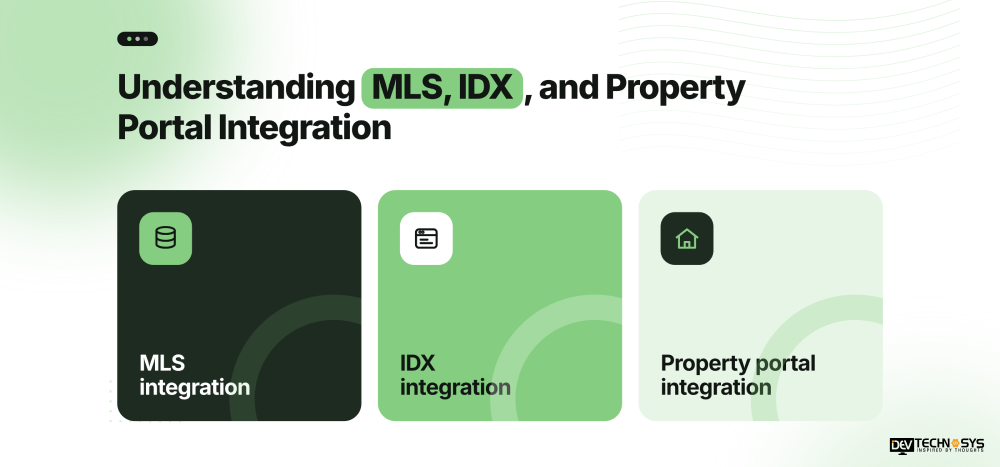
Real estate CRM integration connects property listing sources and lead-generation channels with a centralized customer relationship management system. However, MLS, IDX, and property portals serve different purposes in the real estate ecosystem.
Integration type |
Primary purpose |
Role in a real estate CRM |
| MLS integration | Access authorized listing data from a Multiple Listing Service | Synchronizes property details, prices, availability, and listing statuses |
| IDX integration | Display eligible MLS listings on an agent’s or brokerage’s website | Connects website property searches, inquiries, and buyer activity with CRM records |
| Property portal integration | Connects platforms such as Zillow and Realtor.com with the CRM | Captures inquiries, records lead sources, and supports agent assignment and follow-ups |
Understanding IDX vs MLS is essential when planning a real estate CRM integration.
- MLS systems provide listing data to authorized participants and subscribers, while IDX establishes a framework for displaying permitted listings on eligible real estate websites.
- An IDX website for real estate can attract property searches and convert visitor interest into CRM leads.
- Property portal integration focuses primarily on transferring inquiries and lead information, although listing syndication may be a separate requirement.
Combining these integrations helps brokerages manage property data and buyer interactions within one workflow. Businesses can also explore real estate IT solutions to support their wider technology requirements. Access, display rights, and data usage remain subject to applicable MLS rules, provider agreements, and licensing requirements.
MLS Integration with Real Estate CRM
The integration of MLS with a real estate CRM platform integrates an authorized Multiple Listing Service (MLS) with the CRM system, streamlining property information and ensuring its up-to-date accessibility.
How MLS Integration Works in a Real Estate CRM?
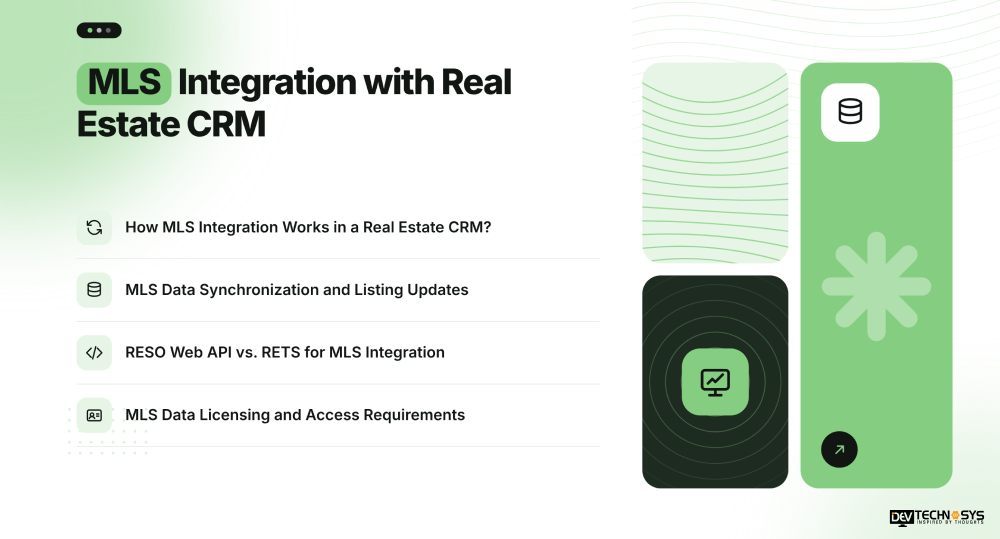
Real estate CRM MLS integration involves pulling in listing IDs with supported APIs or data feeds, as well as listing prices, descriptions, photos, and property statuses. Multi-MLS integration can streamline listing data integration from various MLS services for multi-market brokerages.
MLS Data Synchronization and Listing Updates
Accurate MLS data synchronization ensures CRM records are synced up with source data. The process of field mapping, data validation, and unique listing identifiers helps to avoid mismatched or duplicate records. Price changes, status changes, and withdrawn listings can be processed by the scheduled synchronization or the supported event-based updates. Update frequency depends on the MLS and setup.
RESO Web API vs. RETS for MLS Integration
The RESO Web API supports modern web-based data exchange, while RETS is a legacy technology that some existing integrations may still use. The right approach depends on the MLS’s supported access methods. For a broader overview of available connectivity options, explore our guide to MLS and API integration. The RESO Data Dictionary helps standardize field definitions across compatible systems.
MLS Data Licensing and Access Requirements
Ensure that licensing, authentication, and permissible data utilization are established prior to implementing MLS integration into a real estate CRM. Just because you have an API credential doesn’t mean you have permission to display or distribute it publicly. Access, storage, and display of data are determined by MLS agreements.
IDX Integration with Real Estate CRM
IDX integration connects MLS-approved real estate listings with an eligible real estate site and correlates visitor activity with a CRM. Real estate CRM IDX integration streamlines property search processes, capturing leads and maintaining customer data and listing details while ensuring a unified, seamless experience for agents.
How IDX Integration Captures Property Leads?
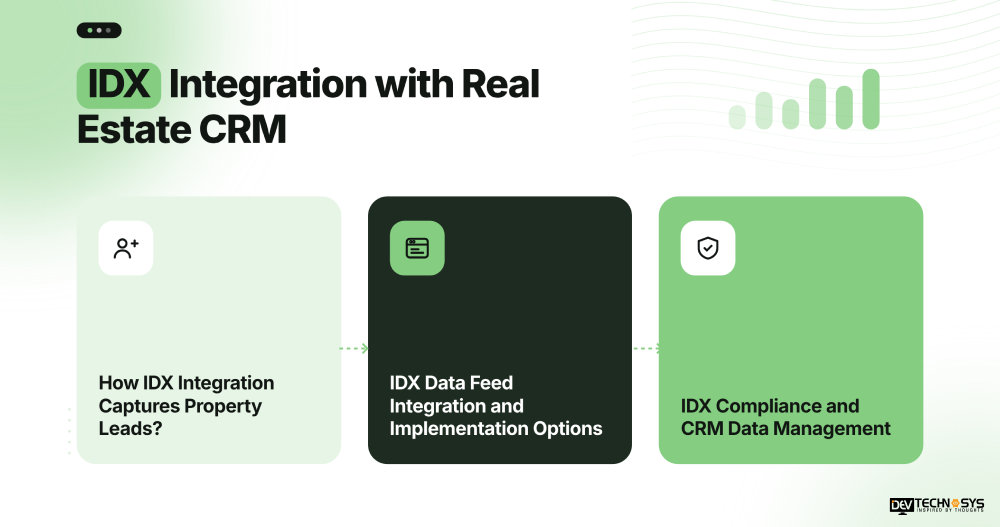
An IDX website for real estate allows visitors to search eligible listings, view property details, and submit inquiries. The integration can send contact information, the listing ID, and inquiry details to the CRM. Agents can then associate each lead with a property and initiate relevant follow-ups. Features such as property search, saved listings, and inquiry forms also shape the user experience, as explained in our guide to real estate app features.
IDX Data Feed Integration and Implementation Options
The IDX data feed integration solution can be done with the provider’s supported tools, plugins, or even custom development. A plugin might work well for general website needs, but providing more control over CRM fields, lead routing, and workflows would require a custom integration. Additionally, depending on the implementation, embedded or iframe-based IDX experiences can also restrict control of the page structure and of SEO.
IDX Compliance and CRM Data Management
Any project using IDX integration with CRM should conform to MLS display rules, attribution rules, and provider agreements. Verify what listings and fields can be shown and what to do with updating them. Access controls should also be implemented on CRM data to prevent the capture of contact data.
A typical workflow is
IDX property search → visitor inquiry → CRM lead creation → listing association → agent follow-up.
This connects website activity with sales processes while respecting the permissions governing listing data.
Property Portal Integration with Real Estate CRM
Property portal integration allows external listing sites to be integrated with a real estate CRM to streamline inquiries and monitor potential buyers. When CRM is integrated with property portals, agents can easily see where leads come from, match inquiries to properties, and streamline follow-up without having to retype data into the CRM system.
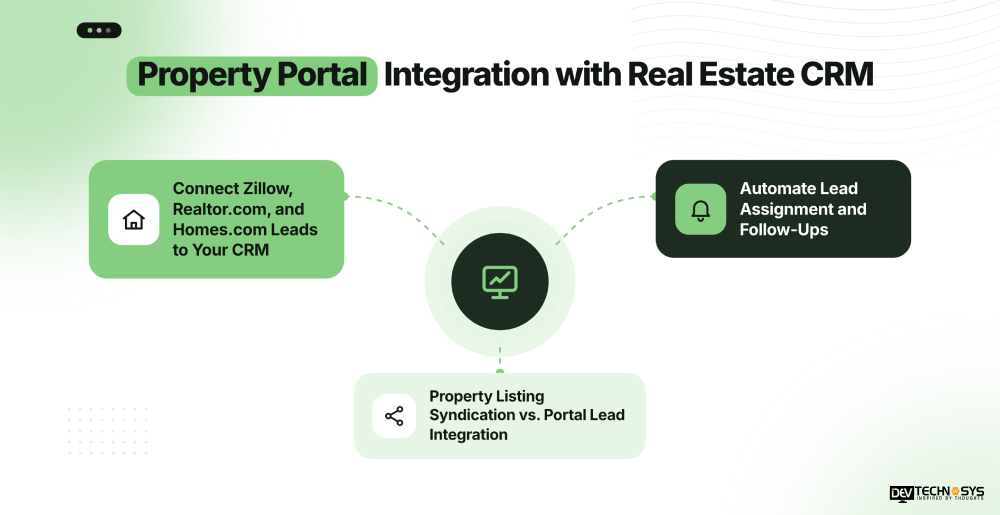
Connect Zillow, Realtor.com, and Homes.com Leads to Your CRM
The Zillow integration, Realtor.com integration, and Homes.com CRM integration rely on the tools available for both platforms, account permissions, and available connectors. These are all details you can provide about your lead, such as contact details, inquiry messages, property references, and source identifiers. These can be added to CRM fields for creating or updating leads.
Automate Lead Assignment and Follow-Ups
After a portal inquiry is received into the CRM, automation can scan for the duplicate contact, assign the lead based on location/capability, and create follow-up tasks. Source-based reporting also enables brokerages to compare lead sources and review conversion activity. Incomplete records and failed data transfer should be handled by automated workflows.
Property Listing Syndication vs. Portal Lead Integration
Property listing syndication is the process of distributing property information from a brokerage or listing system to other portals. Portal lead integration, on the other hand, moves inquiries into the CRM. While they can all be used to accomplish the same sales process, they differ in technical requirements, permissions, etc. Businesses planning their own listing platforms can also explore property listing app development to understand the development considerations involved.
A typical workflow is
Portal inquiry → source identification → duplicate check → CRM record creation → agent assignment → follow-up.
Before implementation, verify each platform’s integration options, data-sharing terms, and access requirements.
Real Estate CRM Integration Architecture and Workflow
A unified integration architecture connects MLS listing data, IDX website activity, and property portal inquiries with a custom CRM. It standardizes incoming information and routes it to the appropriate property records or lead workflows.
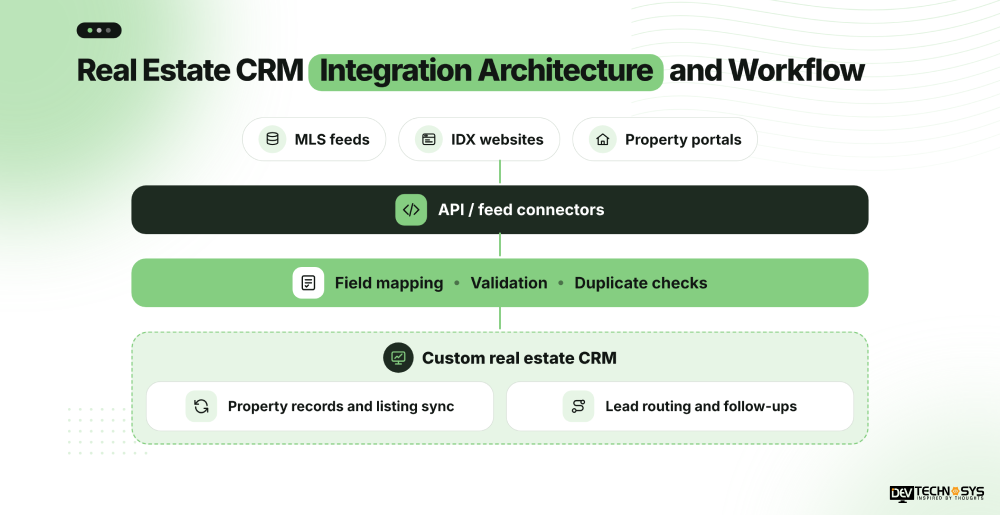
Key Components of Real Estate API Integration
Real estate API integration services typically combine authorized APIs or data feeds, field mapping, validation, and CRM connectors. Webhooks can support event-based updates when available, while scheduled jobs handle periodic synchronization. Businesses planning custom connectivity between their real estate platforms can learn more about API development. The RESO Data Dictionary helps align real estate field definitions across compatible systems.
How Listing Data and Leads Move Through the CRM
Listing information passes through validation before updating property records. Website and portal inquiries follow a separate path that checks contact details, identifies the lead source, detects duplicates, and assigns the inquiry to an agent.
Integration Workflow
This separation helps teams manage property listing updates and customer inquiries without mixing their data workflows. For brokerages connecting multiple business platforms, enterprise application integration offers further insight into coordinating systems and improving information flow across an organization.
Common Integration Challenges and Best Practices
Connecting MLS feeds, IDX websites, and property portals to a real estate CRM can introduce data inconsistencies, synchronization failures, security risks, and licensing restrictions. Businesses planning customized workflows can explore our CRM development services to understand how tailored CRM solutions can address specific integration requirements. Addressing these issues early helps maintain reliable property records and consistent lead management.
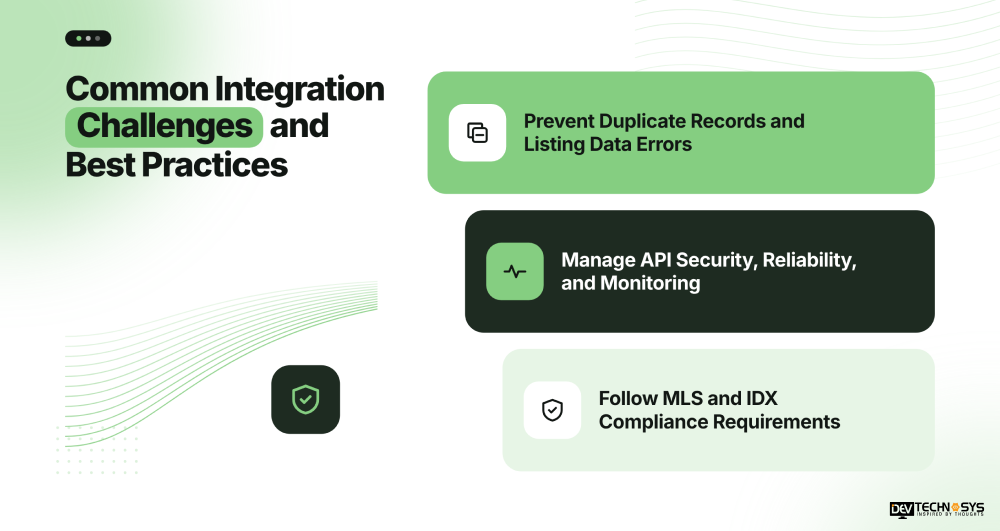
Prevent Duplicate Records and Listing Data Errors
Different sources may use inconsistent field names, formats, or property identifiers. Use MLS listing IDs where available, normalize incoming fields, validate required data, and check existing contacts before creating CRM records. Define how missing, withdrawn, or outdated listings should be handled.
Manage API Security, Reliability, and Monitoring
Use secure API key management, OAuth where supported, encryption, and role-based access. Maintain audit logs, monitor failed synchronization jobs, and implement retries with alerts. Businesses connecting multiple real estate platforms can also explore real estate app development services to support their broader application and integration needs. A clear data retention policy helps control how long listing and lead information remains stored.
Follow MLS and IDX Compliance Requirements
Confirm MLS data licensing requirements, IDX display rules, and applicable broker, participant, or subscriber permissions. Apply relevant privacy obligations, including CCPA where applicable.
Integration challenge |
Recommended safeguard |
| Duplicate listings or leads | Stable identifiers and duplicate checks |
| Failed data updates | Retry logic, monitoring, and alerts |
| Unauthorized data access | Access controls and secure authentication |
| Incorrect listing display | Validation and compliance checks |
Step-by-Step Real Estate CRM Integration Process
A structured implementation process helps connect MLS data, IDX websites, and property portals with a real estate CRM while reducing data errors and workflow disruptions. Follow these steps to plan, develop, and maintain reliable integrations.
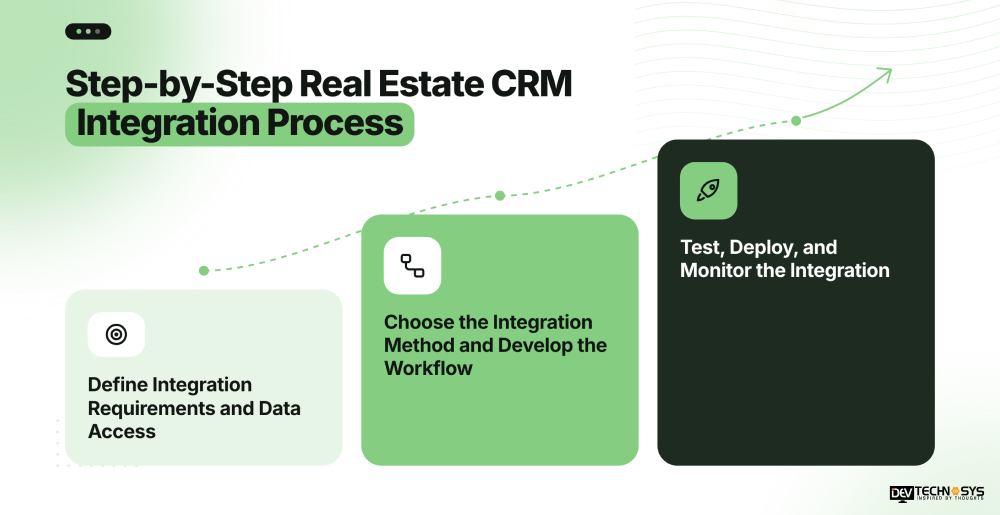
1. Define Integration Requirements and Data Access
Identify the MLS sources, website features, property portals, and CRM workflows your business needs. Confirm data licensing, API access, required fields, synchronization frequency, and lead-routing rules before development begins.
2. Choose the Integration Method and Develop the Workflow
Select native connectors, middleware, or custom APIs based on your requirements. With a real estate CRM software development company, we can tailor data mapping, listing synchronization, lead attribution, and automated assignment workflows to your business processes.
3. Test, Deploy, and Monitor the Integration
Conduct MLS integration testing to verify listing updates, duplicate detection, lead transfers, authentication, and error handling. Test in a sandbox where available before production deployment. Monitor failed requests, API changes, and synchronization logs to maintain reliable operations.
Implementation checklist: Plan and authorize → Build and validate → Deploy and monitor.
Conclusion
Real estate CRM integration with MLS, IDX & Property Portals helps brokerages maintain accurate listing data, centralize property inquiries, and streamline lead follow-ups. A successful integration depends on reliable APIs, consistent data mapping, appropriate MLS licensing, and ongoing monitoring to keep property records and customer information aligned.
At Dev Technosys, we help real estate businesses connect their digital platforms and optimize workflows through tailored technology solutions. Explore our PropTech software development expertise to build a connected real estate ecosystem that supports efficient operations and business growth.
Frequently Asked Questions
Find answers to the most common questions related to this article.
Connect MLS data using a legal API or feed, align listing fields with CRM records, set up sync, and test before deployment to ensure listing updates, data integrity, duplicate detection, and permissions are set up correctly
The MLS integration brings an authorized listing feed into a CRM, and IDX integration shows eligible MLS listings on real estate sites. Property searches and visitor inquiries can also be matched with CRM lead records on IDX.
The frequency of MLS data updates depends on the provider's ability, feed configuration, and synchronization schedule. Integrations might be able to be refreshed often or periodically, depending on the access methods and technical requirements.
Yes, supported APIs, connectors, or lead delivery tools can push a Zillow, Realtor.com, or Homes.com inquiry into a CRM. It depends on integration options, account permissions, and configurations of each platform.
The price is based on MLS licensing, API access, number of data sources, complexity of integration,n and custom development needs. The total cost may also be impacted by testing, continual maintenance, and provider-specific prohibitions.














