






















“Caring made simple”
In this busy arena, parents cannot track each and every activity of their child, and do not give their child constant attention. That is why the demand for childcare applications is increasing day by day. There are a lot of childcare applications, but one is made in his own kingdom, that is OWNA. It enables parents to track their child’s daily activity, progress report, attendance tracking, and much more.
We found an interesting report that the global childcare apps market is valued at around $65.15 billion in 2024 and is expected to increase to around $91.68 billion by the end of 2030.
This data reveals why most businesses are investing in childcare app development and driving huge success rates in this digital market.
Let’s explore how to build a childcare app like OWNA, must-have incredible features, development cost, and so on.
Go ahead!
What is OWNA?
The OWNA childcare app is an Australian-based childcare management system that aims to streamline operations in early childhood education providers. It includes customized capabilities for curriculum preparation, educator rostering, compliance tracking, and parent communication. Childhood app like Kinedu or OWNA offers tools for daily routines, digital attendance, invoicing, and encrypted communications, with the goal of increasing efficiency and involvement in childcare facilities.
- Curriculum & Documentation
- Family Engagement
- Attendance & Rostering
Market Stats of Global Childcare Applications
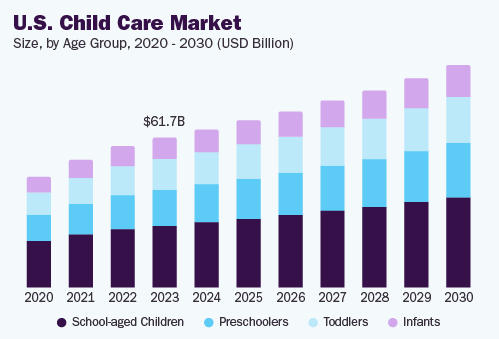
- The market for childcare network apps is projected to grow from its 2024 valuation of around $65.15 billion to $91.68 billion by the end of 2030.
- With a 27% market share, the school-aged kid category led the market in 2023.
- In 2024, the Southeast U.S. held a 52% revenue share, dominating the market. From 2024 to 2030, it is anticipated to expand at the highest CAGR.
- According to the global market, Texas had the most market share (54%) in 2024.
- As per the recent study, the global childcare communication apps market is expected to increase with a compound annual growth rate of 86% from 2024 to 2030.
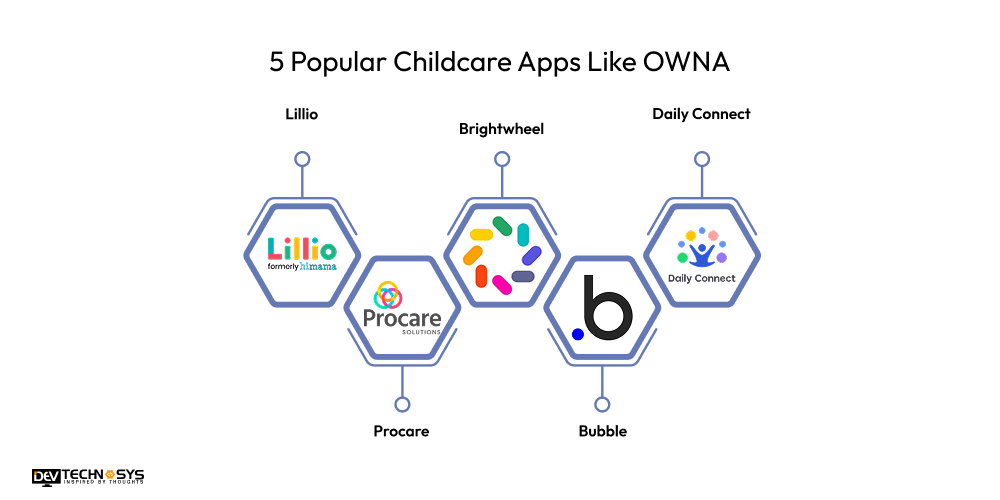
5 Popular Childcare Apps Like OWNA
Learn about the 5 best babysitting applications like OWNA that make everyday tasks easier, increase parent involvement, and assist early education centers in effortlessly simplifying documentation, attendance, billing, and communication.
| App Name | Downloads | Stores Ratings | Launch Year | Platform Availability |
| Lillio | 100K+ | 4.6 | 2013 | iOS, Android |
| Procare | 1M+ | 4.9 | 1992 | iOS, Android |
| Brightwheel | 1M+ | 4.5 | 2015 | iOS, Android |
| Bubble | 100K+ | 4.7 | 2016 | iOS, Android |
| Daily Connect | 50K+ | 4.2 | 2011 | iOS, Android |
Why Today’s Entrepreneurs Invest in Childcare App Development?
In today’s fast-paced, digitally linked world, businesses are increasingly focusing on childcare management app development. Here are five major factors fueling this trend:
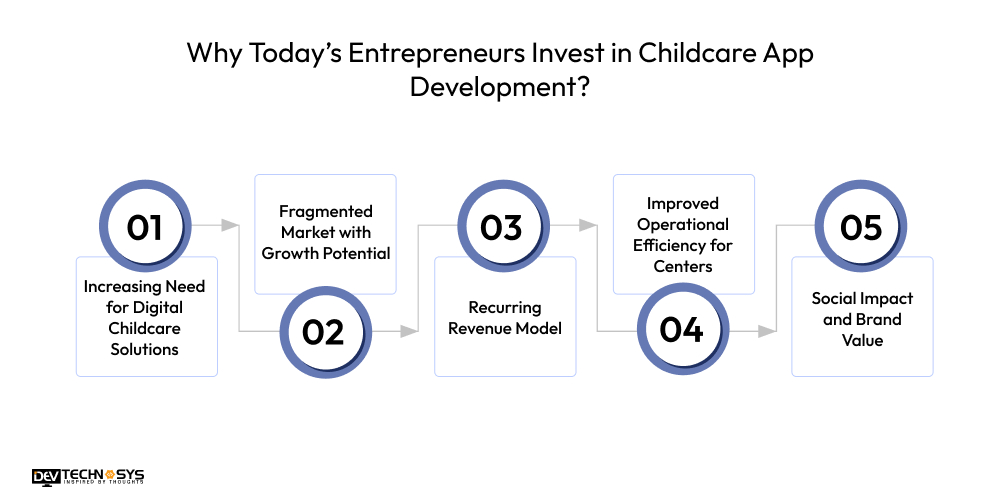
1. Increasing Need for Digital Childcare Solutions
With more parents looking for dependable and effective methods to keep connected with childcare centers, the need for digital platforms has increased. Parents desire real-time updates, digital attendance, and daily activity tracking. Therefore, mobile applications are an indispensable tool for modern childcare providers.
2. Fragmented Market with Growth Potential
The childcare business is frequently regional and fragmented, giving entrepreneurs possibilities to challenge existing patterns. A well-designed app like Findmykids may improve communication, automate invoicing, and manage enrollments, providing centers a competitive advantage while also generating additional money for developers.
3. Recurring Revenue Model
Apps similar to OWNA frequently use subscription-based or SaaS (Software as a Service) models. Centers pay monthly or annual fees, which ensures consistent, ongoing revenue. Additional services, such as in-app purchases, premium features, and white-labeling, increase profitability.
4. Improved Operational Efficiency for Centers
Entrepreneurs who invest in the best preschool apps that help centers minimize manual labor, remove paperwork, and increase employee efficiency. These enhancements not only entice childcare providers to use the app but also position the entrepreneur as a solution provider rather than a technology seller.
5. Social Impact and Brand Value
Supporting early childhood education with technology increases an entrepreneur’s social impact. Investing in similar apps like OWNA promotes family well-being and educational fairness, which appeals to socially aware customers and investors.
How AI Can Help Childcare Applications Like OWNA?
- Offers personalized learning recommendations by analyzing each child’s progress, supporting educators with customized curriculum planning.
- Monitors staff performance and schedules using AI-driven analytics, optimizing workforce allocation based on real-time needs.
- Detects anomalies in health data, alerting caregivers immediately about potential illnesses or allergies to improve child safety.
- Enhances security by monitoring app activity and flagging suspicious behavior or unauthorized access attempts in real time.
- Uses natural language processing to summarize large volumes of childcare data, making insights easily accessible to parents and staff.
7 Basic Steps to Build a Childcare App Like OWNA
Build a childcare app like OWNA: Streamline communication, automate daily operations, and enhance parent engagement with a custom childcare management solution designed to boost efficiency, improve transparency, and support the growing needs of modern childcare centers and early learning providers. So, here we provide the childcare management software development process:
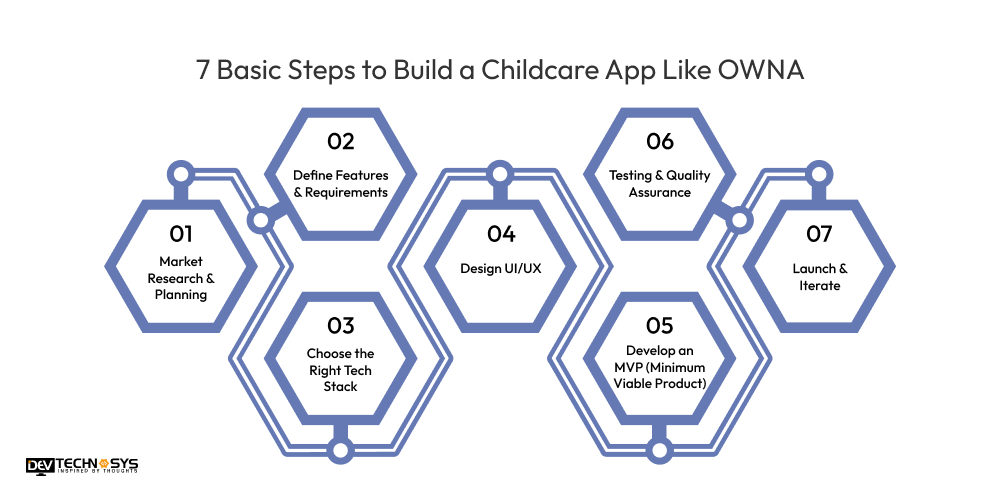
1. Market Research & Planning
Hire mobile app developers to analyze competitors, target audience, and current industry needs. Identify key features that parents and educators expect. Use this data to shape your app’s functionality, positioning, and unique value proposition before beginning the development process.
| Who are the main competitors in the childcare app market? |
| What pain points do childcare centers face today? |
| What are parents’ biggest concerns with childcare communication? |
2. Define Features & Requirements
List essential features such as attendance tracking, parent messaging, daily reports, billing, and staff management. Create detailed functional requirements and user stories for each role: administrators, educators, and parents.
| What are the must-have features for educators and parents? |
| Do users need real-time updates or daily summaries? |
| Is attendance tracking a priority for the centers? |
3. Choose the Right Tech Stack
In the third stage to develop an app like OWNA, hire dedicated developers to select development tools and platforms suitable for scalability and real-time performance. Typically includes React Native or Flutter for cross-platform apps, Firebase for backend, and secure databases for storing sensitive user data.
| Should the app be native or cross-platform? |
| What platforms (iOS, Android, web) must be supported? |
| Which backend framework ensures scalability and security? |
4. Design UI/UX
Create intuitive, user-friendly interfaces tailored for educators and parents. Focus on smooth navigation, clear data presentation, and accessibility. Use wireframes and prototypes to test user flows before starting development.
| What color schemes and fonts suit childcare branding? |
| How can we make the interface intuitive for non-tech-savvy users? |
| How will we display notifications and alerts clearly? |

5. Develop MVP (Minimum Viable Product)
Build a basic version with core features like attendance, parent updates, and profile management. Focus on stability and performance. Hire an experienced mobile app development company to test internally and refine based on initial feedback before full-scale development.
| What core features are essential for the MVP launch? |
| How will we prioritize feature development? |
| How will MVP handle user onboarding? |
6. Testing & Quality Assurance
Conduct thorough QA testing including usability, functionality, and security. Run tests on multiple devices and operating systems to ensure consistent performance and eliminate bugs before the official launch.
| Have all core features been tested for functionality? |
| Does the app perform well across different devices and OS versions? |
| Has security testing been conducted for data protection? |
7. Launch & Iterate
Let’s move to the last OWNA mobile application development process: deploy the app on iOS and Android platforms. Promote via childcare networks and digital marketing. Collect feedback from users, monitor performance, and continue refining features based on real-world usage.
| Is the app ready for deployment on all target platforms? |
| Have marketing and launch plans been finalized? |
| How will user onboarding be supported post-launch? |
10 Basic and Premium Features of a Childcare App Like OWNA
To develop a parental control app, it requires integrating essential features that streamline daily operations and enhance communication between childcare providers and parents. Here are ten important features to include:
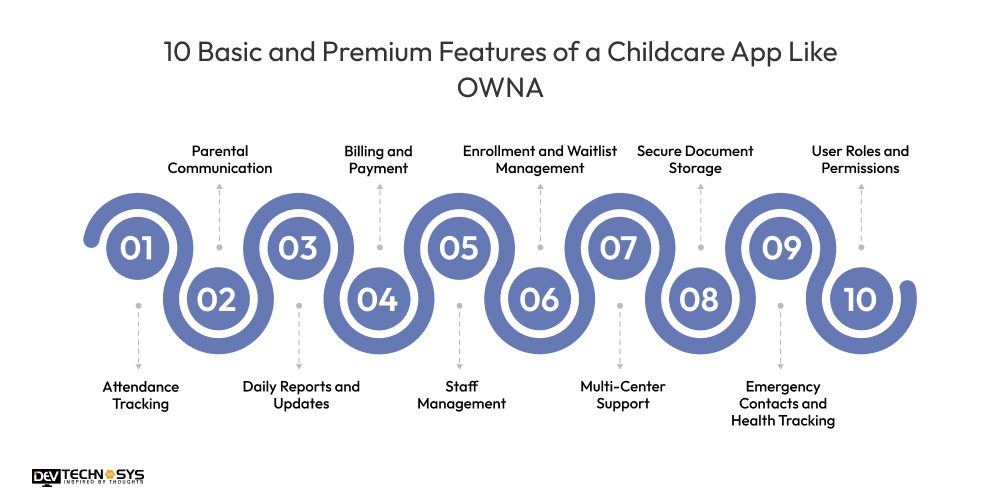
1. Attendance Tracking
With the help of best childcare apps, you can easily manage kid check-ins and check-outs while minimizing human paperwork and boosting security.
2. Parental Communication
OWNA alternatives enable real-time communications and alerts between educators and parents to keep them updated on their child’s daily activities.
3. Daily Reports and Updates
Apps like Procare provide parents with daily activity summaries, including as meals, naps, mood, and developmental milestones, via images and comments.
4. Billing and Payment
The OWNA clone apps automate tuition billing, invoicing, and online payment processing to make financial administration easier for childcare providers and parents.
5. Enrollment and Waitlist Management
Streamline the admissions process by using online enrollment forms and waitlist tracking, making it easier to manage new registrations.
6. Multi-Center Support
Similar apps like OWNA support the management of many daycare sites on a single platform, with centralized monitoring and reporting.
7. Staff Management
The OWNA clone apps manage employee scheduling, attendance, and payroll to ensure efficient resource allocation and seamless operations.
8. Secure Document Storage
If you develop an app like Brightwheel, it allows centers to securely upload and distribute crucial documents such as vaccination records and permission papers to parents.
9. Emergency Contacts and Health Tracking
OWNA alternatives maintain current emergency contact information and track health-related data to ensure child safety and compliance with legislation.
10. User Roles and Permissions
Define access levels for administrators, staff, and parents to protect data privacy and provide proper control over app functionality.
What is the Cost to Build a Childcare App Like OWNA?
The cost to develop a childcare app like OWNA typically ranges from $8,000 to $25,000, depending on complexity and features. Basic apps with core functions like attendance, messaging, and billing cost less, while advanced features—real-time updates, multi-center support, and AI integration—increase expenses.
Costs vary based on platform choice (iOS, Android, web), design complexity, backend infrastructure, and developer rates (region-dependent). Additional childcare management software development cost include testing, deployment, and ongoing maintenance. Planning a clear scope and MVP helps control costs and ensures a successful, scalable childcare app development.
| Childcare App Development | Estimated Cost | Time Frame |
| Normal App Development | $8000 – $12000 | 2 to 6 Months |
| Mid-Complex App Development | $14000 – $19000 | 6 to 8 Months |
| High-Complex App Development | $25000+ | 9+ Months |
What Are The Factors That Can Highly Impact Childcare App Development Cost?
A number of factors have a big influence on how much it cost to build a childcare app like Lillio. These include platform selection (iOS, Android, and web), design complexity, backend infrastructure, third-party integrations, feature complexity, development team location, security needs, and continuous maintenance. Budget and project success are maximized when these components are carefully planned.
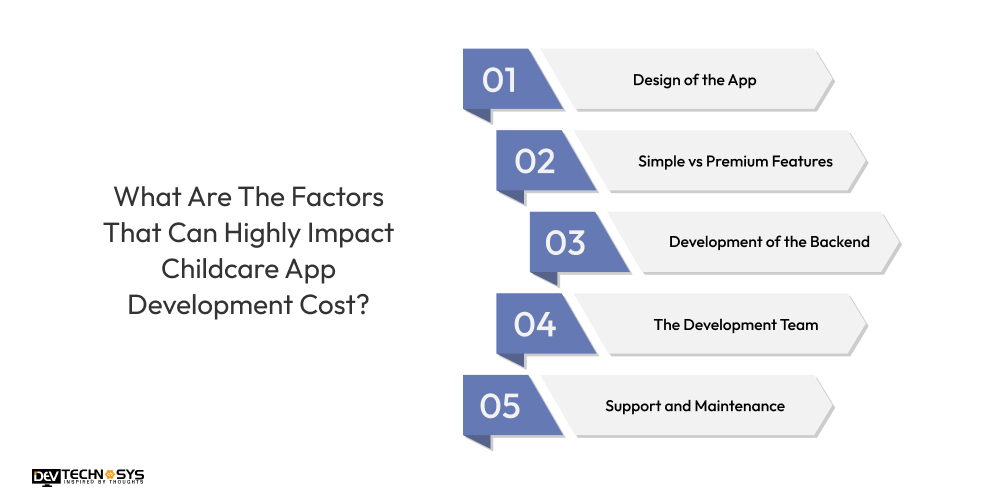
1. Design of the App
The app’s design complexity has a direct impact on development costs. Simple, clean interfaces are less expensive, but unique, visually complex designs with animations and interactive features need more effort and talent, which raises mobile application development cost. Prioritizing user-friendly, accessible design is critical, but combining aesthetics with economic limits is crucial for successful cost management.
| Design Quality | Cost Estimation |
| Basic Design | $8,000 – $12,000 |
| Complex Design | $15,000 – $22,000 |
2. Simple vs Premium Features
Basic apps for childcare that include fundamental functionality like attendance and messaging are less costly. Adding premium services, such as AI-powered analytics, multi-center administration, video sharing, or payment gateways, increases complexity and development time. Each enhanced capability necessitates more development, testing, and integration effort, greatly increasing the entire project cost.
| Basic Features | Estimated Cost | Advanced Features | Estimated Cost |
| Child check-in/check-out | $6,000 – $9,000 | Real-time video streaming | $4,000 – $7,000 |
| Basic attendance tracking | $4,000 – $7,000 | AI-powered activity insights | $3,000 – $5,000 |
| Daily activity logging | $8,000 – $12,000 | Multi-center management | $10,000 – $14,000 |
| Parent-teacher messaging | $7,000 – $11,000 | Advanced payment gateways | $7,000 – $10,000 |
| Basic billing and invoicing | $10,000 – $12,000 | Facial recognition for attendance | $10,000 – $15,000 |
3. Development of the Backend
A strong backend enables app functionality, data security, and scalability. Complex backend systems that include real-time synchronization, cloud storage, and API connections raise expenses. Choosing scalable infrastructure and secure databases necessitates the use of professional developers, which has an impact on both the initial baby tracking app development cost and the long-term maintenance costs.
| Backend Complexity | Estimated Cost (USD) | Estimated Time |
| Basic Backend | $5,000 – $10,000 | 3 – 6 weeks |
| Advanced Backend | $10,000 – $18,000 | 6 – 10 weeks |
4. The Development Team
The OWNA app development cost are largely influenced by the size of the team, its skill, and location. Experienced developers and designers charge higher fees, whereas offshore teams may be more economical but require competent management. A well-balanced team promotes quality, timely delivery, and cost effectiveness, which is an important consideration when budgeting for childcare app development.
| Developers Experience level | United States | United Kingdom | Southeast Asia | Eastern Europe |
| Junior-level | $15 – $25 | £14 – £24 | $12 – $22 | $10 – $20 |
| Mid-level | $30 – $50 | £27 – £44 | $25 – $35 | $25 – $33 |
| Senior-level | $60 – $80 | £50 – £65 | $40 – $55 | $40 – $50 |
5. Support and Maintenance
Mobile app maintenance services are critical to app stability and upgrades. Bug repairs, security updates, server administration, and feature additions all demand specialized resources, which raises the overall OWNA app development cost. Continuous improvement improves consumer pleasure, but it must be properly financed from the beginning.
| Service Level | Description | Estimated Annual Cost (USD) | Estimated Time |
| Basic Support | Bug fixes, minor updates | $3,000 – $6,000 | Ongoing |
| Comprehensive Support | Frequent updates, performance optimization | $6,000 – $9,000 | Ongoing |

How to Make Money From Childcare Apps Like OWNA?
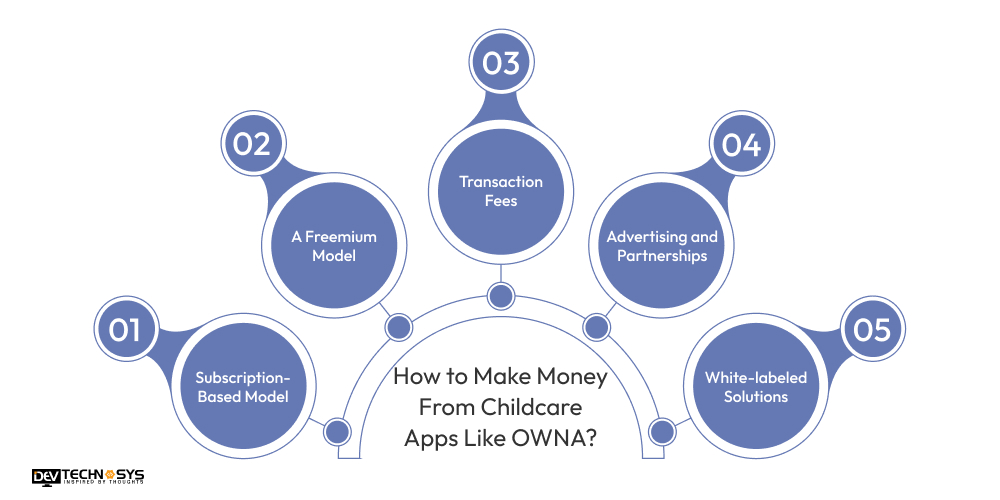
Develop childcare management software like OWNA offer useful services to both parents and daycare providers, generating several income streams. Here are five successful monetization strategies:
1. Subscription-Based Model
One of the most prevalent methods to make money is through subscription programs. Childcare providers or parents must pay a monthly or annual subscription to use the app’s basic functions, which include attendance monitoring, messaging, and paying. Offering tiered membership packages, including basic and premium services, can attract a larger audience and enhance income possibilities.
2. A Freemium Model
The best kindergarten apps offer a free basic version with minimal features that attract consumers rapidly. Then, charge for sophisticated features like comprehensive analytics, multi-center assistance, or AI-powered insights as in-app purchases or premium upgrades. This concept encourages customers to sample the app first and only pay if they find it useful.
3. Transaction Fees
Apps similar to OWNA that allow tuition or fee payments may charge a modest percentage or flat fee for each transaction. This strategy produces continuing revenue that is directly related to app usage, benefiting from the number of payments made each month.
4. Advertising and Partnerships
Collaborating with child-related brands, toy firms, or educational services to display tailored adverts or sponsored content within the app might result in additional revenue. Childcare app for parents offers partnerships with local childcare groups or educational material providers, which may potentially result in referral payments or co-marketing possibilities.
5. White-labeled Solutions
Another source of money is creating a customizable version of the software that daycare facilities or franchises may brand as their own. According to the Android app development company, charging setup fees and monthly licenses for white-labeled versions allows the firm to grow while giving unique solutions to diverse clients.
Conclusion
In conclusion, building a successful childcare app like OWNA requires careful planning, feature selection, and choosing the right technology. Partnering with an experienced childcare management software development company ensures your app is user-friendly, secure, and scalable. From designing intuitive UI/UX to implementing essential features like attendance tracking and parent communication, each step contributes to delivering a valuable solution for childcare providers and parents. With ongoing support and continuous improvement, your childcare app can effectively streamline operations and foster stronger parent-provider relationships in today’s digital age.
Frequently Asked Questions
Q1. How Much Does It Cost To Build a Childcare App Like OWNA?
The cost to develop a childcare app like OWNA is around $8,000 and $25,000, depending on features, platform choice, design complexity, backend infrastructure, and development team location. Maintenance and updates add to ongoing costs.
Q2. How Much Time Does It Take to Create a Childcare App Like OWNA?
To create a childcare app like OWNA, it usually takes 3 to 6 months, depending on feature complexity, platform choice, design requirements, and development team efficiency. Testing, feedback, and iterations may extend the timeline.
Q3. Which Technologies Are Used to Make a Childcare App Like OWNA?
Technologies to make a childcare app like OWNA include React Native or Flutter for cross-platform development, Node.js or Firebase for backend, MongoDB or SQL for databases, and AWS for cloud hosting and storage.
Q4. What Are Common Challenges in Childcare App Development?
Common challenges in childcare app development include ensuring data privacy compliance, balancing feature complexity with usability, integrating real-time communication, managing multi-user roles, securing sensitive information, and achieving seamless cross-platform performance.
Q5. Can the App Manage Multiple Childcare Centers?
Yes, childcare apps can support managing multiple centers by providing centralized dashboards, role-based access, consolidated reporting, and seamless data synchronization, enabling administrators to efficiently oversee operations across various locations within a single platform.













