























If you are a video editor or have ever edited a video for social media, you must have used or at least heard of CapCut. CapCut is an easy-to-use video editing application packed with features like trimming and AI effects. Although CapCut is quite popular, many users now seek better alternatives that offer advanced features, fewer limitations, and greater creative control. Especially when the deadline on TikTok and CapCut has been extended to June 2025.
Wondering which video editor is better than CapCut? In today’s blog, we will take a look at the best free CapCut alternative that users can use to create and edit reels, YouTube Shorts, TikToks, or promotional videos to elevate their content quality. The CapCut like apps we have listed here offer AI-Powered tools to professional-grade effects, keyframe animation, catering to every skill level. So, without further delay, let’s dive into the top CapCut alternative for Android and iOS.
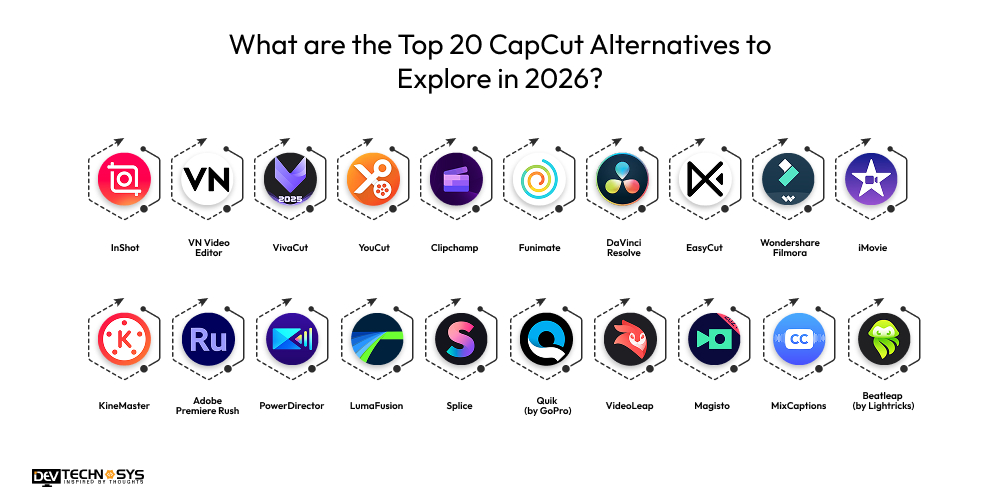
What are the Top 20 CapCut Alternatives to Explore in 2026?
Tired of your old and complex video editing tools? Don’t worry, for you, we have created a list of top CapCut free alternatives developed by some of the best Video editing app development firms.
All the apps like CapCut mentioned here offer professional video editing tools and features to make your editing work smooth like butter. Let’s explore them in detail:
App |
Launch Year |
Ratings |
Downloads |
Platform |
Specialty |
| InShot | 2015 | 4.7 | 100M+ | iOS, Android | Easy all‑in‑one editor |
| VN Video Editor | 2019 | 4.7 | 50M+ | iOS, Android, Desktop | Watermark‑free pro editing |
| VivaCut | 2018 | 4.5 | 10M+ | iOS, Android | Cinematic multi‑layer editing |
| YouCut | 2019 | 4.8 | 50M+ | Android, iOS | watermark-free video editing apps |
| Clipchamp | 2020 | 4.4 | 50M+ | Web, iOS, Android | Cloud‑based editor with captions |
| Funimate | 2017 | 4.2 | 10M+ | iOS, Android | Creative social effects |
| DaVinci Resolve | 2004 | 4.7 | 50M+ (desktop) | Desktop, Web | Pro editing & color grading |
| EasyCut | 2021 | 4.3 | 5M+ | iOS, Android | Lightweight editor |
| Wondershare Filmora | 2015 | 4.7 | 100M+ | iOS, Android, Desktop | Beginner + pro tools |
| iMovie | 2010 | 4.5 | Included | iOS, macOS | Apple ecosystem editor |
| KineMaster | 2013 | 4.4 | 700M+ | iOS, Android | Feature-rich mobile editor |
| Adobe Premiere Rush | 2018 | 4.6 | 10M+ | iOS, Android, Desktop | Cross‑platform editing |
| PowerDirector | 2014 | 4.5 | 100M+ | iOS, Android, Desktop | 4K support & Pro Tools |
| LumaFusion | 2016 | 4.8 | 1M+ | iOS | Professional mobile editing |
| Splice | 2015 | 4.6 | 70M+ | iOS, Android | Fast social video editor |
| Quik (by GoPro) | 2016 | 4.4 | 100M+ | iOS, Android | Automatic edits & templates |
| VideoLeap | 2018 | 4.5 | 10M+ | iOS, Android | Creative layer‑based editor |
| Magisto | 2013 | 4.3 | 100M+ | iOS, Android | AI‑powered automated editing |
| MixCaptions | 2019 | 4.4 | 1M+ | iOS, Android | Auto captions & accessibility |
| Beatleap (by Lightricks) | 2020 | 4.5 | 5M+ | iOS, Android | Beat‑sync creative editing |
1. InShot:
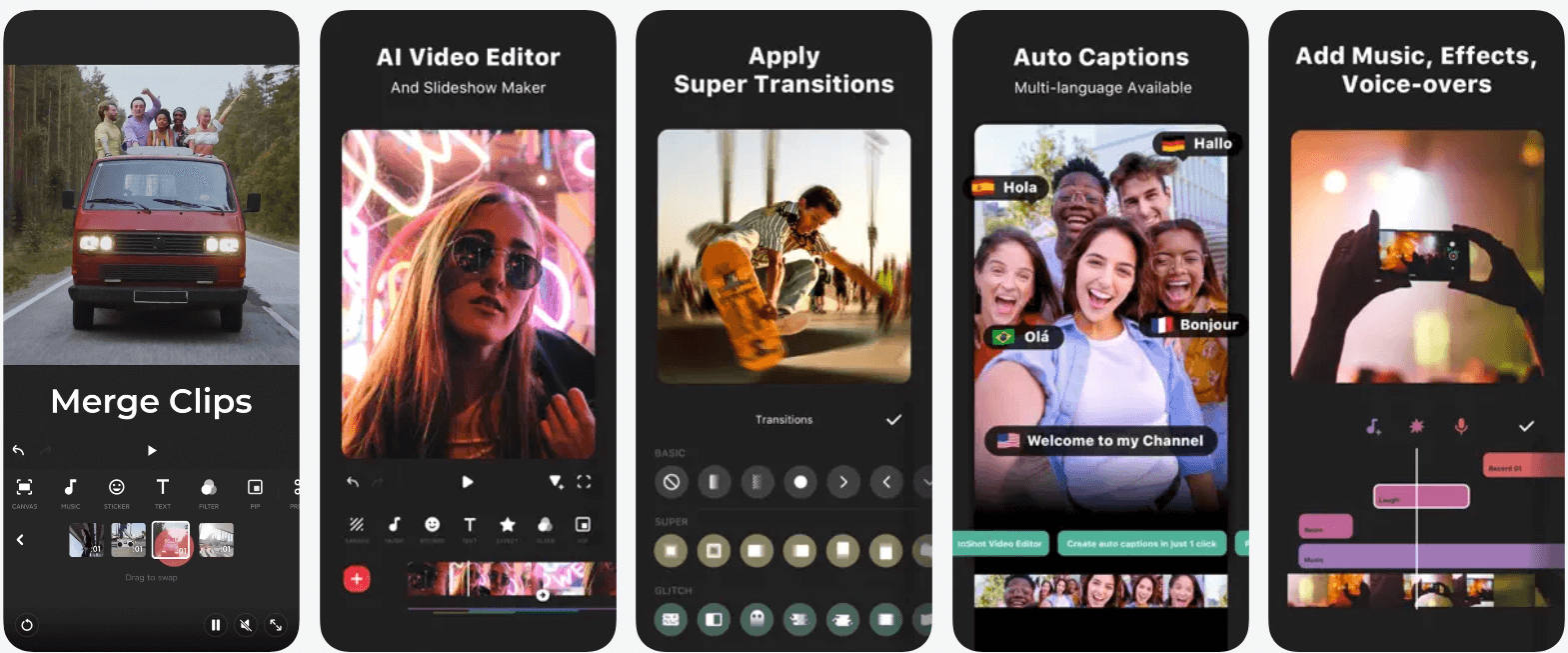
InShot is a strong capcut alternative for pc and smartphones. With powerful music video and image editing tools with audio synchronization and mixing, it helps users capture or record the precious moments of daily life.
Through this app, you can create video edits for various occasions and festivals like Holi, Diwali, New Year, Christmas, Independence Day, and other special days.
It allows users to share their lives on social media. Whether you are looking for a tool for basic editing or advanced AI features for professional edits and 4K video rendering, it provides amazing editing services to both. With InSHot, you can edit and save long videos in HD and 4K quality without any limit restrictions. Overall, InShot is a strong alternative to CapCut.
Key Highlights:
- Easy video trimming and merging tools
- Filters, transitions, and effects
- Music, sound effects, and voice-overs
- Aspect ratio presets for social media
- Beginner-friendly interface
- multi-track editing system
2. VN Video Editor:
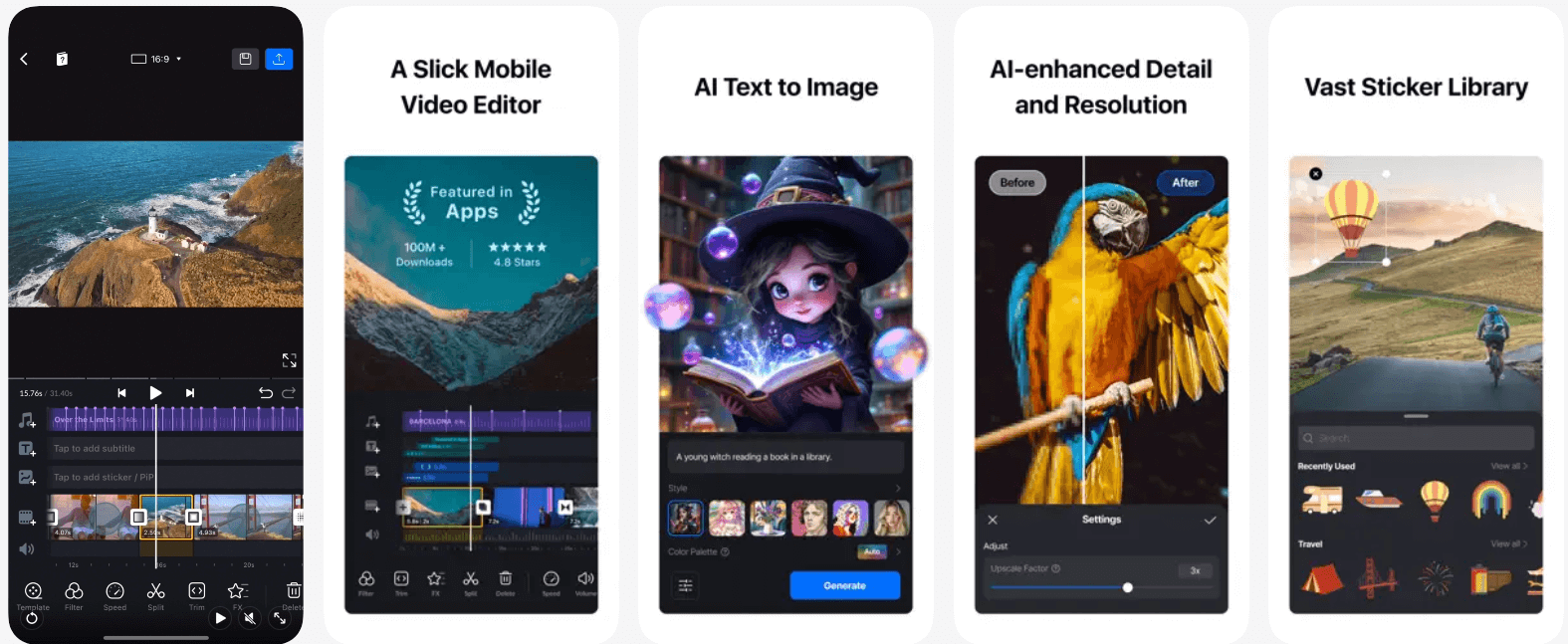
VN Video Editor is a free video editing apps for social media with easy-to-use features, with no watermark. With an intuitive interface and advanced editing tools, it is a similar app to CapCut and is very popular among aspiring video and photo editors. You don’t need any prior knowledge or a manual to use it.
CapCut alternatives for mobile suh as this, offers all the features one needs to create high-quality professional-level videos. Created by a top Android app development company in USA, it incorporates various useful features like quick rough cut, save draft, delete and record, and multi-track timeline. VN video editor is the best free CapCut like application that satisfies the requirements of both professional and amateur video editors.
Key Highlights:
- Multi-track timeline editing
- No watermark on exports
- Advanced color grading tools
- Keyframe animation support
- Ideal for YouTubers and vloggers
3. VivaCut
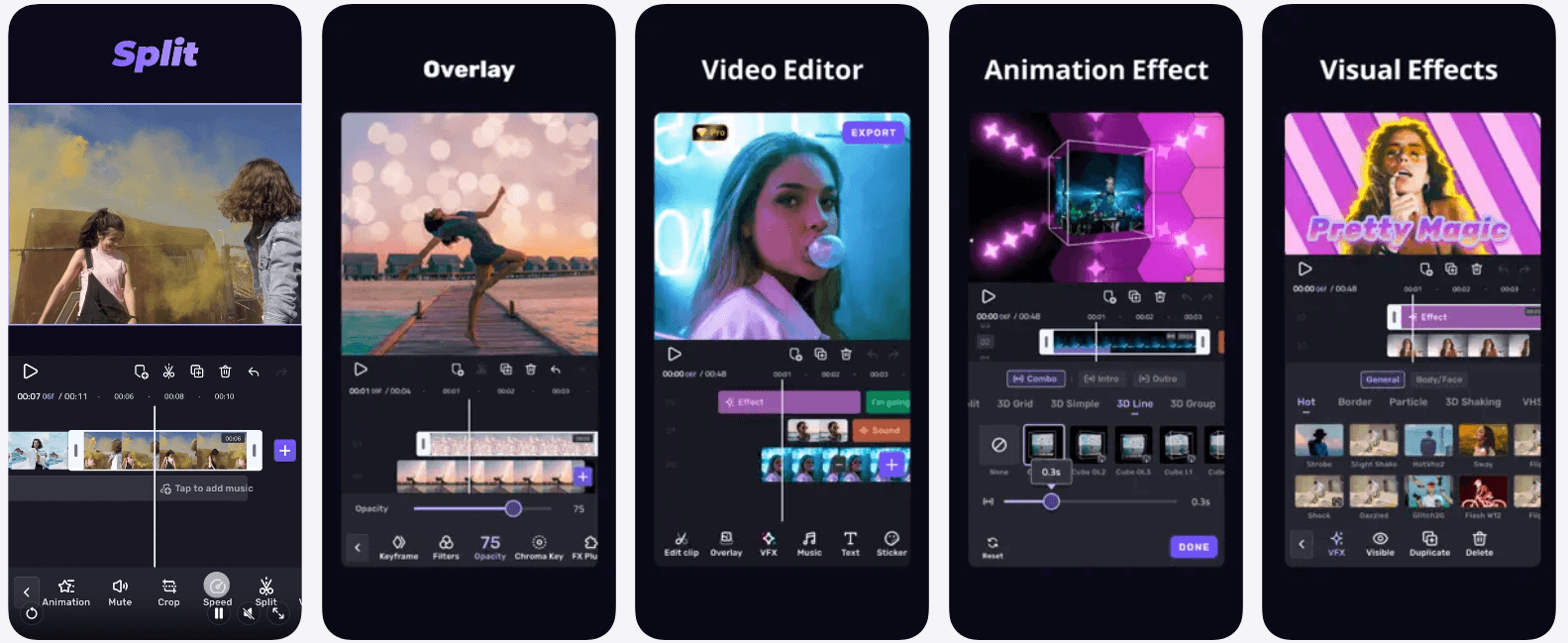
VivaCut is a mobile video editor designed for video creators seeking cinematic 4K quality results, and video encoding and decoding (H.264, HEVC). This free capcut platform supports multi-layer timelines, keyframe animation, chroma key, blending modes, professional transitions, and advanced visual effects.
It is one of the best editing tools for aspiring editors who want a professional-level editing experience without much hassle. Its amazing features and Advanced AI tools make it one of the best applications for making reels, short films, and visually rich social media content. If you are searching for best video editing apps for Android and iPhone that is free for use, Viva Cut can be your best bet.
Key Highlights:
- Multi-layer video timeline
- AI video editing tools
- Chroma key and blending modes
- Cinematic transitions and effects
- Keyframe animation
- Professional mobile editing tools
4. YouCut
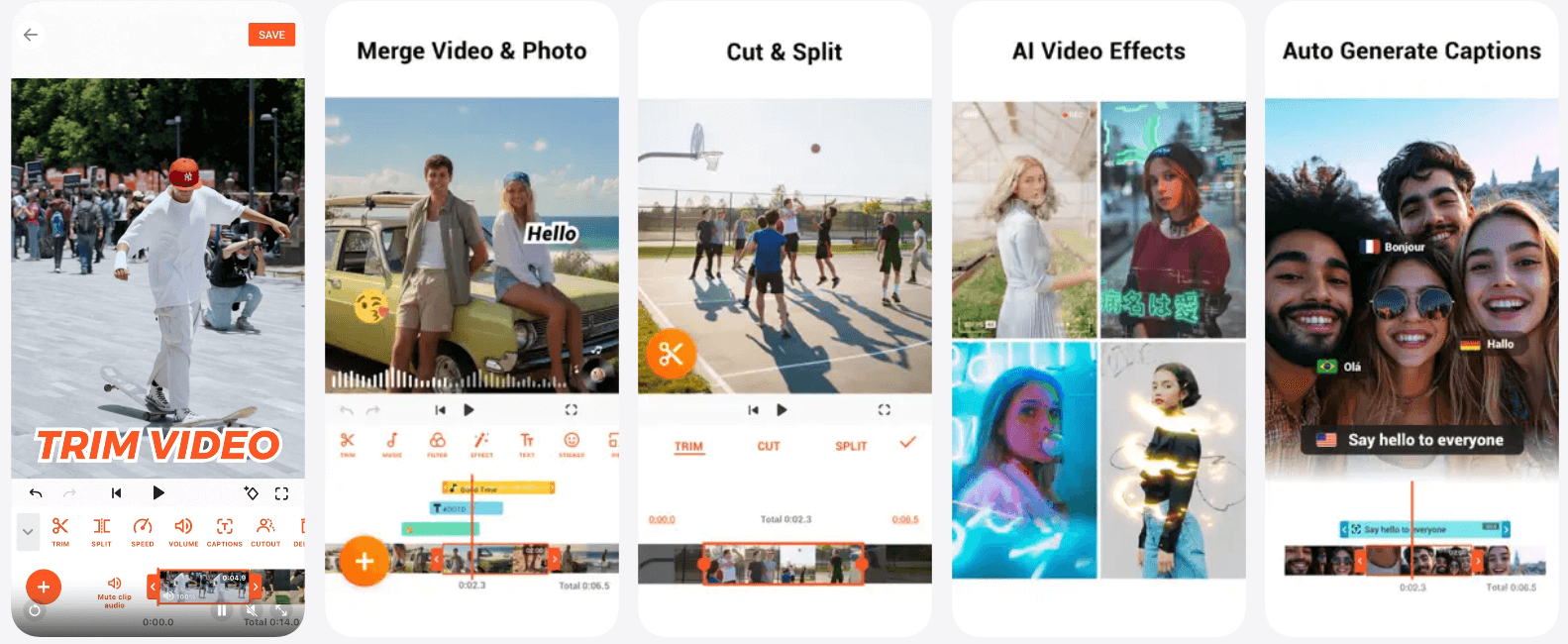
YouCut is a popular mobile video editing app developed by a top provider of on demand app development solutions in California. YouCut is popular among professional video editors for its clean and appealing interface and completely watermark-free exports.
As a top alternative to CapCut, it provides essential editing features and tools such as trimming, merging, speed control, filters, transitions, music integration, and aspect ratio adjustments.
All these features make YouCut an ideal video editing app for beginners and social media creators looking for fast, polished, and high-quality video edits without any hassle.
Key Highlights:
- Watermark-free video exports
- Basic trimming and merging
- Speed control and filters
- Music and text overlays
- Lightweight and fast performance
5. Clipchamp
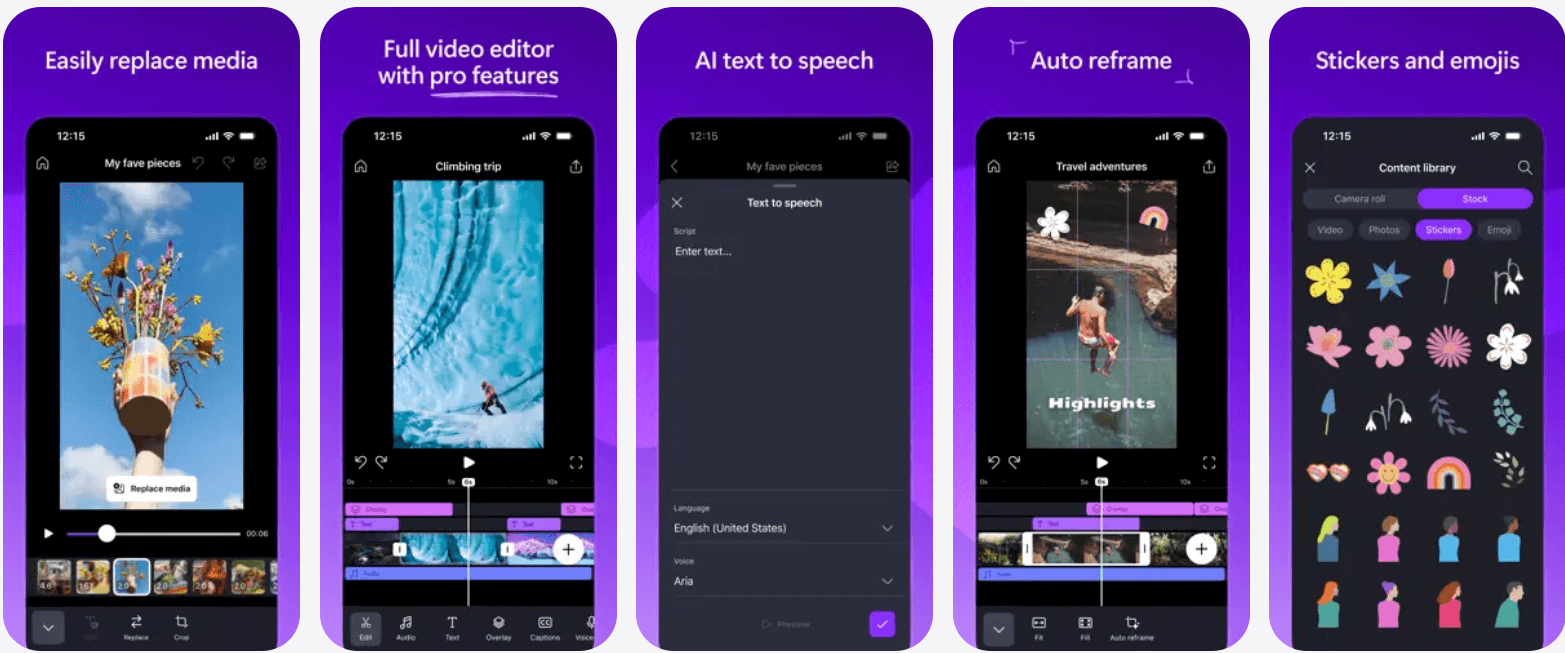
Clipchamp is a cloud-based video editing platform that provides a smooth and easy editing experience. As one of the alternatives to CapCut, it offers functionalities like image and video trimming, resizing, text overlays, brand kits, stock assets, and ready-made templates.
ClipChamp is among the best video editing apps for reels and TikTok that helps improve video quality and accessibility by creating accurate AI captions in more than 80 global languages.
With direct social media export and GPU acceleration in mobile editing, it became an ideal tool for marketing videos, guides and tutorials, presentations, and making business-focused content. Clipchamp also enables secure audio, screen, and webcam recording on Windows and Mac devices.
Key Highlights:
- AI-powered effects and transitions
- Auto beat-sync editing
- Multi-layer video editing
- Animated stickers and overlays
- Music integration
- Social media-focused editing
6. Funimate:
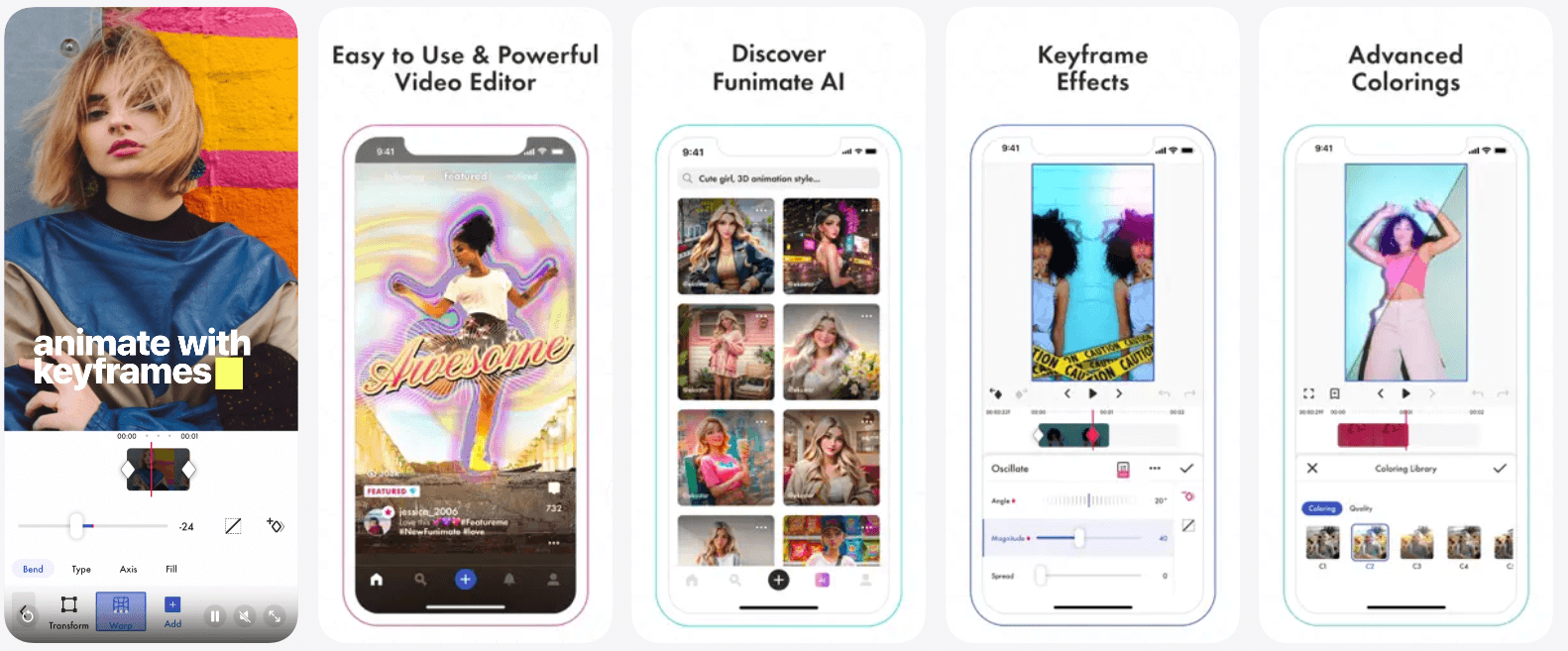
With simple drag and drop features and powerful editing tools, Funimate is one of the most creative video editing apps. Specifically designed by top companies for short-form and social media videos.
This CapCut alternative for Android and iPhone offers amazing features and AI-powered effects, auto-beat sync, audio remix option, animated stickers, transitions, music tools, and easy sharing.
It allows users to save their storyboard video to the Photos library and to share it on social media, or send it to a friend directly via Messages or Mail. Apps like Funimate are perfect for creating content like TikTok, Instagram Reels, and highly engaging, trend-driven video content.
Key Highlights:
- Industry-leading color grading
- AI-powered video editing features
- Advanced video and audio editing
- Motion graphics and VFX tools
- Professional timeline controls
- High-end cinematic workflows
7. DaVinci Resolve:
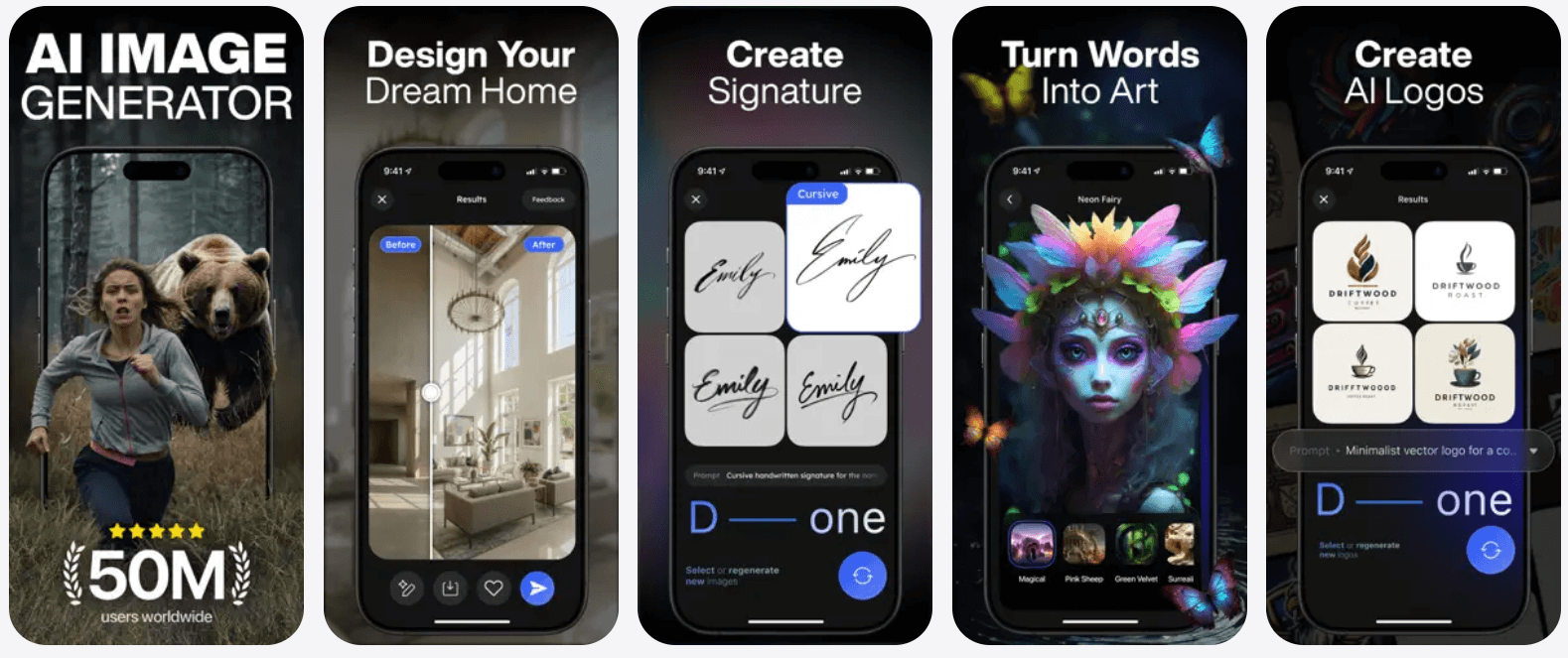
DaVinci Resolve is a professional-grade video editing software widely used in filmmaking, television production, and high-end commercial projects. It offers industry-leading color grading, advanced timeline editing, motion graphics, visual effects, and powerful audio post-production tools.
This all-in-one solution is ideal for creators and studios requiring cinematic-quality output, precision control, and professional workflows. Its node-based system and collaborative features make it suitable for large-scale production teams.
Key Highlights:
- Simple trimming and cropping
- Filters and transitions
- Music overlays
- Lightweight and beginner-friendly
- Quick social media exports
8. EasyCut:
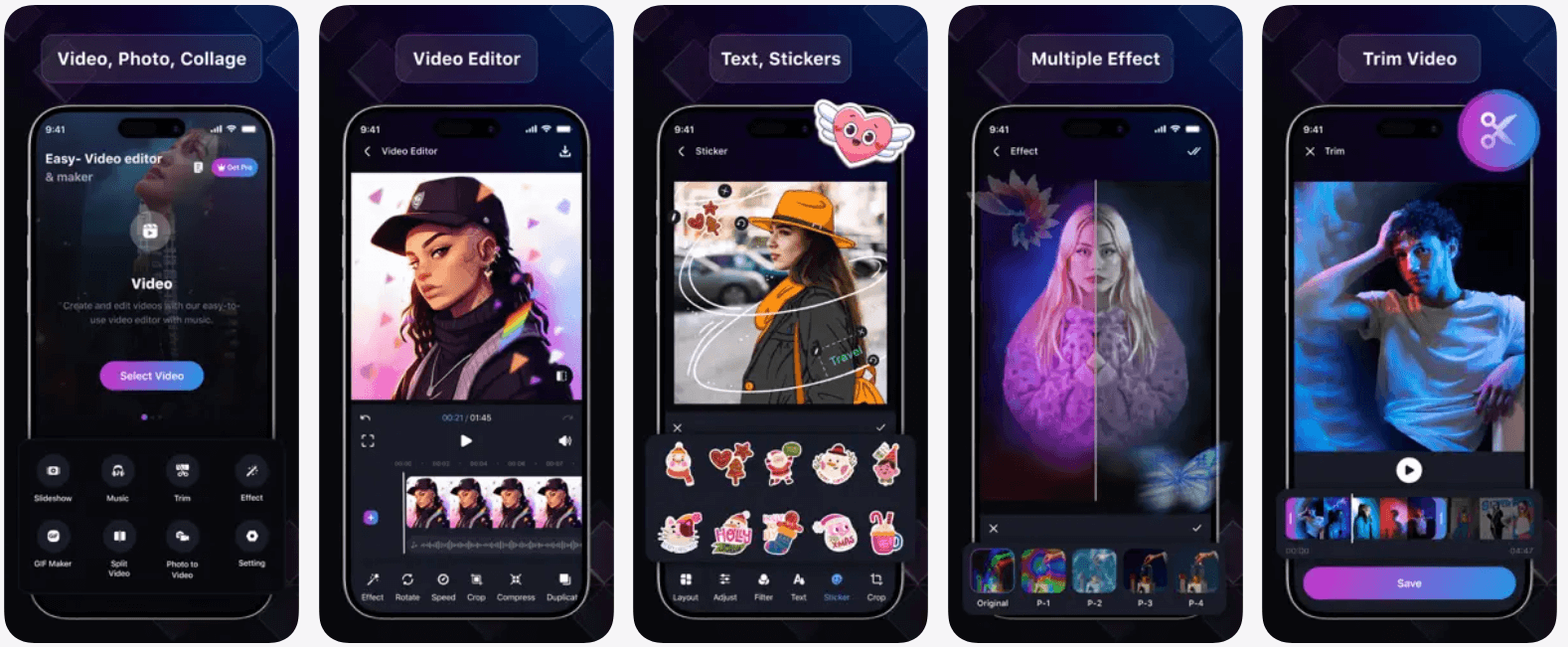
EasyCut is a lightweight and beginner-focused video editing app built for users who want quick, hassle-free edits on mobile devices. Apps like Easy Cut offer essential tools such as trimming, cropping, filters, transitions, music overlays, and aspect ratio customization.
With its clean interface, smooth performance, and minimal learning curve, EasyCut is ideal for casual users, social media content, and fast video edits without advanced technical complexity. It runs efficiently on low-end devices and supports easy exports for popular social platforms.
Key Highlights:
- Simple trimming and cropping
- Filters and transitions
- Music overlays
- Lightweight and beginner-friendly
- Quick social media exports
9. Wondershare Filmora:
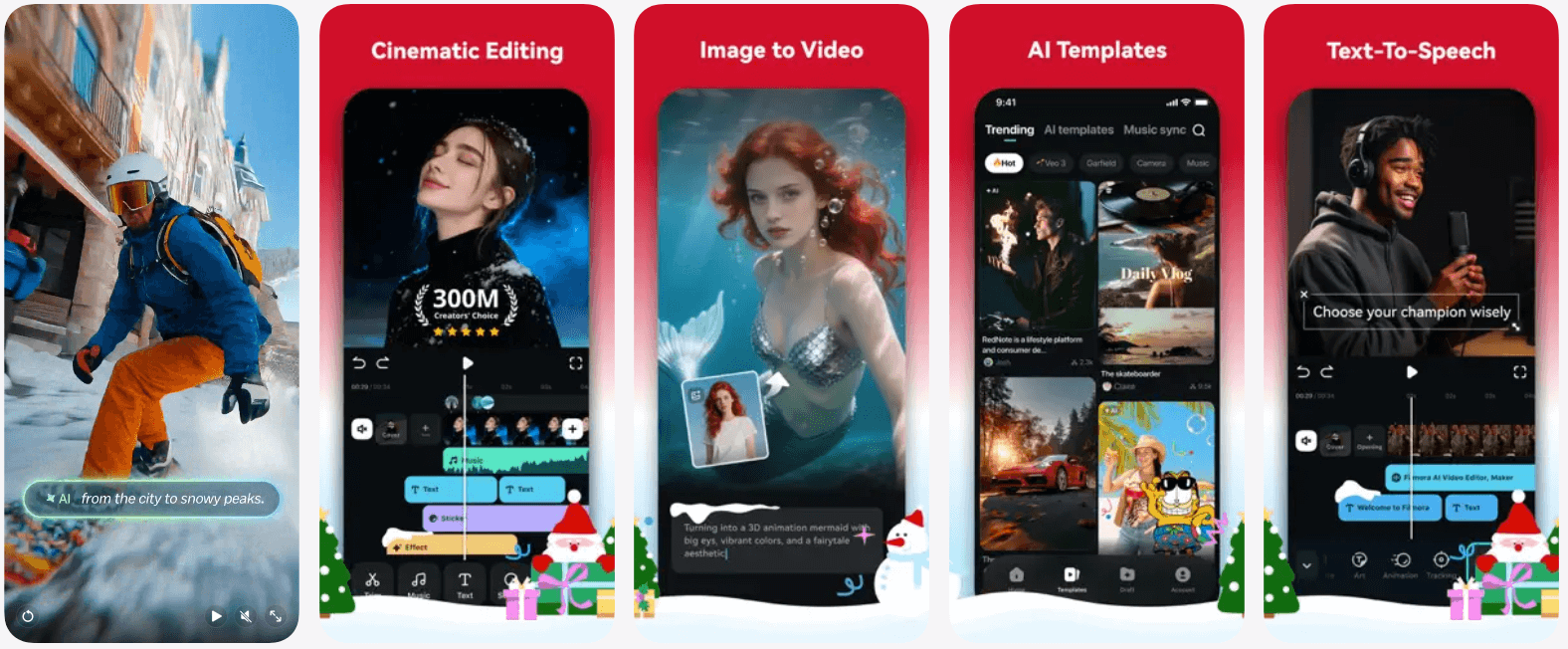
Wondershare Filmora offers a balanced video editing experience by blending simplicity with advanced creative tools. Trusted by millions of creators worldwide, Filmora provides over 2.3 million built-in stock media assets and a wide range of professional-quality effects to enhance video content.
It delivers a complete feature set for both enthusiasts and professionals, including transitions, motion tracking, audio enhancement tools, and creative filters.
With cross-platform support, timeline-based video editing, and an intuitive interface, Filmora is ideal for beginners and intermediate creators producing YouTube videos, vlogs, and engaging social media content efficiently.
Key Highlights:
- Large stock media and effects library
- Motion tracking and transitions
- Audio enhancement tools
- Cross-platform support
- Easy-to-use interface
Want a chatbot demo or pricing? Fill the form and talk to our experts today.
Pick what you need below — you can select more than one — then tap Get detail to continue.
-
Chatbot demo dashboard
-
Cost to develop an app
-
Industry report
-
Case study
10. iMovie:
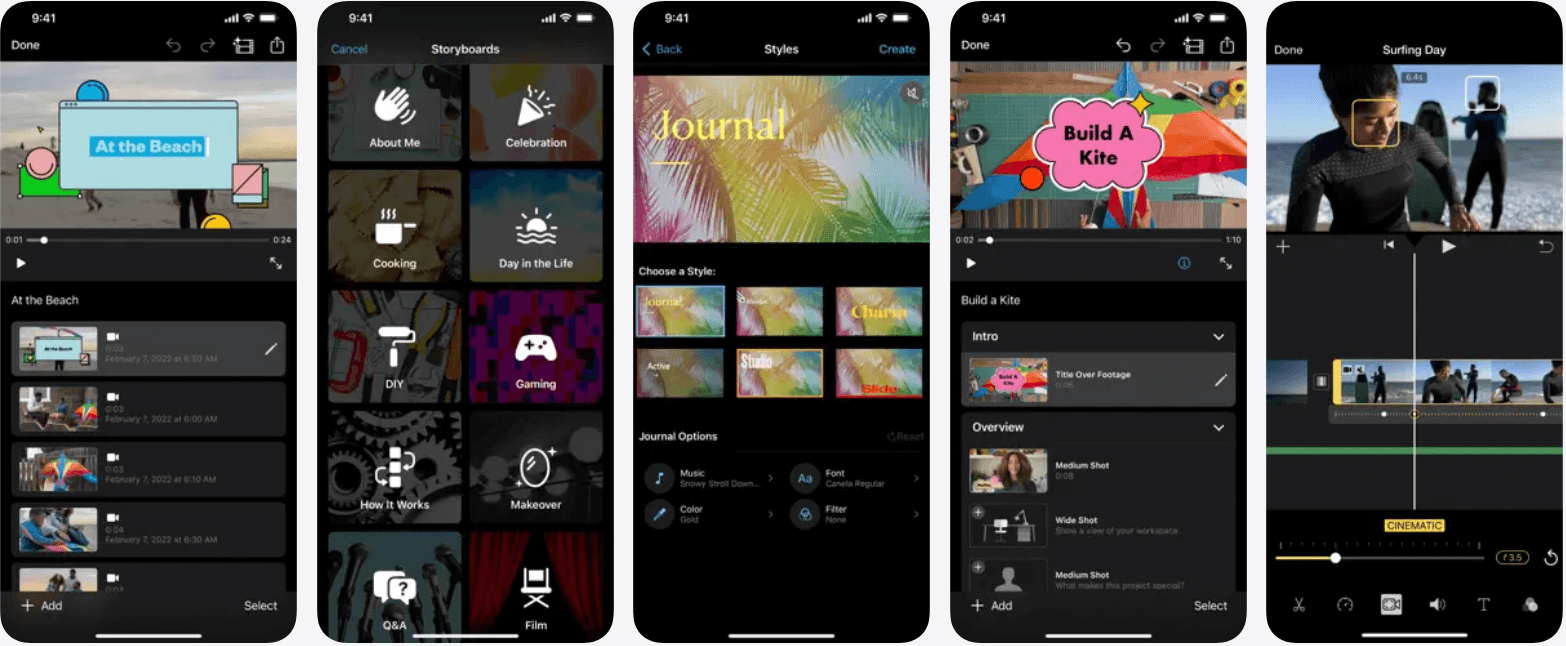
iMovie is Apple’s free video editing app available on iOS and macOS devices. Experts who develop an AI video editing app created iMovie with an intuitive interface, ready-made templates, smooth transitions, built-in soundtracks, and seamless Apple ecosystem integration.
iMovie lets editors select media from the media library, then it identifies the best parts of the video and auto-generates a suitable edit. Users can explore different video looks by choosing from over 20 different styles.
With easy delete and rearrange clips, it is one of the best video editing tools available in the market today. Making it ideal for beginners, creating polished personal videos and social media content.
Key Highlights:
- Free for Apple users
- Pre-built themes and templates
- Smooth transitions and titles
- Apple ecosystem integration
- Beginner-friendly design
11. KineMaster:
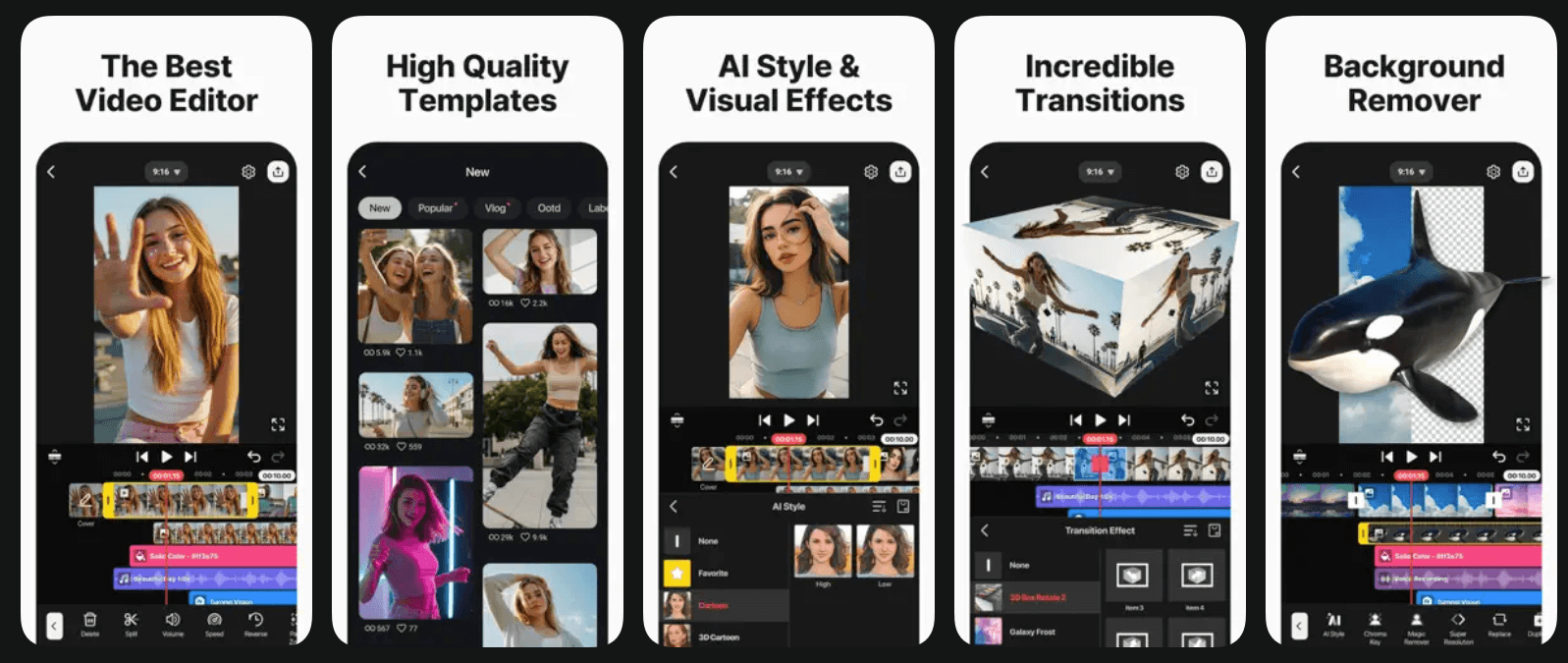
KineMaster is a powerful mobile video editing app that every new aspiring editor needs. It has created a special place among creators and vloggers. Developers who build an app like CapCut create this alternative that contains a multi-layer timeline, chroma key, blending modes, speed control, keyframe animation, and precision editing tools.
Users can add voiceovers, background music, transitions, and effects with ease. Its asset store provides royalty-free music, stickers, and templates. KineMaster supports high-resolution exports and is ideal for YouTube videos, Instagram Reels, and TikTok content, making it a strong CapCut alternative for advanced mobile editing.
Key Highlights:
- Multi-layer video editing
- Chroma key and blending modes
- Precision trimming tools
- Asset store for effects and music
- High-quality video exports
12. Adobe Premiere Rush:
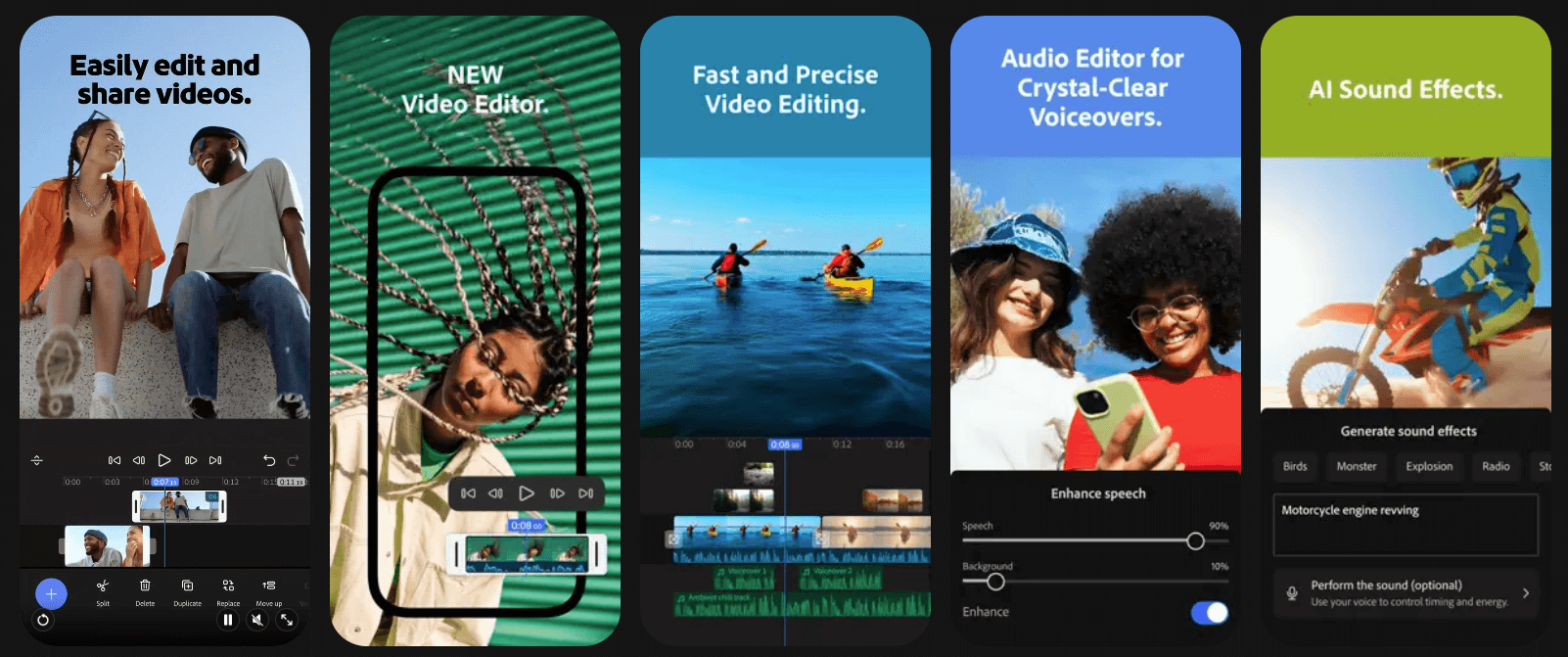
Adobe Premiere Rush is a cross-platform video editor designed for creators who want professional-quality results with simplicity. It allows seamless editing across mobile and desktop, offering trimming, transitions, color correction, audio balancing, and motion graphics templates.
Built-in camera features help creators record directly within the app. With cloud sync and direct publishing to social platforms, Premiere Rush is ideal for influencers, marketers, and beginners seeking Adobe-like high-quality editing without the complexity of Premiere Pro.
Key Highlights:
- Cross-device editing and sync
- Professional templates and tools
- Built-in camera features
- Auto audio balancing
- Direct social sharing
13. PowerDirector:
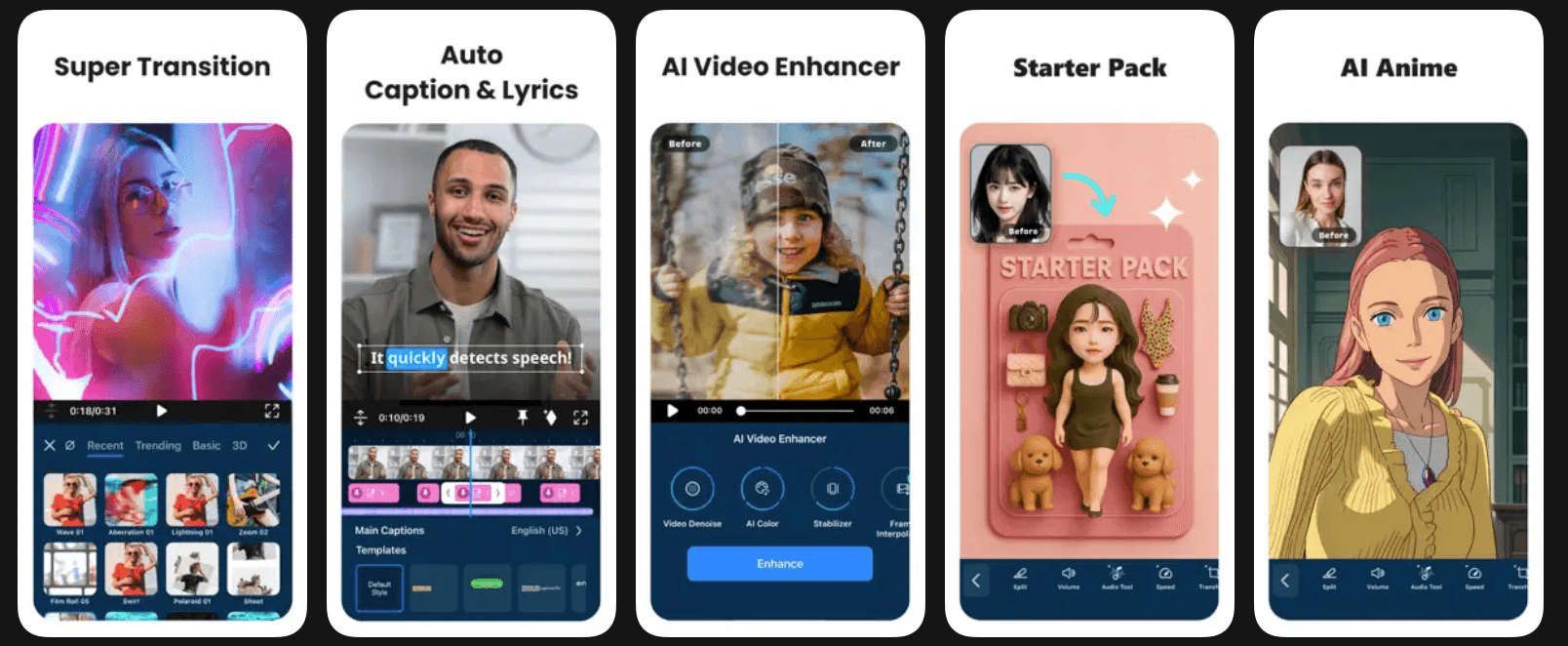
PowerDirector is a feature-rich video editing app known for its speed and advanced creative tools. It supports 4K editing, motion tracking, green screen, AI-powered effects, transitions, and animated titles.
The app is suitable for both beginners and professionals who want more creative control on mobile devices. With regular updates, extensive effect libraries, and fast rendering, PowerDirector is a great CapCut alternative for creating polished videos for social media, YouTube, and marketing.
Key Highlights:
- 4K video editing support
- Motion tracking and AI effects
- Green screen editing
- Fast rendering performance
- Professional transitions
14. LumaFusion:
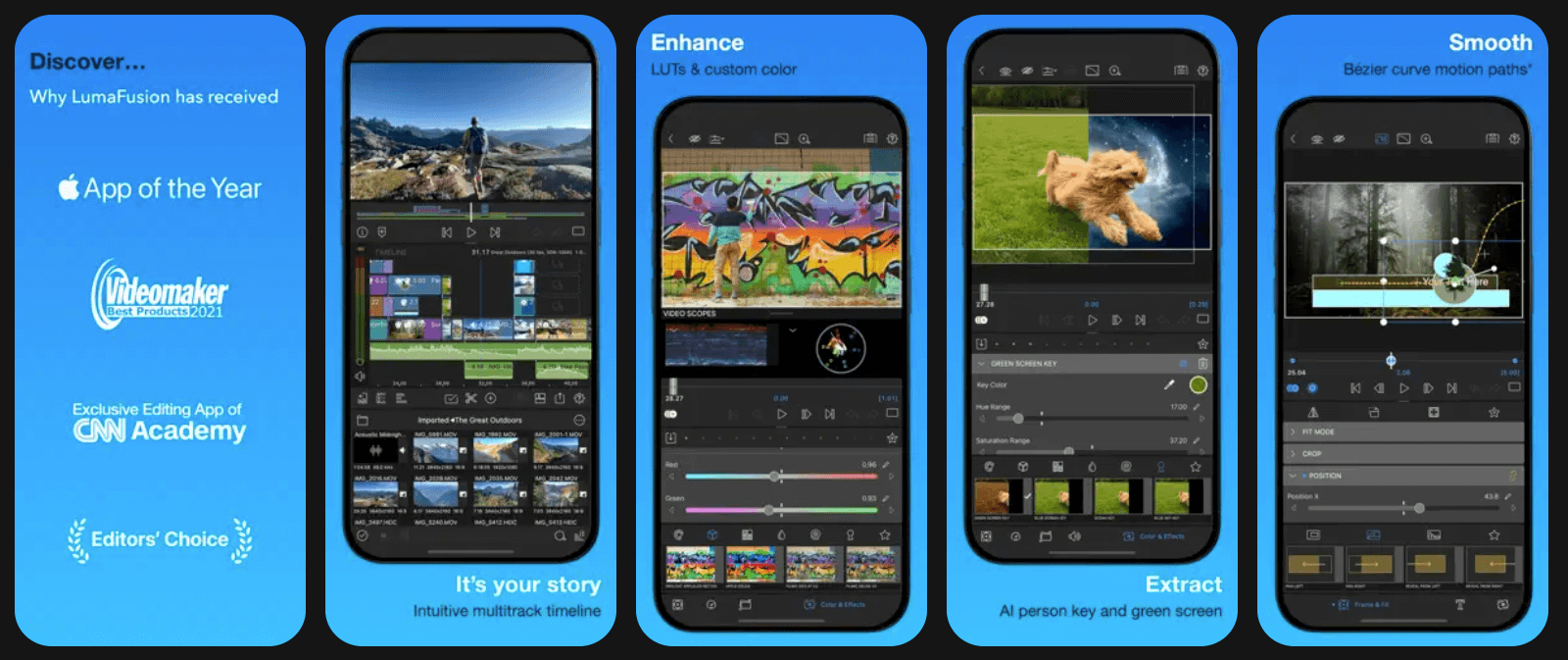
LumaFusion is a professional-grade video editing app, especially popular among iOS users. It offers a multi-track timeline, advanced color correction, audio mixing, keyframing, and precision trimming.
Often described as a desktop-level editor on mobile, LumaFusion is widely used by journalists, filmmakers, and serious creators. It supports high-quality exports and complex editing workflows, making it an excellent alternative to CapCut for users seeking cinematic-level editing on tablets and smartphones.
Key Highlights:
- Multi-track professional timeline
- Advanced color correction
- Audio mixing and keyframing
- High-resolution exports
- Desktop-level mobile editing
You can reach out anytime; we are available 24/7. Our team provides a quick response.

15. Splice:
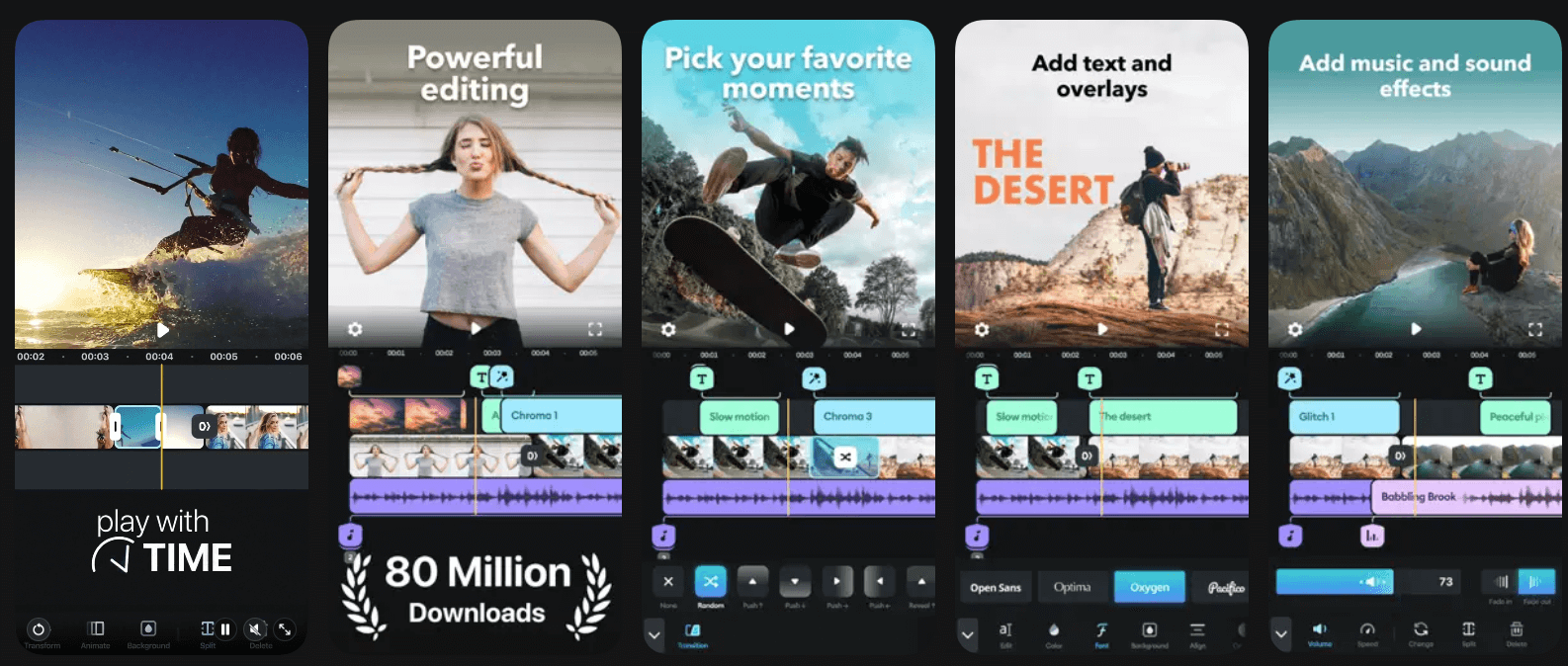
Splice is a user-friendly mobile video editing app designed for quick yet creative edits. It offers trimming, transitions, filters, speed adjustments, text overlays, and seamless music synchronization.
With its clean interface and powerful tools, Splice makes professional-looking videos accessible to beginners. The app also includes a library of licensed music and sound effects. Splice is ideal for social media creators who want fast editing without sacrificing quality or creative flexibility.
Key Highlights:
- Easy trimming and transitions
- Licensed music library
- Speed and motion effects
- Clean, intuitive interface
- Ideal for quick edits
16. Quik (by GoPro):
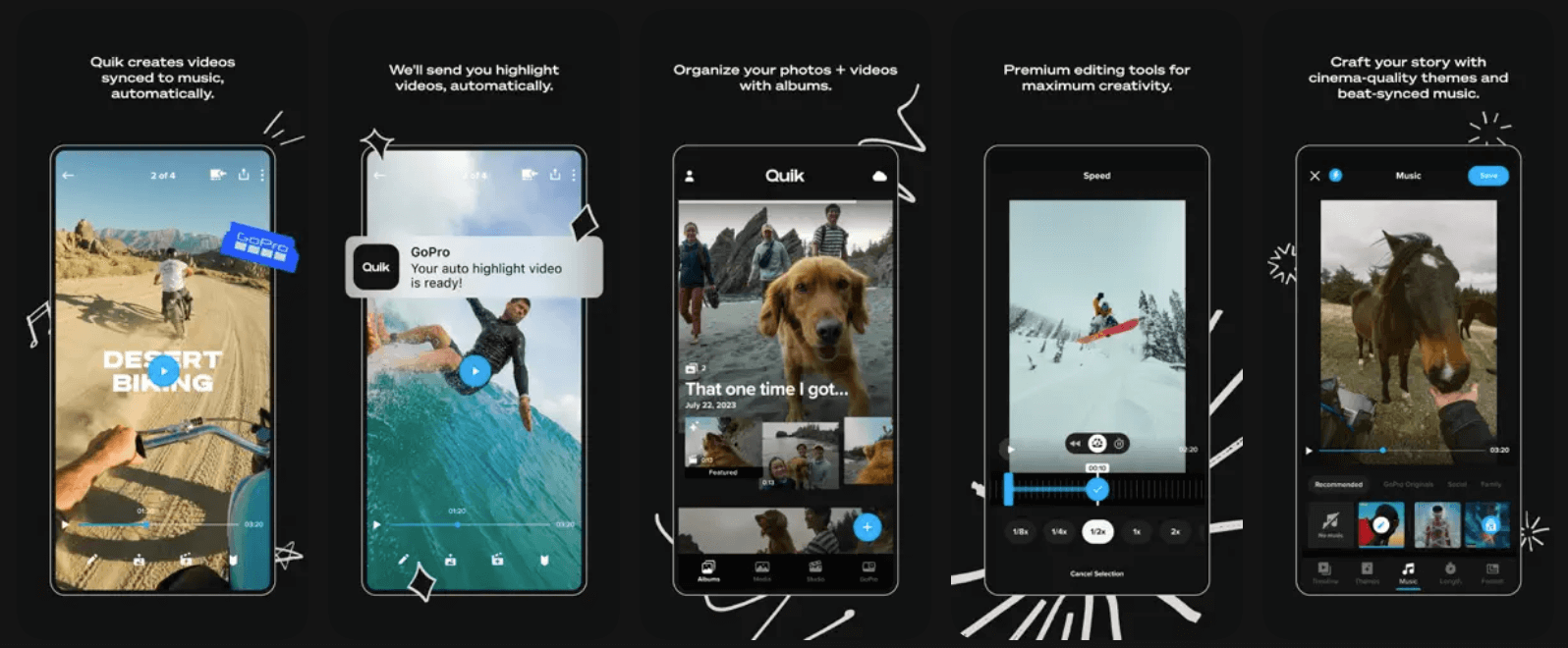
Quik is an AI-powered video editing app developed by GoPro that automatically creates stunning videos from photos and clips. It analyzes footage to select highlights, syncs edits to music beats, and applies transitions and effects automatically.
Developers who create a mobile app design Quik in a way that helps users customize themes, fonts, and soundtracks for better control. Quik is perfect for travel videos, action clips, and social media content, making it a great CapCut like platform for fast, automated video creation.
Key Highlights:
- AI-powered automatic editing
- Beat-synced transitions
- Smart highlight detection
- Custom themes and music
- Fast social media exports
17. VideoLeap:
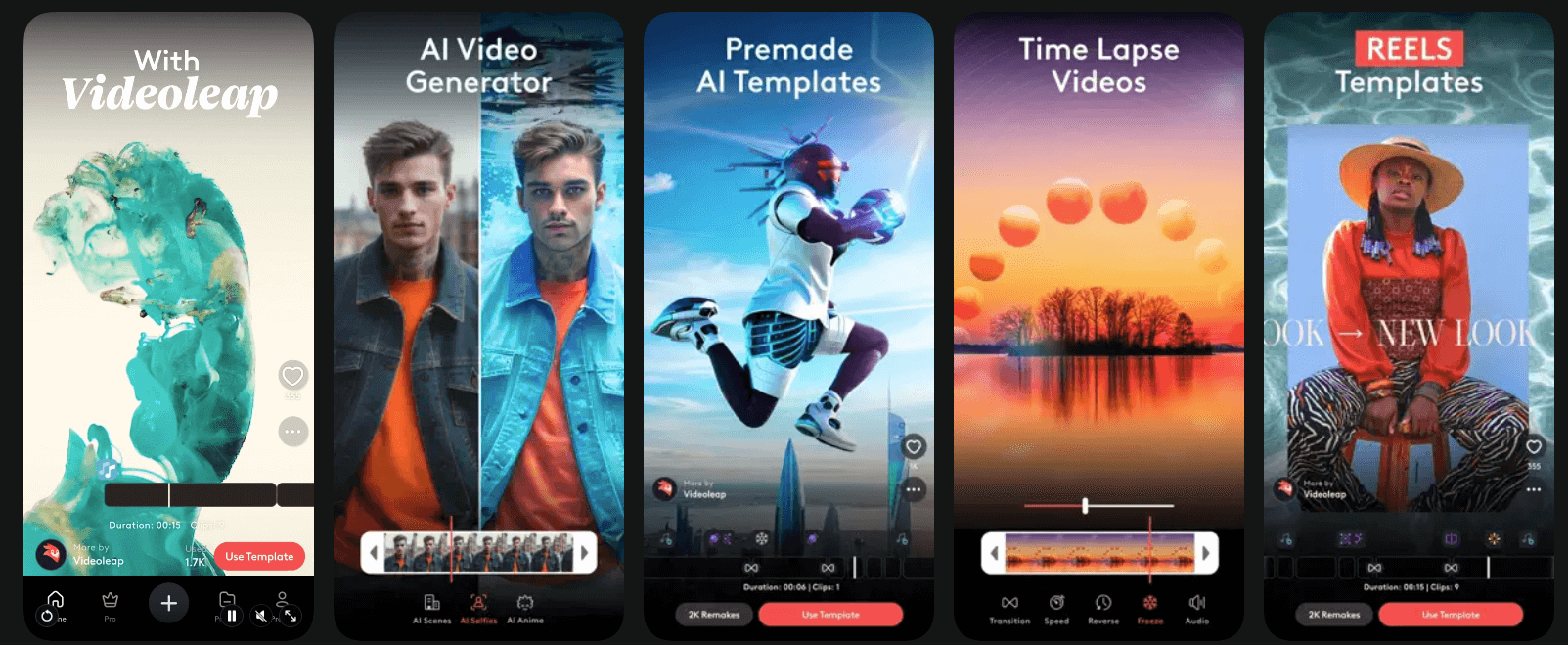
VideoLeap is a creative video editing app offering a layered timeline, blending modes, masks, keyframes, and cinematic effects. It is well-suited for creators who enjoy experimenting with visual storytelling and advanced effects.
The app supports transitions, motion graphics, text animations, and AI-powered tools. VideoLeap is ideal for TikTok, Instagram Reels, and creative short videos, making it a strong alternative to CapCut for artistic and visually engaging content.
Key Highlights:
- Layer-based editing system
- Keyframe animations
- Creative effects and masks
- Cinematic transitions
- Advanced visual storytelling

18. Magisto:
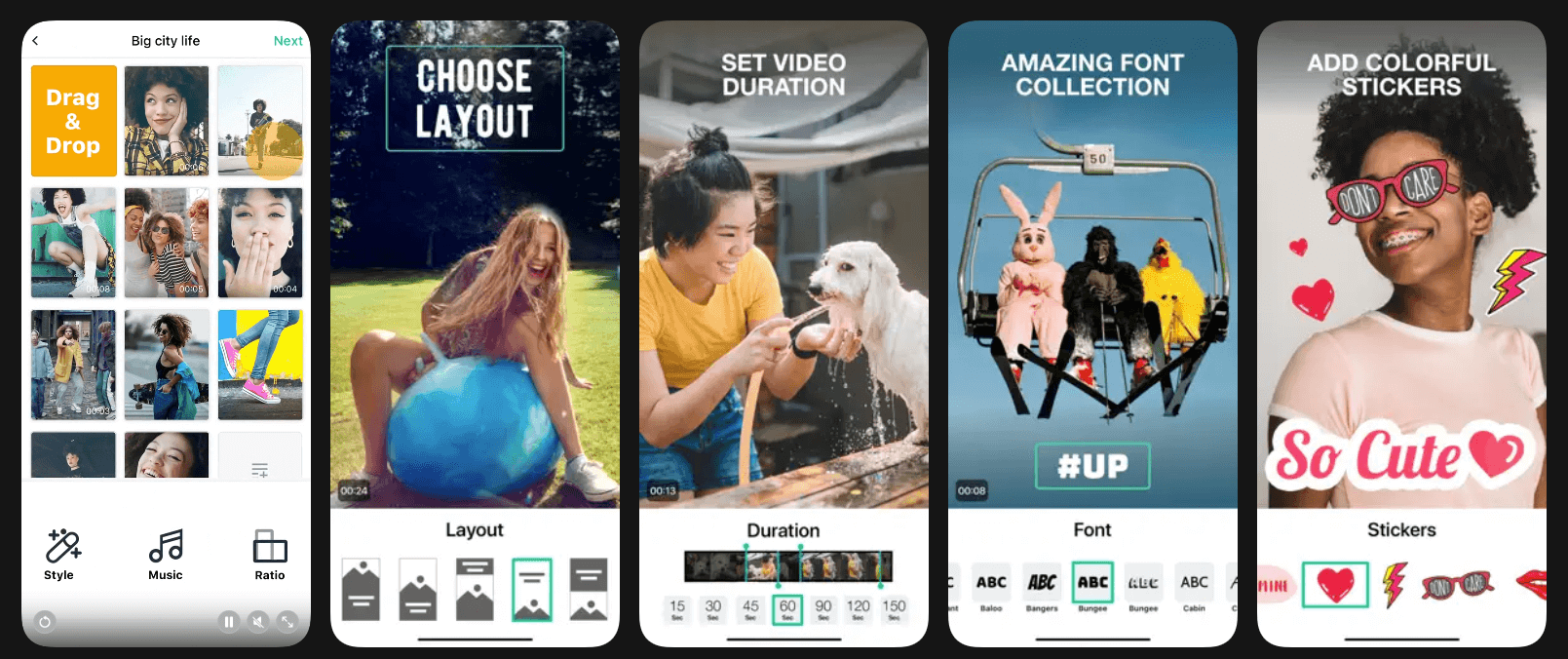
Magisto is an AI-driven video editing app that automatically transforms raw footage into polished videos. Users simply select clips, choose a style, add music, and let the AI handle editing, transitions, and pacing.
Created by a top mobile app development company in NYC, it’s particularly popular among marketers and small businesses creating promotional videos. While it offers less manual control, Magisto excels in speed and ease of use, making it a practical CapCut alternative for quick, professional-looking results.
Key Highlights:
- AI-driven video creation
- Automatic editing and pacing
- Marketing-focused templates
- Music and style presets
- Fast, beginner-friendly workflow
19. MixCaptions:
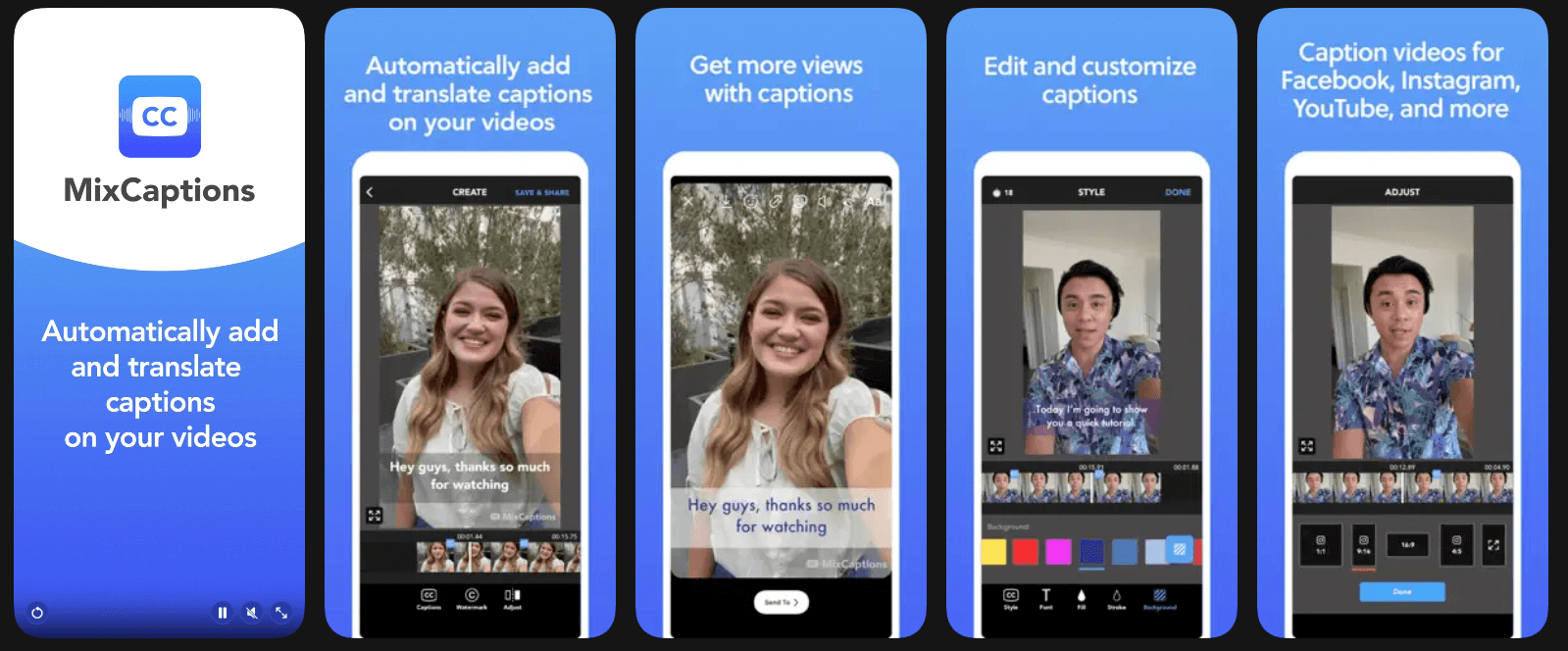
MixCaptions focuses on subtitle and caption creation, making videos more accessible and engaging. It automatically generates captions using speech recognition, supports multiple languages, and allows customization of fonts, colors, and styles.
This app is ideal for creators targeting social platforms where captions improve engagement. While not a full editor, MixCaptions pairs well with other apps and serves as a valuable CapCut alternative for caption-heavy video content.
Key Highlights:
- Automatic subtitle generation
- Multi-language caption support
- Font and style customization
- High caption accuracy
- Improves video accessibility
20. Beatleap (by Lightricks):
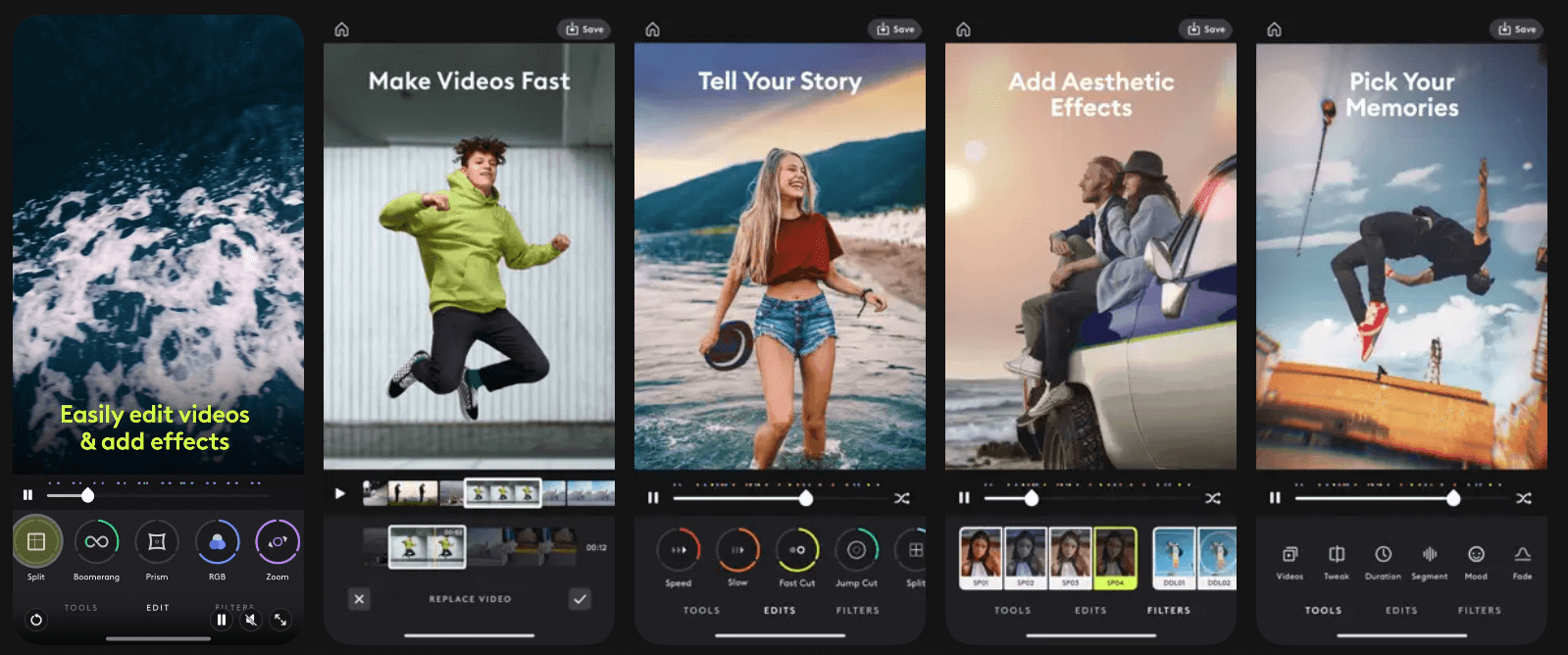
Beatleap is an AI-powered video editing app that specializes in music-synced video creation. It auto-matched the video clips to beats, added transitions, and enhanced visuals for a dynamic look. Experts who provide video editing app development services design it specifically for social media creators.
Beatleap simplifies the process of creating rhythm-based videos for Instagram and TikTok. With trendy templates and automation, Beatleap is an excellent CapCut alternative for creators who prioritize speed, music integration, and eye-catching edits.
Key Highlights:
- AI beat-matching edits
- Trend-based templates
- Music-synced transitions
- Fast video creation
- Ideal for short-form content
How Dev Technosys Will Help in CapCut like App Development?
We hope this blog helps you discover and refine your understanding of CapCut substitutes. All these alternatives to CapCut we mentioned here are exceptional in their own way. The right choice depends on your editing goals, skill level, and content style.
And if you are a business looking for a top agency to build your unique CapCut alternative app, then turn to Dev Technosys, a leading video editing app development company in USA. Our experts will help you build an app like edits like platform by delivering end-to-end video editing app development tailored to your business goals.
Frequently Asked Questions
Find answers to the most common questions related to this article.
The best CapCut alternative depends on your needs. InShot and YouCut are great for beginners, while Filmora and VivaCut suit advanced editing. DaVinci Resolve is ideal for professional-quality video creation.
Many CapCut alternatives offer free versions with basic features. However, advanced tools, watermark removal, premium effects, or higher export quality often require in-app purchases or subscription plans.
Apps like InShot, Funimate, VN Video Editor, and VivaCut are excellent for social media. They support vertical videos, reels, transitions, music syncing, and quick exports optimized for platforms like Instagram and TikTok.
Yes, most CapCut alternatives, such as InShot, YouCut, VivaCut, Filmora, and Funimate, support both Android and iOS, ensuring consistent editing experiences across devices.
Yes, tools like DaVinci Resolve and Wondershare Filmora provide advanced features such as color grading, motion tracking, and audio controls, making them suitable for professional and semi-professional video editing.














