






















Key takeaways:
-
-
- Integrate AI into POS software to improve demand forecasting, inventory management, checkout speed, personalization, and fraud detection.
- Start with clean data, clear business goals, and one high-impact AI use case.
- Choose between vendor-native features, third-party apps, or custom and hybrid integration based on business needs.
- Protect payment data, monitor AI performance, and expand gradually to maintain reliable POS operations.
-
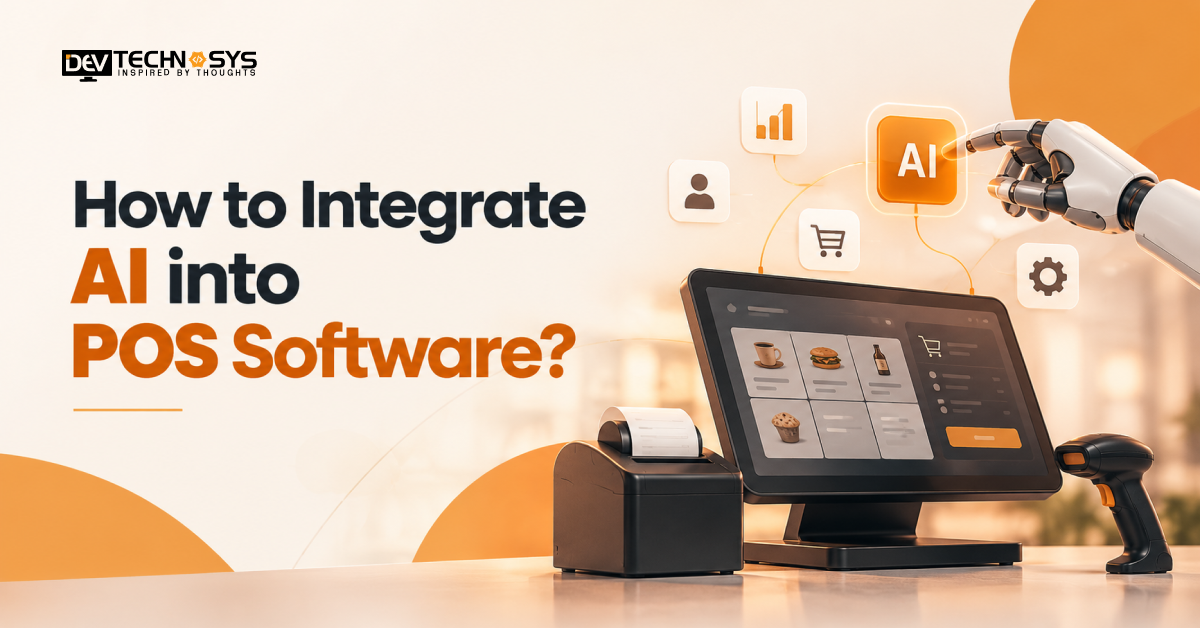
AI-powered POS systems are transforming the way businesses conduct transactions, making them more than just a checkout process. Integrate AI into POS software to change the way businesses operate, turning simple transactions into predictive, fraud-detecting, and personalized experiences.
Traditional terminals only document transaction information at the point of sale. AI POS software takes it one step further by leveraging real-time data from sales, stock, and customers to predict the next steps. It can predict how much product is needed before it sells out, recommend add-on items at checkout, and identify odd transactions while they are occurring. There’s a reason why retailers, cafes, and restaurant chains are turning to AI-integrated point-of-sale solutions for both thin margins and queue-related sales costs.
This guide takes you through the entire process of data readiness, architecture, security, and what AI integrations could cost.
Why Integrate AI Into POS Software?
A standard POS terminal only records sales, while an AI-powered point of sale learns from every past sale. The shift shows up in five areas of daily operations.
- Faster checkout: An AI-enabled POS speeds up payment decisions and shortens queues at peak hours.
- Higher basket value: A smart POS system reads purchase history and suggests relevant add-ons at the counter.
- Tighter stock control: An intelligent POS system forecasts demand, which cuts both stockouts and overstock.
- Fewer fraud and entry errors: Unusual transactions are flagged as they happen, before they turn into losses.
- Less manual work: Reporting and reorder suggestions run automatically, freeing staff for customers.
Each one also feeds the next, because cleaner data improves every decision. Businesses that want these gains without stitching separate tools together can start with a POS software development solution designed for AI from the first line of code.
Industry Insight
According to the National Retail Federation (NRF), retailers are exploring AI to improve supply chains, personalize marketing, strengthen operations, and manage emerging technology risks.
What Are the Key AI Use Cases in the POS Industry?
When it comes to integrating AI into your point-of-sale software, it’s important to understand which use cases work best in each business category.
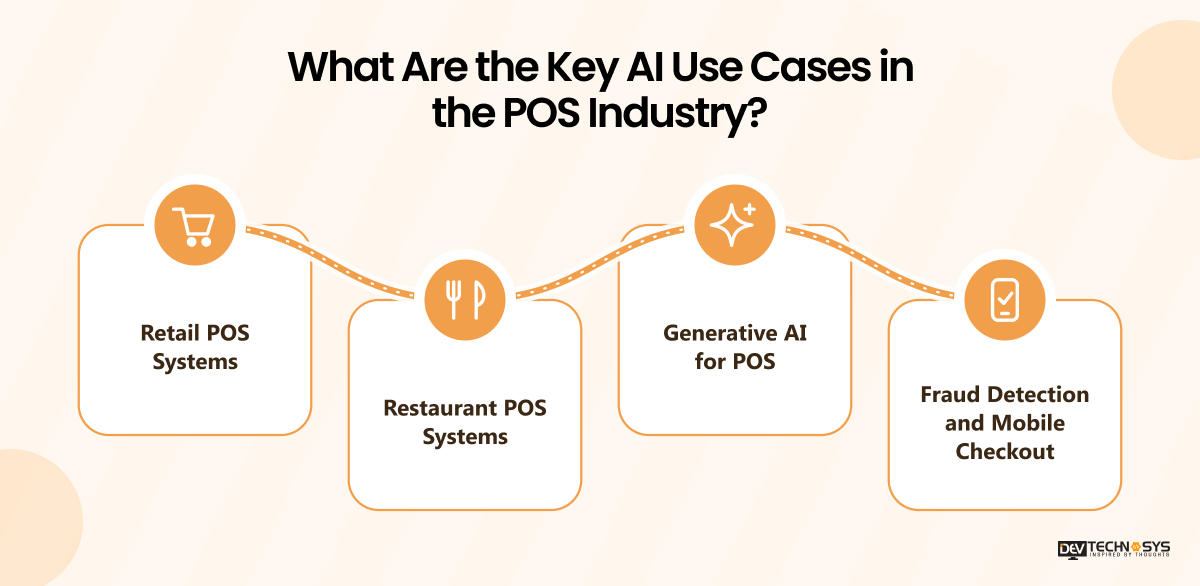
1. Retail POS Systems
An AI Retail POS system leverages the power of predictive analytics to predict what shops might need based on time of year and location. Here are some ways to use AI for inventory management in a POS: Auto-reorder alerts, slow-mover flags, and avoiding stockouts. The deep learning POS models can also scan products at self-checkout without reading a barcode.
2. Restaurant POS Systems
An AI-powered restaurant POS system predicts demand by daypart, meaning that kitchens are ready to meet actual demand and reduce food loss. It can also recommend add-ons to the existing orders. These features are also great for smaller venues and are an excellent addition for any individual looking to build a cafe POS system.
3. Generative AI for POS
Generative AI for POS enables managers to request sales reports in natural language, create product descriptions, and provide a helpful companion to staff for answering menu or catalog inquiries. Reports that were once an analyst now become one question. This is most effective if it is based on your own sales figures.
4. Fraud Detection and Mobile Checkout
In real time, models unusual refunds, voids, and card patterns. To serve customers anywhere on the floor, a mobile POS app development project can bring these AI suggestions to tablets and handhelds. The alerts are displayed immediately to managers.
Step-by-Step Process to Integrate AI Into POS Software
The key steps for a successful integration of AI into POS software are similar for teams. Successful teams go through seven steps from data checks to rollout and monitoring.
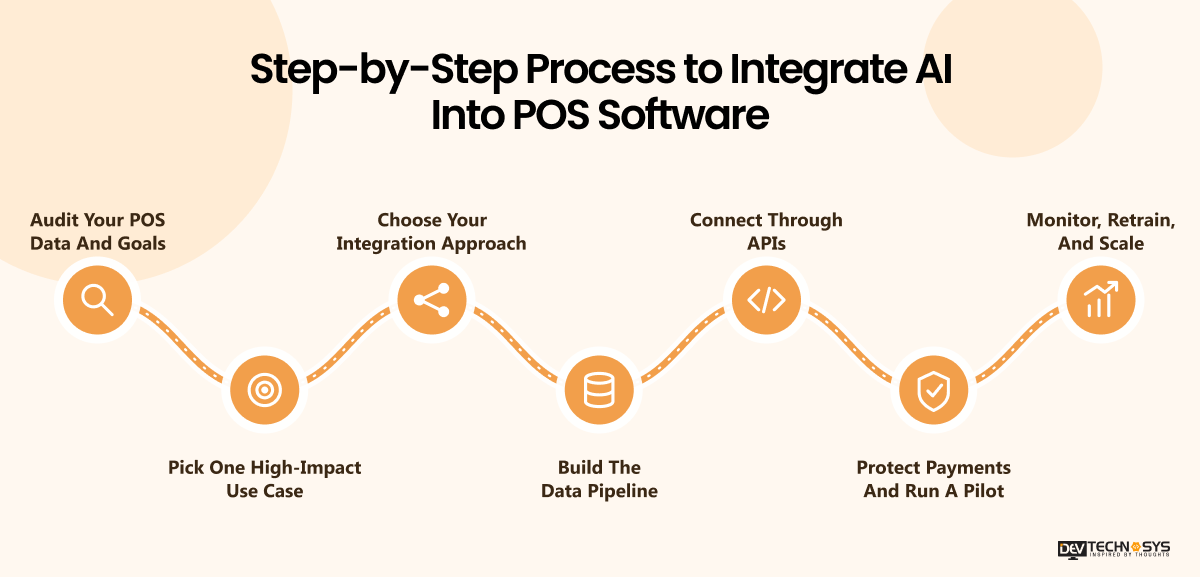
Step 1: Audit Your POS Data And Goals
Ensure the sales, stock, and customer records are clean, there is a sufficient number of months of history, and identify which systems are feeding the terminal. Write down the business problem, such as stockouts, slow queues, etc. A common culprit for AI projects to fail is data that is messy, outdated, or missing. This development is the basis for strong AI integration into the POS.
Step 2: Pick One High-Impact Use Case
Don’t be tempted to over-automate. Pick one outcome, like Predictive Analytics for demand forecasting, and decide how to evaluate it: fewer stockouts, for instance, or less waste. The narrow first goal also makes the pilot easy to judge; cheap and easy.
Step 3: Choose Your Integration Approach
Enabling vendor-native AI capabilities, integrating third-party apps, or creating custom models are all potential options. These are each a compromise between speed and control. If your workflows are different, POS software development services can mold the AI POS system to your existing terminals and data. All three routes are compared in the comparison table below in this guide.
Step 4: Build The Data Pipeline
A data pipeline processes data from the point of sale, cleans it, and pushes it to a location for the models to access. This is also the case for integrating predictive analytics with POS: forecasts only work when new data is input into the model every day. Pass the data through the stream or batch based on the requirement of rapid decision-making.
Step 5: Connect Through APIs
Next, connect the model to the terminal through POS API integration. Typically, the AI backend integration will be a standalone service that scores each event and returns a score quickly enough not to hold up checkout. Cache often-used results and provide a fallback, so terminals continue to function in the event of a service outage.
Step 6: Protect Payments And Run A Pilot
Store card information on your certified payment processor and only use tokens or anonymized card fields. Test at just one or two outlets and check against your baseline data; if there are mistakes, have staff mark them off before expanding the rollout. Test failures as well – like dropping a connection during a sale.
Step 7: Monitor, Retrain, And Scale
Monitor the accuracy of the forecasts, fraud flags, and checkout time following the launch. Retrain on new data on a regular basis, such as when models and menus change, and prices and shoppers’ preferences shift. Only expand to more outlets and use cases when the first outlet/use case is still holding its results.
Expert Insight
“AI integration in POS software should prioritize reliable checkout, faster fraud detection, and secure data handling, with every feature supporting real business needs.”
Pramod Jangid, Fintech & POS Technology Expert, Dev Technosys
Architecture and Tech Stack for AI-Powered POS
A good AI POS architecture separates data, models, services, and serving, which allows each of them to be changed independently. The layers are modular so you can easily swap, retrain, or upgrade a model without touching the terminal or payment flow, resulting in quick and cheap later additions to the system.
Typically, the data layer is the first layer to be added, followed by models and services, and when a new use case is added, the stack is extended one layer at a time.
A typical AI-powered POS architecture has four layers, shown below.
| Layer | Role | Key point |
| Data layer | Collects sales, stock, and customer events through the data pipeline | Feeds training and reporting |
| Model layer | Machine learning architecture for POS combines forecasting, recommendation, and fraud models | Deep learning only where data justifies it |
| Service layer | AI microservices handle one job each, such as fraud scoring | Reached through APIs, scaled separately |
| Serving layer | An AI inference engine returns live predictions at checkout | Local backup model if the connection drops |
AI POS Integration Approaches: Vendor, Third-Party, or Custom
There are three practical ways to integrate AI into POS software, and the choice depends on the company’s workflow, data, and control needs. Custom or hybrid builds are ideal for businesses that don’t have a workflow that can be addressed by a ready-made solution, and can be combined with AI integration services for POS, which integrate models with your sales and inventory data.
| Approach | Best for | Speed to launch | Control |
| Vendor-native AI features | Small teams testing one use case first | Fastest | Low, limited to what the vendor offers |
| Third-party AI apps | Teams needing more than the POS offers | Fairly fast | Medium, shaped by app settings and integrations |
| Custom or hybrid build | Unique workflows, multiple outlets, strict data rules | Slower, but scalable | High, full control of models and data |
Common Challenges When Integrating AI into Existing POS Systems
When you integrate AI into POS software, it will bring out data, compatibility, performance, and adoption issues. Solving these problems in the initial phase of a business entails creating reliable systems without any disruptions to running the business. The principles outlined in the NIST AI Risk Management Framework can be applied to help manage AI risks, including through a phased rollout, measurable performance targets, and regular reviews.
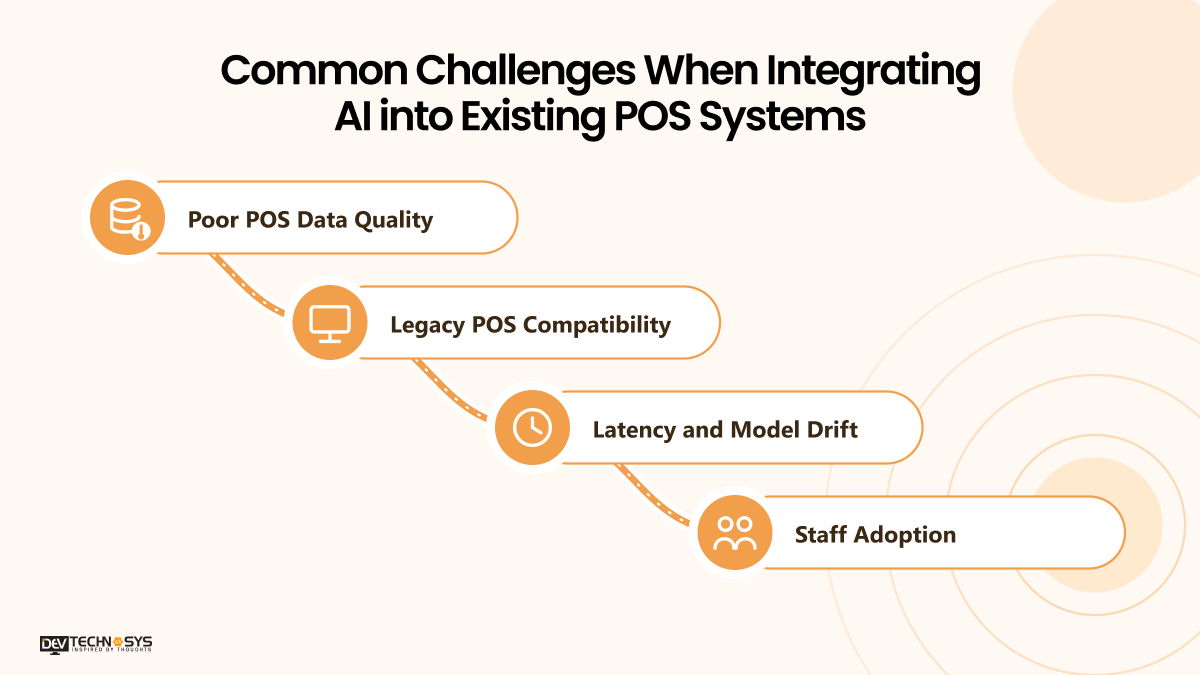
1. Poor POS Data Quality
Inconsistent inventory and sales data are a big hurdle for AI forecasts. Ensure that historical records are cleaned and product information is standardized prior to model building. Ensure that historical data is cleansed and product information is standardized before training models.
2. Legacy POS Compatibility
Older systems might not have the necessary APIs to support AI integration. Middleware can be used to integrate current software into AI services. Understanding cloud POS vs legacy POS can help businesses determine which infrastructure they can handle before deciding on an integration strategy.
3. Latency and Model Drift
Reluctance to respond quickly and shifts in sales trends can diminish confidence in AI. Track response timings, correctness of predictions, and correctness of input data to detect performance problems.
4. Staff adoption
Staff might be reluctant to accept automated suggestions. Offer real-life training, limited pilot introduction of AI, and ensure human oversight for impactful choices.
Security and Compliance Considerations for AI-Powered POS Software
Integrating AI into POS software requires safeguards for payment information, customer records, and business data. Security controls should reflect the system architecture, connected services, and applicable compliance requirements.
- Payment Data Protection: Comply with PCI DSS requirements to manage payment data. Official payment security standards and guidance come from the PCI Security Standards Council. By using tokens instead of sensitive card information, tokenization can help minimize exposure, limiting the payment information available to AI services.
- Access Management: Implement role-based access and least privilege access. Information from AI models and connected services should be accessed only for the purpose of the service or model.
- Encryption and Privacy: Encrypt sensitive data in transit and at rest. Reduce the amount of personal data that may be shared with AI systems, have retention policies, and abide by applicable privacy regulations like GDPR when needed.
- AI-Specific Safeguards: Ensure input is validated, look for odd behavior, and assess for unauthorized access and data leakage. Where possible, separate the payment processing from the AI workloads and conduct regular security audits of integrations.
Industry Insight
According to NVIDIA’s retail research, AI can support intelligent inventory workflows, personalized shopping, and more connected retail experiences across customer touchpoints.
What Factors Affect AI Integration in POS Software?
The infrastructure, data available, chosen AI capabilities, and processes for the business determine AI integration in an existing POS system. Having knowledge of these factors allows businesses to develop a plan for implementation while not spending the entire amount of money on an entire POS platform.
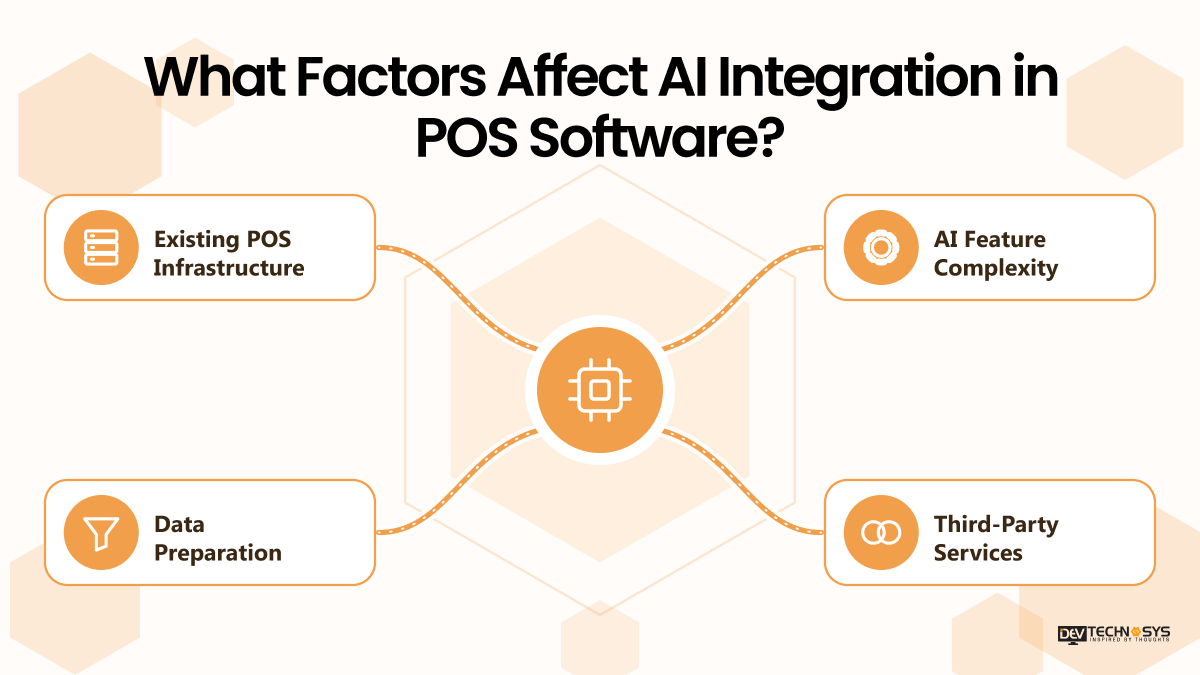
1. Existing POS Infrastructure
Many modern cloud-based systems offer convenient APIs for enabling connection to AI services. Middleware, new interfaces, and updated workflows may be necessary for legacy platforms. Understanding the POS software development cost can help you differentiate between the investment you need to make for a full POS platform and needed AI integration.
2. AI Feature Complexity
The model needs for demand forecasting and product recommendations differ from those of fraud detection or conversational AI assistants. More complicated capabilities will need more data processing, testing, and integration.
3. Data Preparation
Poor sales data, product information, and inventory data can impact model accuracy. Data cleansing and data validation should occur prior to implementation.
4. Third-Party Services
These may involve usage fees and maintenance costs associated with AI APIs, cloud infrastructure, and external integrations.

Conclusion
To integrate AI into POS Software, businesses can go beyond mere transaction processing and enter a new realm of intelligent inventory management, streamlined operations, personalized recommendations, and enhanced fraud detection. The first steps in implementing it successfully are to establish clear business objectives, ensure accurate data, select the right integration process, and establish robust security measures.
It’s essential for enterprises to start with a single high-value scenario, track its outcomes, and progressively grow the power of AI as their requirements evolve. Collaborating with a POS software development company can help ensure that AI integration is compatible with the current POS systems, business processes, and overall growth strategies.
Planning a Pos Project?
Get a tailored development cost estimate in a few simple steps.
- 3 quick steps
- 100% free
- Reply in 1 business day
2 Minutes Read
Frequently Asked Questions
Find answers to the most common questions related to this article.
Implement AI by evaluating your current POS system, determining the appropriate use cases, preparing the transaction data, and linking AI models via APIs or middleware. Test, validate, and roll out slowly.
AI tools that serve customers include personalization features, such as custom product suggestions, customer behavior analytics, fraud detection, conversational assistants, and inventory optimization, as well as demand forecasting. The best mix is based on business goals, data availability, and operational needs.
Yes, AI can be integrated into existing POS systems via APIs, middleware, or custom connectors. Compatibility will depend on the accessibility of the data, system architecture, integration, and whether the current platform is compatible with data exchange.
AI can look at past sales data, seasonal trends, and consumer buying habits to predict demand, alert for potential shortages, and suggest reordering. This knowledge can be used to optimize their stock management and avoid unnecessary waste.
With proper access restrictions, encryption, and data reduction, as well as payment security protocols, AI integration can be a valuable tool for secure POS operations. However, any time the payment card data comes into play, PCI DSS requirements should be evaluated.
Absolutely, one way for small businesses to begin is to add individual AI tools, like sales forecasting or inventory alerts, to suitable POS systems. A small-scale pilot can be used to test the business value before scaling up implementation.














