
















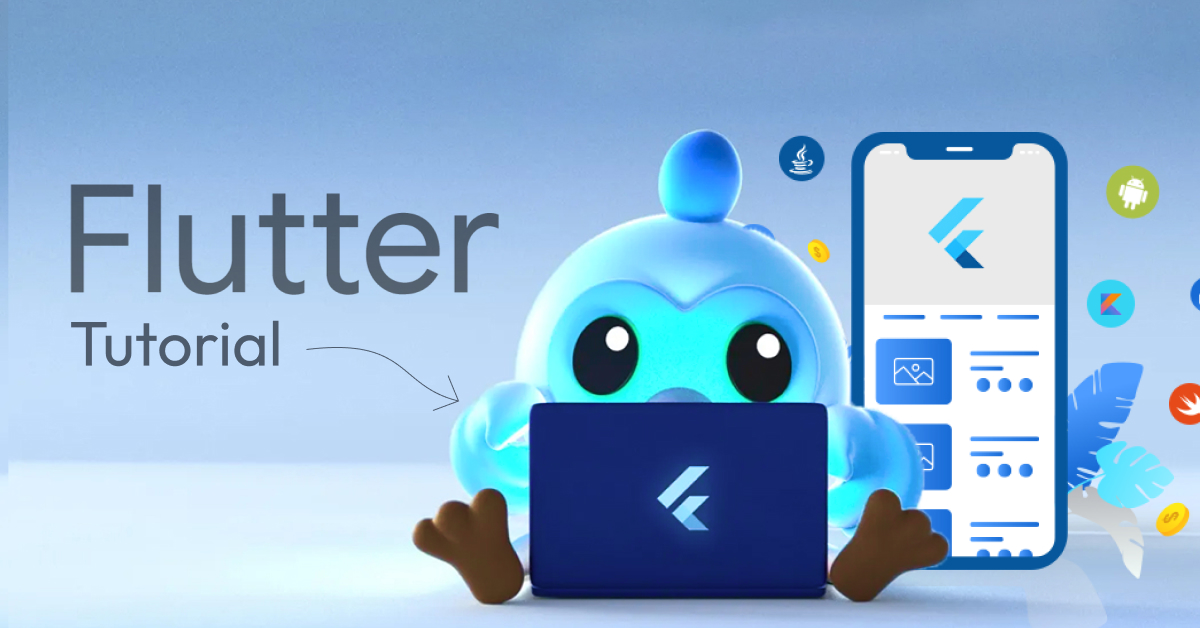
“Say hello to the complete Flutter guide or Flutter Tutorial”
If you’ve ever dreamed of building robust mobile apps for both Android and iOS using just one codebase, Flutter is the perfect tool for you. Created by Google, Flutter is a powerful and easy-to-learn framework that lets you create fast, modern, and visually stunning apps.
In this beginner-friendly guide, we’ll take you step-by-step through everything you need to know about Flutter, from setting it up to building your first app. You’ll learn how to design user interfaces, manage app logic, and add smooth animations, all with simple and clear instructions.
No matter your skill level, this Flutter tutorial is designed to make learning Flutter fun and practical. Ready to turn your app ideas into reality?
Let’s dive into Flutter and start building something amazing!
What is Flutter?
Flutter is Google’s open-source software development kit that builds robust applications for mobile, desktop, and web with a single codebase. It offers pre-built tools and widgets to integrate a high-quality user interface for increasing user engagement. Flutter was released in 2017 and was first named in 2015. This technology provides faster development with the help of the hot-reload feature to view the changes instantly in code.
Let’s Go Deeper Into Flutter Tutorial
How is Flutter Unique?
There are various types of features offered by the Flutter framework that make it unique from other mobile app development frameworks. Let’s take a look at the points:
1. Single Codebase for Multiple Platforms
The Flutter framework uses a single codebase for multiple platforms such as Android, iOS, Linux, macOS, web, and more. It saves developers time, effort, and overall app development cost.
2. Hot Reload
The hot reload is one of the most crucial and important features, as it enables developers to see the code change instantly without restarting the app. It makes a faster development process and is mainly used for the UI changes and instant iteration.
3. Use Dart
Flutter uses the Dart programming language, which is a modern object-oriented programming language developed by Google. It is easy to understand for those familiar with Java, C#, and JavaScript.
4. Widget-Based Architecture
In Flutter, thing is widget-based, like layouts, animations, buttons, and navigation bars. It makes it easy for developers to integrate and also make a customized widget as per their personalized recommendations or preferences.
5. Open-Source
Flutter is an open-source platform, which means anyone can access it and provides wide features and services that are adopted by developers and companies. It also offers transparency in development.
What Types of Development are Offered By Flutter Framework?
The Flutter framework offers various types of development, such as mobile, web, and desktop. Let’s begin the explanation:
1. Mobile App Development
Flutter’s first or primary work is mobile app development; it can develop mobile apps for both platforms, such as Android and iOS, with a single codebase. These are native-like mobile applications, and it has faster performance and robust UI for both platforms. It builds various types of mobile apps such as e-commerce apps, social media apps, and more.
- Platforms: iOS and Android
2. Web Development
The Flutter framework can develop web applications with the same Dart code; it mainly targets all the modern web browsers, such as Chrome and Mozilla Firefox. It includes various types of use cases such as Progressive Web Apps (PWAs), web dashboards, and landing pages. This framework shares the code and design between mobile and web apps.
- Target: Modern Web Browsers
3. Desktop App Development
Flutter allows developers to build applications for various desktops such as Windows, Linux, macOS, and other embedded devices. There are many use cases are exist, such as business software, internal tools, and standalone apps. This can easily target all types of desktop platforms with high native performance.
- Platforms: Windows, macOS, and Linux
| Development Type | Platforms/Targets | Notes |
| Mobile | Android, iOS | Most mature & widely used |
| Web | Browsers | Supports PWAs, SPAs |
| Desktop | Windows, macOS, Linux | Great for internal tools and desktop apps |
| Embedded | IoT devices, smart displays | Early-stage, but powerful |
| Games | 2D casual games (limited) | Good for simple games or game UIs |
| Prototyping | All platforms | Ideal for MVPs, design demos, and startup ideas |
Setting Up the Flutter Environment
Before starting to develop apps using Flutter, you need to know what requirements are needed to set up the Flutter environment. So, let’s set up the Flutter framework:
Tools Required:
- Flutter SDK: The core Flutter SDK toolkit for development.
- Dart SDK: It comes bundled with Flutter and is integrated with the framework.
- Code Editor: After that, select the best code editor, such as VS Code and Android Studio.
- Device or Emulator: Use an Android/iOS emulator for testing.
Installation Steps:
- 1. Download the Flutter SDK file from the official website.
- After that, extract the SDK to a specific location.
- Now, add Flutter to the path to run on the command prompt or terminal.
- Open the command prompt or terminal to run:
Command: flutter doctor;
This command observes all the missing dependencies, like device drivers, licenses, and more information resources.
What Does This Tutorial cover?
In this user-informative tutorial, we discussed in detail the Flutter step-by-step guide, and users can easily understand how to start Flutter development processes. With the help of the Flutter framework, developers can build applications on various platforms with only single codebase. Also, offer the types of development areas that help users create high-quality apps.
Do you want to know more about Flutter for beginners? Then connect with a premier mobile app development company that offers in-depth knowledge about the Flutter framework.