









Key takeaways:
-
-
- Identify potential retailers, internal processes, and ways. You should include a billing system, inventory management, payment processing, customer management, sales reporting, and employee permissions.
- Choose appropriate front-end, back-end, database, and cloud technologies for PDS software, taking into consideration scalability, compatibility with any hardware platforms, and offline requirements.
- Use secure payment integration, access management by user role, data encryption, offline mode of operation, and service backups.
- Test the software thoroughly to identify problems and improve the software regularly by following the customers’ comments and changing environment in the domain of retail.
-
For retail businesses, managing daily operations involves a lot more than having billing software in place. Retail businesses need a system that integrates all necessary tasks and combines the billing process. That’s why retail businesses are now turning towards custom-built POS software.
To create POS software for retail, you have to face its own share of challenges, such as careful planning, use of appropriate technology, seamless payment integration, and thorough website testing. Regardless of whether you are creating a solution for one retail store or a multi-chain one, having knowledge about each stage of the development process enables you to employ proper money management and avoid any difficulties in the future.
This blog describes how to build POS software for retail in the year 2026, explains the process of development, and names some of the most important components of the software development process.
What Is Retail POS Software and How Does It Work?
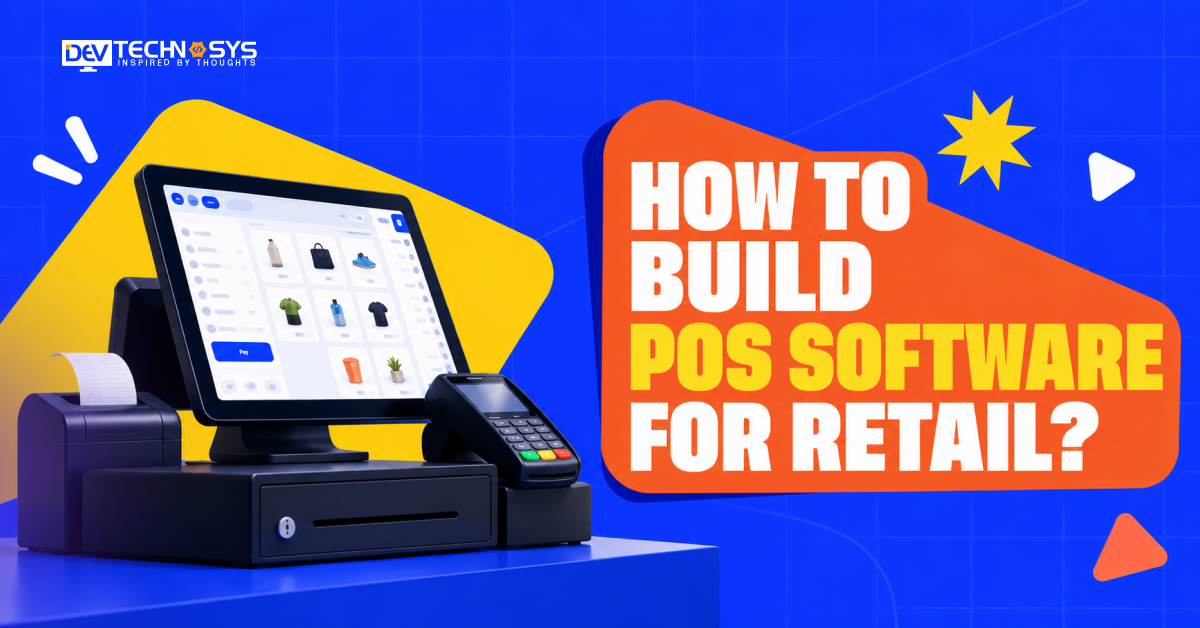
Retail point-of-sale software is a computerized application that facilitates customer purchases and encompasses other retail functions. Usually, the application works through a desktop, portable computer, or point-of-sale terminal, which are linked to peripherals like barcode scanners, receipt printers, and payment devices.
When the customer buys the goods, the program registers the purchased goods, determines the total amount, calculates eligible discounts, and processes payment. After that, the inventory management software services are updated, sales data is stored, and the information is made available for further reporting processes.
Modern point-of-sale programs can also be used for creating customer loyalty programs, defining access rights of employees, managing suppliers’ details, and overseeing several different stores from a single console.
Some applications work online, giving authorized users access to the common database from all locations, while others work offline, allowing them to perform the required transactions even without a simultaneous connection to the web. Modern POS systems allow linking checkout activities with other business processes, unlike regular cash registers, and therefore speed up cashier operations.
Planning a Pos Project?
Get a tailored development cost estimate in a few simple steps.
- 3 quick steps
- 100% free
- Reply in 1 business day
2 Minutes Read
Key Features to Include in Retail POS Software
The features you select should reflect your target retailers, transaction volumes, and operational requirements. Start with the core capabilities and expand as business needs grow.
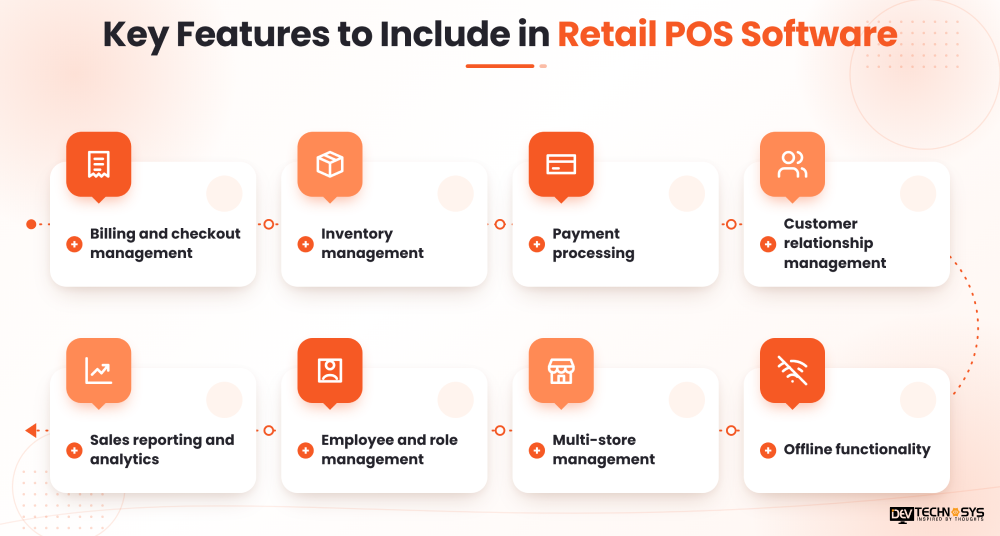
1. Billing and checkout management:
The point-of-sale solution should include the options to scan barcodes, compute prices and taxes automatically, apply discounts, and print a receipt. It should ensure cashiers can finalize payments in no time.
2. Inventory management:
The service should allow tracking of stock quantities and their particulars, transfers, or returns. Also, alerts must notify the staff about the scarcity of goods beforehand.
3. Payment processing:
Payment processing must cover all the required payment gateway software development in the given country, cash, cards, mobile wallets, instruments of electronic payment like UPI in India, etc.
4. Customer relationship management:
It allows storing customer profiles, purchase history, loyalty points wherever needed. This allows retailers to offer personalized services and maintain repeat business.
5. Sales reporting and analytics:
It gives daily summaries of sales, performance of products, breakdown of payments, and comparison of sales between stores or time periods.
6. Employee and role management:
Assign permissions to cashiers, managers, and administrators. This helps maintain logs of their activities to ensure accountability.
7. Multi-store management:
Product catalogs, pricing, stock visibility, and reporting are centralized across different stores.
8. Offline functionality:
It allows completing necessary tasks in case of internet disruptions, with possible synchronization once the connection is restored in order to avoid record duplication and conflicting updates.
To begin with the first product, it is important to focus on the functions of the product like checkout system, inventory, payment integration, reporting, critical safety controls, etc. However, you can add advanced analytics and loyalty automation later on when the system has proven it works.
Step-by-Step Process to Build POS Software for Retail
To make POS software for retail, translate business requirements into a reliable application that works with real-world checkout workflows. The following steps provide a practical development roadmap.
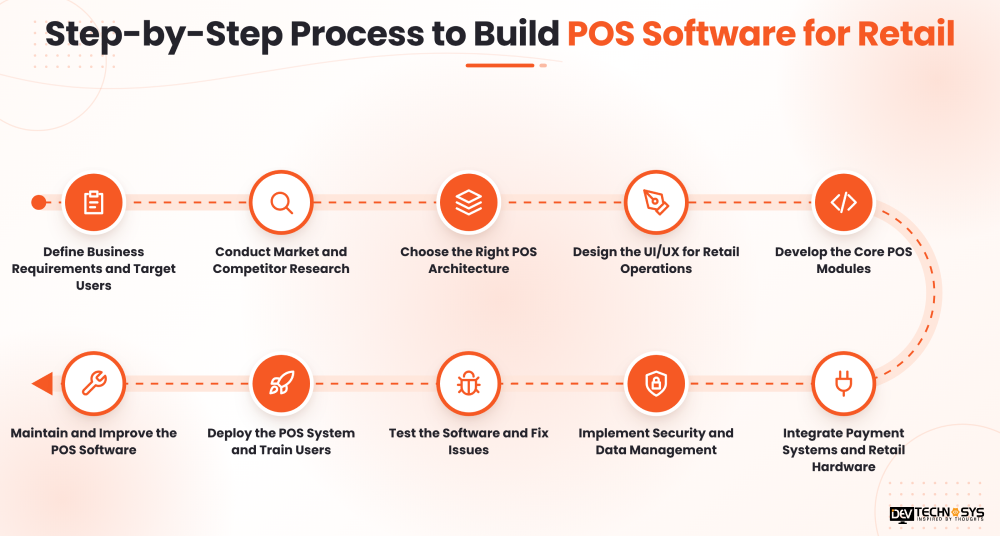
1. Define Business Requirements and Target Users
To begin with, determine what retail outlets your software is intended to serve. For instance, a supermarket may require weighing scale integration, a barcode scanning feature, and a quick checkout system, while a fashion shop may need features like size and color variation, a process for managing returns, and seasonal prices.
Identifying all the key workflows is the next logical step. These include creating products, charging customers, collecting payments, managing stock, receiving returns, and reconciling sales at the end of the day.
Next, identify key users, such as cashiers, store managers, inventory clerks, and system administrators, and identify access levels. Finally, set up the project scope, estimated budget, anticipated project duration, and figures that can be monitored.
2. Conduct Market and Competitor Research
Pilot projects should research existing POS platforms to understand retailers’ expectations from modern software. Study checkout workflows, inventory capabilities, integrations, pricing models, and support options.
Conduct interviews with potential users to identify operational problems that existing products may not efficiently solve. For example, smaller retailers may find the complicated interfaces daunting, whereas growing chains may be reeling from poor stock visibility across branches.
Go through this material to define your unique value proposition. Your product could focus on affordable multi-store management, industry-specific workflows, easier onboarding, or reliable offline operations.
Don’t just copy all the features your competitors include. Instead, find out what capabilities are most important to your intended customer and prioritize development based on that.
3. Choose the Right POS Architecture
Your software architecture determines how the application stores data, communicates with devices, and handles transactions.
Three common options are:
i. Cloud-based architecture:
The data and application services run on the cloud infrastructure. This allows for centralized management and accessibility from different places; however, it still requires network connectivity unless offline functions are provided.
ii. On-premises architecture:
Software and data are hosted on on-site infrastructure. This can support local operations, but businesses will need to handle the management of the infrastructure, updates, and backups.
iii. Hybrid architecture:
The components on-site support basic operations while the cloud services perform synchronization, centralized reporting, and multi-store management.
Considering a hybrid architecture may be suitable for many modern retail applications, as checkout processes can continue during times of connectivity issues, while stores can synchronize their data when the network is back on.
Plan how transactions will be stored, synchronized, and reconciled. Use unique transaction identifiers, retry methods, and conflict resolution rules to avoid duplicate sale transactions or mismatched stock information.
4. Design the UI/UX for Retail Operations
A POS interface must be easy enough for staff to use in busy times. Complicated navigation and unnecessary forms will lead to slow checkouts and many mistakes.
Start with wireframes for the sales screen, product search, payment process, return management, inventory dashboard, and administration panel of the system. Important actions, such as scanning products, applying discounts, and finishing payments, should be positioned in a way that is easily accessible for cashiers.
For the hardware: make sure that touchscreen terminals have the right-size buttons while tablet and phone interfaces fit into different screen dimensions. Make error messages and confirmation requests understandable when performing difficult operations, such as making refund requests and stock adjustments.
The prototypes should be tested at this stage to see how fast users can perform usual operations, so the interface can be revised in accordance with the mistakes in case users are confused.
5. Develop the Core POS Modules
As soon as the requirements and design stage is over, implementing the application starts for the developers.
It is advisable to begin with creating a product catalog, which involves entering SKU codes, barcode numbers, prices, tax information, product categories, and the product variations. Next, the checkout engine is created. The main function of this engine is to ensure that the total amounts are calculated, discounts are applied, and returns are processed correctly.
The POS inventory management module should automatically update the inventory levels after sales, returns, and adjustments are authorized. There are also different modules for customers and staff members that could be used for different purposes and contain information about purchases made, loyalty points, permissions granted, and activities taken by customers or employees.
The reporting services systems should help convert transaction information into reports that help make business decisions without slowing down the checkout process. Work on these modules must be performed separately, yet they should be connected through interfaces that are very well defined.
6. Integrate Payment Systems and Retail Hardware
Often retail POS software will need to be integrated with external payment service providers and hardware. This integration must be planned ahead since compatibility of the hardware may influence the architecture and the overall experience of using the application.
The choice of a payment provider depends on the type of market, payment methods, settlement needs, and terminal integrations to use. All different payment outcomes should be processed properly, including successful, declined, canceled, and unknown payments. In case the transaction times out, the system must check the current status before retrying, thus avoiding a double charge.
Hardware integrations may include:
- Barcode scanners for product identification.
- Receipt printers for customer receipts.
- Cash drawers connected through compatible terminals or printers.
- Weighing scales for applicable retail categories.
- Payment terminals for card and supported digital transactions.
Use documented SDKs, drivers, and APIs where available. Test each supported device model under realistic store conditions before deployment.
7. Implement Security and Data Management
POS software applications are skilled at processing sensitive material, including customer and payment data. As a result, its developers should integrate security into their design.
Utilize secure login, role-based access, encrypted network communications, and the appropriate encryption of sensitive data.
Nothing can be done without the authorization of responsible personnel concerning refunds, discounts, and inventory operations, similarly to keeping logs of sensitive activities.
It is disgusting to store sensitive data connected to card authentication. Prefer using tokenization by the payment service provider and check the compliance of your solution with the Appropriate PCI DSS legislation.
Make sure to have automated backups, procedures for the restoration process, and retention systems in place.
Check the functioning of the application whenever a failure or accidental deletion occurs, or the service goes down.
8. Test the Software and Fix Issues
Testing ought to be inclusive of both distinct attributes and the processing of the entire checkout process.
Functional tests ensure the correctness of the checkout process regarding the calculations, discounts, taxes, returns, and inventory updates. Integration tests ensure that communication between the POS and payment systems, databases, and peripheral equipment is working properly. Load tests check the system’s behavior under high-volume trading conditions.
Offline testing is of special significance. Use various scenarios to simulate network issues, app reboots, payment problems, and data synchronization conflicts. Verify that all completed sales are retained and that no duplicate transactions occur during retry operations.
It is also essential to make sure that security, usability, and acceptance testing are carried out with the help of actual retail personnel. Resolve all critical issues before making the system live.
9. Deploy the POS System and Train Users
Set up the production environment, set the required access rights, connect hardware elements, and start the monitoring and backup mechanisms.
If the seller is changing a supplier and switching from the previous software, data migration should be done wisely. Clean the product database, categorize the products and SKU codes, check the inventory, and reconcile necessary historical data. Carry out some migration tests before switching to the live system.
It is better to start with a pilot store or a small group of users. This enables the identification of workflow issues before launching the software for all stores.
Prepare the educational materials for the cashiers, managers, and super administrators. Provide information on refunds, failures, offline mode, and how to contact technical support.
10. Maintain and Improve the POS Software
Launching the application reflects the start of its operational lifecycle rather than the end of the development process.
One should monitor application uptime, operational efficiency, failures in transactions, synchronization problems, and overall state of integration. It is advisable to set up procedures for dealing with crucial incidents and providing security updates.
Feedback should be obtained from shop workers and managers to catch issues and improve processes from the perspective of store employees, for instance, more reliable inventory forecasting, support for accounting software, and analytics.
Capacity should also be taken into account, especially as the number of transactions and stores grows. Whether the backup, disaster recovery, and software updating process is efficient should be checked regularly.
Choosing the Right Technology Stack for POS Development
The right technology stack depends on the target devices, offline requirements, integration needs, and expected transaction volume. No single combination is ideal for every retail business.
Component |
Technology Options |
Primary Purpose |
| Frontend | React, Angular, Flutter | Checkout interface and dashboards |
| Backend | Node.js, Java, .NET | Business logic and APIs |
| Database | PostgreSQL, MySQL | Transactional and operational records |
| Local storage | SQLite | Offline transaction support |
| Cloud infrastructure | AWS, Azure, Google Cloud | Hosting, monitoring, and scaling |
| Integration layer | REST APIs, provider SDKs | Payments, accounting, and hardware |
React and Angular can aid browser-based interfaces, while Flutter is more suitable for applications that have multi-platform targets. When properly designed, both Node.js, Java, and .NET can provide POS-backend services.
Relational databases are generally good for transaction data as they allow structured records and consistency checks.
Local storage may help with offline operation but needs proper synchronization between different devices and central services.
It is better to choose technologies depending on the experience of developers rather than their popularity.

Types of Retail POS Systems You Can Build
You can build your own POS system with different types that affect its architecture, deployment model, and feature requirements.
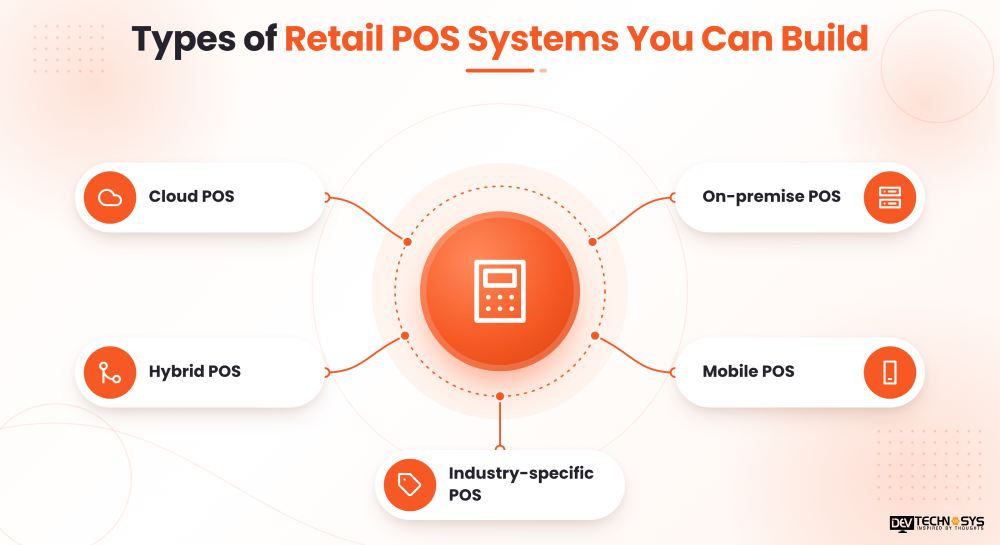
1. Cloud POS:
An option for retailers with a need for combined reporting, connected access, and synchronization of information at several locations; resistance to internet outages needs to be considered.
2. On-premise POS:
Uses locally-hosted technology and is capable of carrying out store/process operations even if there is no cloud connectivity. Hardware management, maintenance, and backup solutions will have to be dealt with separately.
3. Hybrid POS:
The link between POS systems and cloud management; advantageous for those retailers who need uninterrupted checkout and centralized reporting at the same time.
4. Mobile POS:
The system that uses special tablets/smartphones that allow you to execute sales operations on the store floor and at temporary kiosks/events.
5. Industry-specific POS:
Designed for certain industries like grocery/sale people/electronics/special stores; equipment may include scales for weighing, POS for product varieties, serial-number tracking, etc.
Select the type of payment system based on the flow of business, the business infrastructure, and growth plans of the retailer. For example, a small individual shop will need a standard register, while retail chains will need centralized pricing, combined statistics, and logistics of the stock across various outlets.
How Much Does It Cost to Build POS Software for Retail?
The POS software development cost depends on feature complexity, supported devices, integrations, security requirements, and the development team’s location and experience.
The following figures are illustrative planning estimates, not fixed market prices.
Development Scope |
Estimated Cost (USD) |
Typical Scope |
| Basic MVP | $4,000 to $7,000 | Billing, product catalog, basic inventory, and sales reports |
| Mid-level POS | $7,000 to $12,000 | Payment integrations, employee roles, offline support, and advanced inventory |
| Advanced POS | $12,000 to $15,000+ | Multi-store management, complex integrations, advanced analytics, and extensive customization |
Actual quotes may fall outside these ranges, particularly when custom hardware integrations, enterprise requirements, or extensive compliance work are involved.
Free App Idea Reality Check: Let's Stress-Test Your Concept
Share your app idea with us. Within 3 business days, we'll uncover UX gaps, feature opportunities, and potential development challenges, so you can build with confidence. No strings attached.
Factors Affecting Cost to Develop POS Software for Retail
Several factors influence the inventory management development cost:
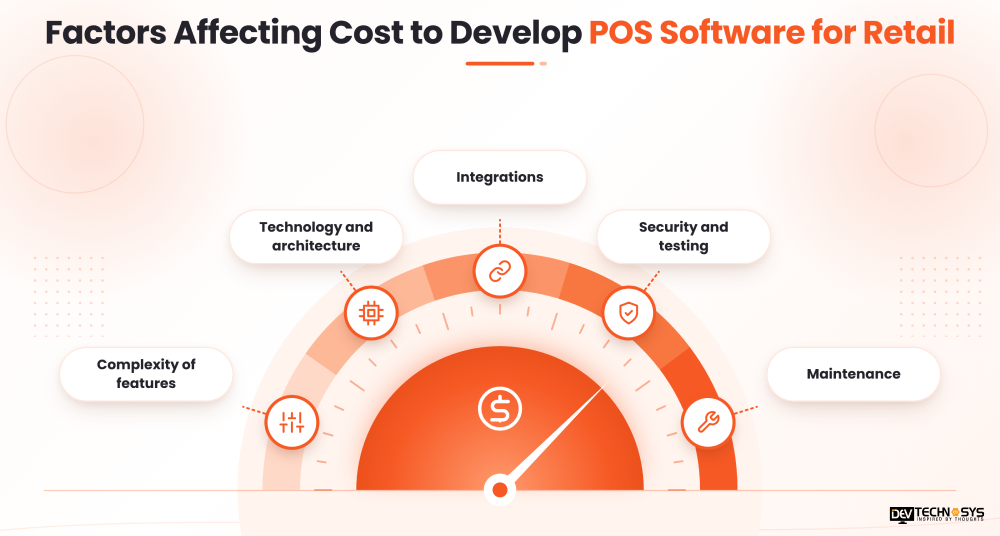
- Complexity of features: Synchronization among many stores, systems for customer loyalty, and complicated reporting require additional programming effort.
- Technology and architecture: Capabilities for offline usage, local storage, and cross-platform applications will increase the total effort for implementation and testing.
- Integrations: Integration services have to be developed for payment terminals, accounting software, ERP systems, and some retail hardware devices.
- Security and testing: Payment system features, performance testing, and planning for recovery influence total cost.
- Maintenance: Hosting, monitoring, support, changes, and improvements in the future facilitate additional costs.
To prevent costs from soaring too quickly, start by developing a minimum viable product (MVP) that achieves basic retail business processes. Testing it out on a limited number of retailers will provide enough information to determine whether investing in more features is reasonable. Additionally, hardware, cloud software, third-party services, and ongoing upgrades should be treated as distinct cost categories.
Common Challenges in Retail POS Software Development
Even a well-planned project can encounter technical and operational challenges. Addressing them early reduces the risk of costly changes after launch.
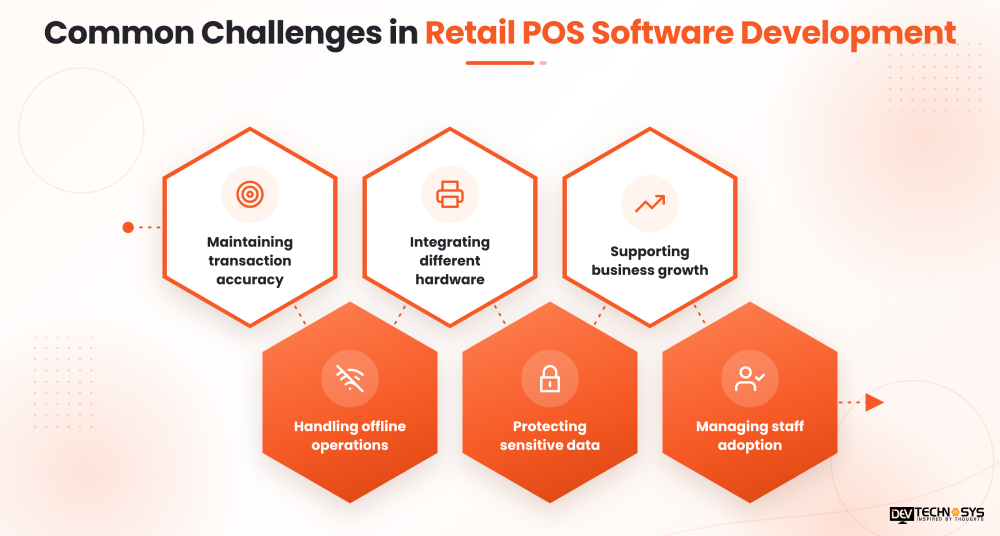
1. Maintaining transaction accuracy:
Mistakes when calculating taxes, charging customers multiple times, and recording inventory can cause retailers to lose confidence. Utilize database operations, validation rules, and reconciliation methods that ensure accuracy.
2. Handling offline operations:
Cloud-based applications might fail if the Internet stops working. Store transactions on a local computer to facilitate their processing after the Internet returns.
3. Integrating different hardware:
Different devices may use various protocols and drivers. Maintain a list of compatible devices and check the exact models used by customers.
4. Protecting sensitive data:
Weak permissions and insecure integrations may lead to the revelation of details about the company and clients. It is essential to use policies aimed at providing the least amount of access, encryption, secure APIs, and perform regular checks of the security level.
5. Supporting business growth:
A system meant for a single outlet may not be capable of handling a large number of clients and shops. Therefore, performance should be monitored and optimized for the sake of ensuring high performance in the future.
6. Managing staff adoption:
Complex and non-transparent workflow prevents customers from making purchases quickly, even if the software works properly. Retail personnel should be involved in usability tests.
Best Practices for Building Secure and Scalable POS Software
Following established engineering practices helps create a POS application that remains reliable as retail operations expand.
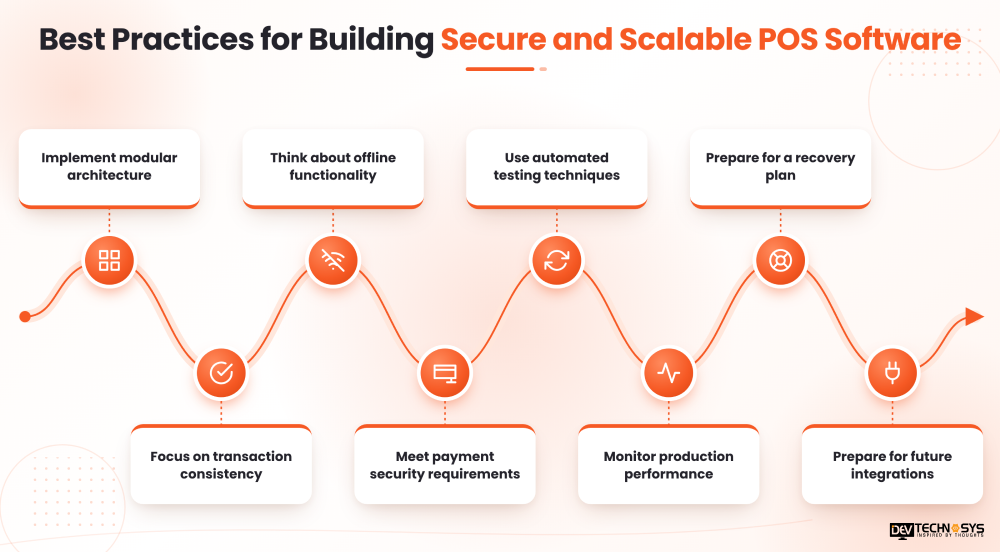
- Implement modular architecture: Use checkout, inventory, customer management, reporting, and integrations in the right way to make it easier during updates.
- Focus on transaction consistency: You will utilize proper database transaction technologies, minimize repeatable and inappropriate payment operations, and take care of reconciliation processes.
- Think about offline functionality: Decide which functions will work offline and how alterations will be passed over to centralized services.
- Meet payment security requirements: Check the requirements of PCI DSS, use safe payment gateways, minimize storing sensitive data, and follow the requirements meant for payments.
- Use automated testing techniques: Generate regression tests for payments, taxes, discounts, refunds, modifications of stock, and failures in payment processing.
- Monitor production performance: Keep an eye on data processing timeframes, failures during transactions, sync delays, and the availability of services.
- Prepare for a recovery plan: Have backups, maintain the recovery plan, and have an idea of the restoration processes.
- Prepare for future integrations: Plan for utilizing APIs for accounting software, online stores, etc.
These practices should be part of the initial architecture and development process, rather than additions made after a production issue occurs.
Conclusion
To build POS software for retail in 2026, the right balance between usability, accuracy in transactions, security, and scalability. The development team should begin the process by considering the retailer’s needs, determining the main features of the POS application, picking the correct architecture, and creating the main checkout and inventory systems. It is also necessary to conduct sufficient testing, provide good integrations, and support the software for a long time.
If you are interested in developing your own POS software development solutions for a retail business, it would be a good idea to consult with a development firm like Dev Technosys. They can help you choose the right architecture, implement the needed features, and create a solution that is in line with the company’s objectives.
Frequently Asked Questions
Find answers to the most common questions related to this article.
Typically, developing a basic POS system takes about three or four months; however, building a more sophisticated platform may take six to twelve months. The timing is dependent on the number of integrations required, hardware compatibility, testing, and the number of features.
It is possible for a POS system to be initialized offline, recording and processing transactions on local storage until connectivity is available. Developers would need to work on secure local storage and conflict resolution.
The choice of technology is usually based on personal preferences, experience, and resources, including hardware and offline capabilities.
The advantage of custom POS solutions is that businesses can manage the features, integrations, and workflows themselves, while off-the-shelf products usually allow for faster implementation and lower business costs.