




“Learn, Level Up, Faster”
Are you looking to learn new things, like technical learning, to expand your skills? But you can not attend daily learning classes. Welcome to an app like Pluralsight, where users can watch videos to learn coding, design, and other tech stuff at any time or anywhere.
These types of applications enable users to schedule their classes as per their comfort and track their progress, and earn badges.
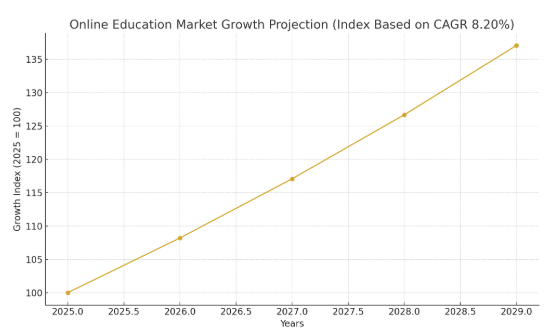
As per the global analysis, the education apps market is valued at around $203.81 billion in 2025, expected to reach around $279.30 billion by the end of 2029.
This above data reveals that investing in educational applications is the most generating opportunity to expand business globally.
In this dynamic blog, we will provide all the information on how to build an app like Pluralsight and what resources are needed, and other useful data.
Come with us!
Current and Future Statistics of Education Applications
- The online education applications are expected to increase with a CAGR of 20% during the forecast period from 2025 to 2029.
- According to the region-wise, the United States generated the highest revenue of around $99.84 billion in 2025.
- As per the recent study, the average revenue per user in the education market is around $218.77 in 2025.
- According to the global education market, the number of users is expected to increase to around1 billion by the end of 2029.
- The user penetration of the online education market will be around 9% in 2025, and it is expected to rise in the upcoming years.
What is Pluralsight?
Pluralsight is an online tech skill learning platform where users can learn technical knowledge in various areas such as AI, software development, cybersecurity, and cloud computing. Users can access the exper-led video courses, learning paths, skills assessments, hands-on labs, and more. The best education applications like Pluralsight, enable users to download learning videos and watch them offline, and they can also sync their progress report.
Top 10 Apps Like Pluralsight
Do you think that Pluralsight is the only solution for learning tech knowledge? No, there are thousands of Pluralsight alternatives that achieve higher success rates and make their own digital crown. So, let’s explore the best educational mobile apps for students:
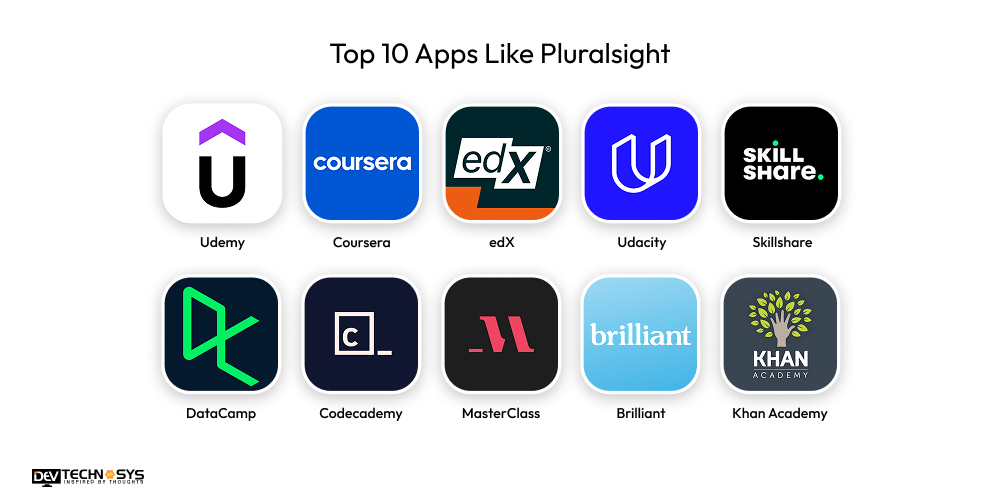
| App | Launch Year | Platforms | Downloads | Avg. Rating |
| Udemy | 2010 | Web, iOS, Android | 100M+ | 4.5 |
| Coursera | 2012 | Web, iOS, Android | 50M+ | 4.7 |
| edX | 2012 | Web, iOS, Android | 10M+ | 4.6 |
| Udacity | 2011 | Web, iOS, Android | 5M+ | 4.5 |
| Skillshare | 2011 | Web, iOS, Android | 5M+ | 4.6 |
| DataCamp | 2013 | Web, iOS, Android | 5M+ | 4.7 |
| Codecademy | 2011 | Web, iOS, Android | 5M+ | 4.5 |
| MasterClass | 2015 | Web, iOS, Android | 5M+ | 4.8 |
| Brilliant | 2012 | Web, iOS, Android | 10M+ | 4.8 |
| Khan Academy | 2008 | Web, iOS, Android | 100M+ | 4.7 |
Why do Most Businesses Want to Invest in Education App Development?
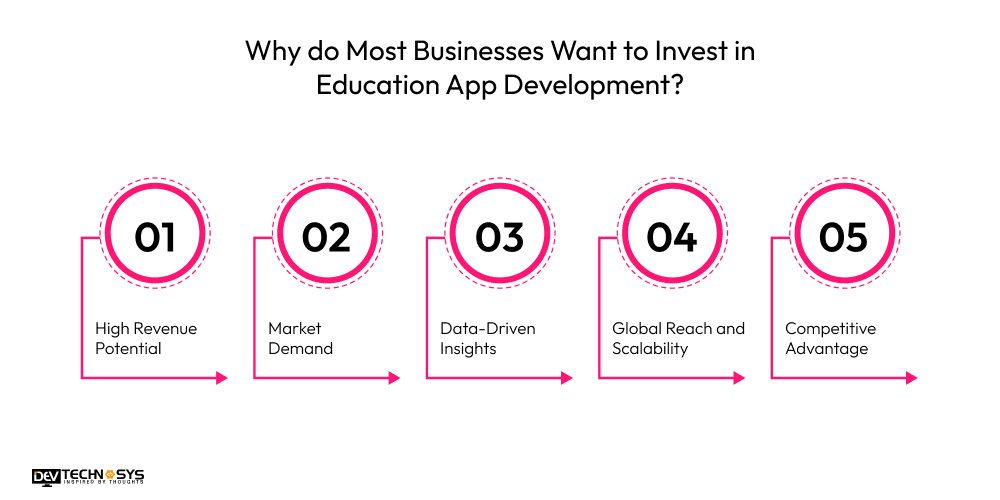
Nowadays, every student wants convenience in their study materials and wants to learn things according to their comfort and flexibility. That’s why demand for tutor app development solutions has increased. Let’s explore the benefits for entrepreneurs to create an app like Pluralsight:
1. High Revenue Potential
In the first benefit, the educational apps have the ability to generate revenue streams through subscription plans, freemium models, advertisements, in-app purchase, transactions, and collaborations. It is one of the most important benefits for every business to create revenue streams to increase its overall valuation.
2. Market Demand
The entrepreneurs see the massive demand for the best algebra apps, which enable users to access learning material from anywhere and at any time. This can enhance the user’s experience, and a flexible learning experience is essential. So, entrepreneurs are ready to invest to make a long-term market and grow their business.
3. Data-Driven Insights
Moving to another benefit, the Pluralsight clone apps enable businesses to observe the users’ useful data. It includes users’ habits, preferences, purchasing patterns, demographics, behaviours, and recently viewed history. These data-driven insights open new ways to identify the areas of improvement, and businesses can offer personalized recommendations.
4. Global Reach and Scalability
Pluralsight alternatives allow businesses to reach users worldwide with minimal additional investment. If businesses develop education mobile apps for schools, it requires large physical resources, but apps can support thousands or millions of learners instantly. This global reach enhances revenue opportunities, brand visibility, and impact. As a result, businesses choose apps to expand their market rapidly.
5. Competitive Advantage
In the last benefit, the education apps with custom or unique features can easily attract users can keep them engaged with different functionality. These can provide the opportunity to gain a competitive advantage across the global market. So, it can quickly increase user engagement and reach a wide audience.
What are the Steps to Build an App Like Pluralsight?
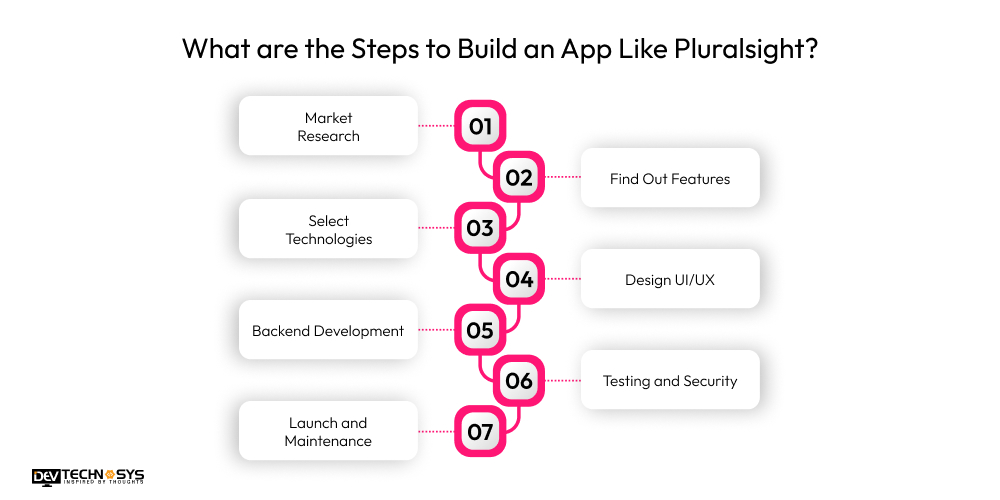
To create an app like Pluralsight, you will need to observe the various development steps that help to understand each process in detail. From market research and resource planning to testing and launching, every step involves detailed information. So, here we provide a step-by-step guide to e-learning app development:
1. Market Research
When beginning the development process, you will need to check the latest market trends and observe the existing education apps that gain higher success rates. Make a plan for competitors that how your application can compete with them and gather project requirements to reduce misunderstandings and data redundancy.
2. Find Out Features
In the second step to create an app, make a clear outline of basic and advanced features that you must integrate into your project. It involves various types of features such as user registration, progress tracking, offline accessibility, course library, multi-platform support, and video-based learning. You can also observe the Pluralsight alternatives’ features to implement in your app.
3. Select Technologies
Move to the third stage to build an education app like Pluralsight; choosing the best tech stacks is necessary for successful and reliable development. It involves a wide variety of technologies:
Backend: Java, C++, Python
Frontend: AngularJS, HTML5, CSS3
Cloud Storage: AWS, Google Cloud, Azure
Database: MongoDB, PostgreSQL, MYSQL
You can reach out anytime; we are available 24/7. Our team provides a quick response.

4. Design UI/UX
Design a clean, intuitive interface that supports easy navigation, personalized learning paths, and seamless video playback. Create user flows for onboarding, course browsing, and progress tracking. Hire a mobile app development company to use wireframes and prototypes to validate usability. Ensure mobile responsiveness, accessibility compliance, and consistent branding across all screens.
5. Backend Development
Build a robust backend capable of handling user authentication, course management, video streaming, progress tracking, and payment processing. Implement scalable architecture using microservices or cloud solutions. Integrate secure APIs, databases, and content delivery networks. Optimize performance to support high traffic while ensuring data protection, reliability, and smooth communication between system components.
6. Testing and Security
Conduct comprehensive testing, including functional, usability, performance, and cross-platform checks, to ensure stability. Perform rigorous security audits to protect user data and prevent vulnerabilities. Hire developers fro m an Android app development company to implement encryption, secure authentication, and regular penetration tests. Continuously monitor for bugs, resolve issues quickly, and validate that all features work reliably across various devices and network conditions.
7. Launch and Maintenance
Deploy the app to relevant platforms with optimized performance and marketing readiness. Monitor user feedback, crash reports, and analytics to refine features. Regularly update content, fix bugs, and improve functionality. Maintain security patches, server uptime, and scalability. Continuously evolve the platform to meet user needs and remain competitive in the market.
10 Required Features That Integrate in Education Apps Like Pluralsight
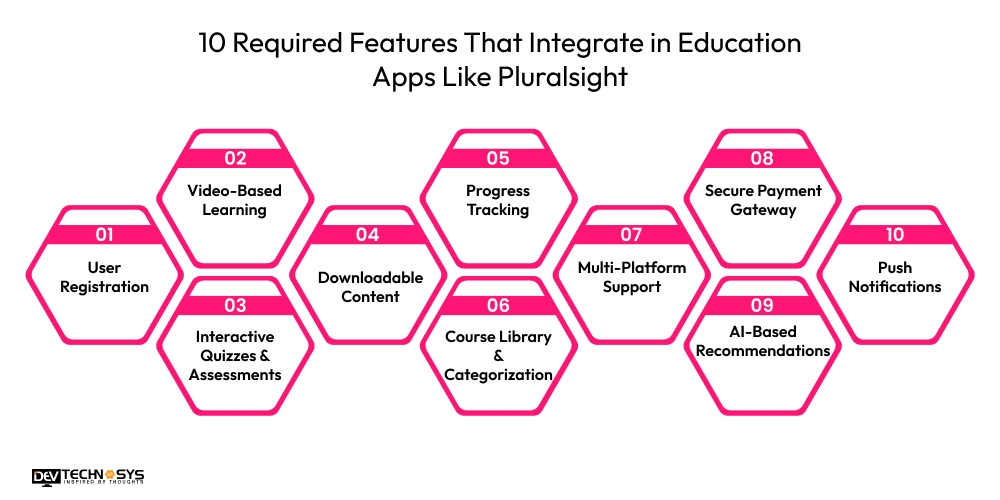
Are you looking to find the best features for a similar app like Pluralsight? Let’s explore the wide variety of features that help to increase the user base and reach global audiences.
1. User Registration
The Pluralsight alternatives enable users to register their own accounts via personal information, email addresses, phone numbers, and social media logins.
2. Video-Based Learning
A similar app like Pluralsight, offers video-based learning classes, and users can control the video, such as fast-forward, play, pause, and subtitles.
3. Interactive Quizzes & Assessments
Education apps like Udemy and Pluralsight provide interactive and assessments to evaluate the understanding and automate a grading system for instant feedback.
4. Downloadable Content
The Pluralsight clone apps allow users to download video lessons or other reading material and watch offline without internet connectivity.
5. Progress Tracking
The Pluralsight mobile app monitors the course completion, watch time, skill growth, and quiz scores, and motivates users to achieve certificates and milestones.
6. Course Library & Categorization
The Pluralsight education app provides a categorized course library with each section that enables users to quickly find their course based on skill level, topic, and more.
7. Multi-Platform Support
The classroom communication app like Pluralsight, is available on multiple platforms such as Android, iOS, Smart TVs, and more. It can enhance the user’s experience.
8. Secure Payment Gateway
Pluralsight alternatives support secure payment gateways such as net banking, debit or credit cards, digital wallets, bank transfers, and more.
9. AI-Based Recommendations
AI in education apps can observe or analyze users’ habits, preferences, skill interests, and progress to suggest personalized or relevant study materials.
10. Push Notifications
The Pluralsight similar apps send alert messages to users for upcoming classes, discounts, progress milestones, new courses, and app updates available.
What is the Cost to Build an App Like Pluralsight?
The cost to develop an app like Pluralsight lies between $8,000 and $25,000, depending on the project requirements. Businesses need to integrate some of the advanced features to make it unique for increasing user engagement, this can influence the cost of developing an education app like Pluralsight. It also includes additional factors like backend infrastructure, development team, tech stacks, security measurements, deployment platforms, and more.
| Cost Component | Description | Estimated Cost Range |
| UI/UX Design | Wireframes, user flow, visual design for web & mobile interfaces. | $1,000 – $3,000 |
| Frontend Development | Development of user-facing screens (web/mobile), course browsing, search, and dashboard. | $4,000 – $7,000 |
| Backend Development | APIs, database setup, authentication, course management, and user progress tracking. | $5,500 – $10,000 |
| Video Streaming Integration | Adding video player, CDN setup, streaming controls, and offline access options. | $800 – $3,000 |
| Features & Modules | Quizzes, learning paths, certificates, push notifications, bookmarks. | $1,000 – $4,000 |
| Testing & QA | Manual and automated testing across devices, bug fixing, and performance checks. | $500 – $1,500 |
| Deployment & Maintenance | App store deployment, backend hosting, and minor post-launch updates. | $200 – $1,500 |
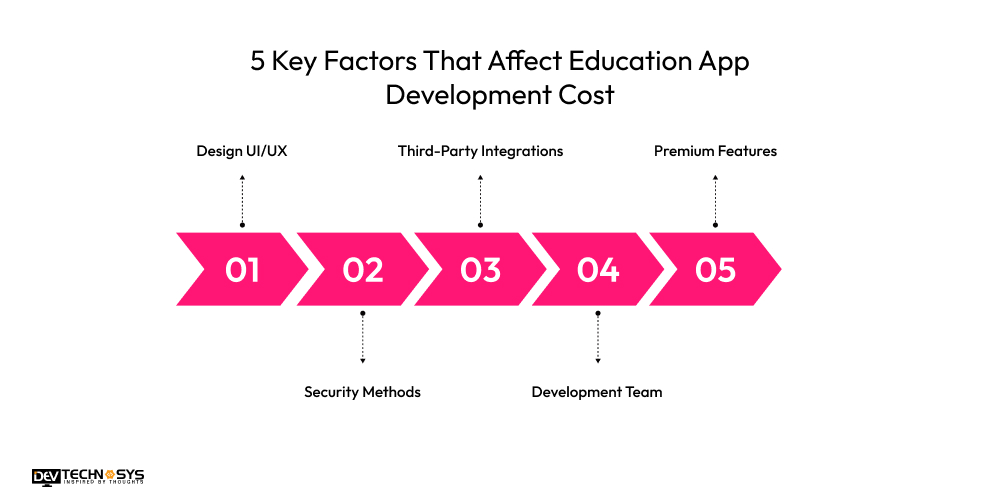
5 Key Factors That Affect Education App Development Cost
To create an app like Pluralsight within a fixed budget, you will need to consider the cost-impacting factors and avoid them when the development process begins. These factors can impact the project budget, and they can also affect the development time. So, here we provide the key factors:
1. Design UI/UX
Designing a user interface of an education app can affect the total cost to build an app like Pluralsight. It includes high-quality UI elements such as themes, layouts, templates, styles, colors, fonts, navigation bars, wireframing, and prototyping. These premium UI elements can influence project budget, and they can also take a longer time to implement.
| Listing | Cost Impact |
| Basic UI/UX | $1,000 – $2,000 |
| Advanced UI/UX | $2,000 – $4,000 |
2. Security Methods
Do you want to build a secure and reliable education app? You need to implement strong security measures to protect the users’ sensitive data. It includes various methods such as multi-factor authentication, passkeys, biometric security, data masking, tokenization, encryption techniques, firewalls, and vulnerability management. But these techniques can incur a higher cost, and this can directly affect the overall education mobile app development cost.
| Listing | Cost Impact |
| Standard Security | $500 – $1,500 |
| Advanced Security | $1,500 – $3,500 |
3. Third-Party Integrations
Every application needs to integrate third-party tools or applications to increase accessibility and flexibility. It involves various integrations such as payment gateways, CRM, communication tools, ERP, analytics and reporting, social media logins, and many more. But some of them have higher licensing fees, and developers take time to integrate. So, this can impact the final Pluralsight app development cost.
| Listing | Cost Impact |
| Basic Integrations | $800 – $2,000 |
| Advanced Integrations | $2,000 – $5,000 |
4. Development Team
Hire dedicated developers to build an app like Pluralsight is a must, but the development team can be another cost-affected factor. Because experienced developers demand higher salary packages, it can fluctuate the cost to develop an app like Pluralsight. So, hire average experienced developers to maintain the Pluralsight app development cost.
| Listing | Cost Impact |
| Small Team | $3,000 – $8,000 |
| Full Team | $8,000 – $15,000 |
5. Premium Features
Integrating core and advanced features is necessary in every type of app development. In an education app, there are various advanced features, including live video classes, offline access, progress tracking, and online payment options. Some of the features are highly paid, and this can raise the education app development cost.
| Listing | Cost Impact |
| Standard Features | $1,000 – $3,000 |
| Premium Features | $3,000 – $6,000 |

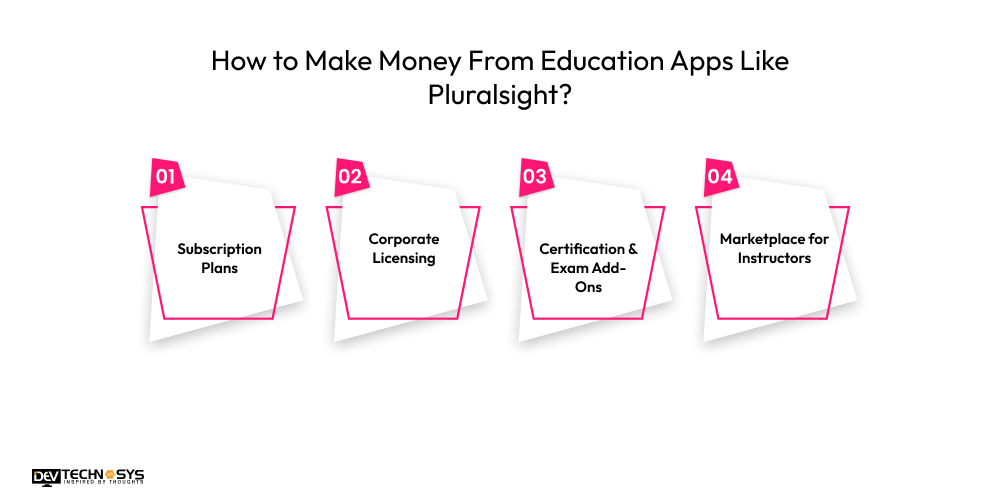
How to Make Money From Education Apps Like Pluralsight?
Now, it’s the right time to know how to generate money from education apps like Pluralsight. Many businesses don’t know the exact ways of making money. So, here we provide the best monetization techniques:
1. Subscription Plans
An education app like Duolingo offers tiered monthly or annual subscriptions giving access to full course libraries, hands-on labs, and certification paths. Add premium tiers with mentorship or advanced content to increase recurring revenue and customer lifetime value.
2. Corporate Licensing
Sell bulk licenses to companies needing employee upskilling. Provide analytics dashboards, skill assessments, and custom learning paths. Enterprise clients deliver stable, high-value contracts that significantly boost predictable revenue.
3. Certification & Exam Add-Ons
Charge for official certification prep, practice exams, verified certificates, and skill assessments. Learners pay extra for credentials that enhance employability, making certification paths a strong revenue driver.
4. Marketplace for Instructors
Create a revenue-sharing marketplace where instructors publish courses. This expands content variety at low cost, while platform fees, premium placement, and course sales generate ongoing income.
Read also: Top Apps for Research Paper
Conclusion
Within a few minutes, we are standing at our last conversation. We delivered information in detail about how to build an app like Pluralsight. It mainly requires following the development stages such as resource planning, market research, identifying functionalities, selecting tech stacks, backend development, testing, launch, and maintenance.
Are you ready to make an app like Pluralsight? Then who is holding you back? Just share your project requirements with a professional education app development company to get a customized solution at a cheaper cost.
Frequently Asked Questions
Find answers to the most common questions related to this article.
There are various core features that are included when making an app like Pluralsight:
• Progress tracking
• Personalized recommendations
• Video-based learning
• Secure Payment Options
• Course Library
• User Registration
It includes various types of tech stacks that are used to make an app like Pluralsight:
• Java
• Python
• PHP
• React Native
• Flutter
• C++
To monetize an education app like Pluralsight, here is the list of monetization models:
• Subscription Plans
• Freemium Model
• Transaction Fees
• Advertisements
• Partnerships and Collaborations
Rapid mobile/internet access, growing need for tech upskilling, remote-work driven digital training, corporate L&D investments, and AI-powered personalized learning experiences are the key trends boosting demand for platforms like Pluralsight.
Limited personalization, shallow hands-on practice, inconsistent skill-level mapping, weak soft-skill integration, minimal mentorship, poor community engagement, and fragmented career pathways are key gaps a new Pluralsight-like platform could solve.